Virtual Reality For Immersive Learning Experiences: 6 Tips
If you’ve ever watched a class drift off halfway through—phones out, eyes glazed, that “are we done yet?” vibe—then you already know the problem. Traditional lessons are easy to tune out, especially when students can only see information instead of doing anything with it.
In my experience, that’s exactly where virtual reality shines. VR doesn’t just make content “more interesting.” It changes the way students interact with the lesson. You’re not just reading labels on a diagram—you’re moving through a 3D space, making choices, and learning by doing. And yeah, it can be genuinely fun. But the real win is that it tends to stick.
Below are six practical tips I use when I’m planning VR learning experiences—plus what to watch out for so it doesn’t turn into a novelty activity that dies after one session.
Key Takeaways
- Use VR to build interactive 3D environments (not just “360 videos”) so students can manipulate objects, practice steps, or explore systems.
- Keep VR sessions short and focused—usually 10–15 minutes per activity—then follow with discussion, reflection, or a quick worksheet.
- Assess with VR scenarios: score decisions, actions, and process—not just whether students “remembered the fact.”
- Use shared VR spaces for collaboration, but plan roles and a debrief so students don’t just wander around together.
- For empathy-building, pick realistic scenarios and pair them with structured reflection and discussion prompts.
- VR can be cost-effective when you virtualize the expensive/risky parts first (labs, equipment, repeat scenarios) and reuse content.
1. Use Virtual Reality to Create Engaging Learning Environments
VR works best when it replaces passive learning with active exploration. If students are just staring at a fixed scene, it’s basically a fancy video. I try to aim for “hands-on” moments—grab, rotate, inspect, or run a step-by-step process.
Take anatomy as an example. Instead of showing a flat circulatory diagram, students can walk through the system and inspect structures up close. That’s the difference between memorizing names and actually understanding relationships.
Here’s what I recommend to make VR feel engaging (and not overwhelming):
- Keep it tight: 10–15 minutes per VR activity is a sweet spot for focus and comfort. Longer sessions usually mean more fatigue, more friction, and more “I’m done.”
- Build interactivity into the learning: let learners manipulate virtual models (scale, rotate, dissect, assemble) or make choices that change what happens next.
- Use authoring tools if you’re starting small: tools like Engage VR or VictoryXR can help you publish without reinventing everything.
- Match the content to the platform: before you commit, check whether your chosen educational platform supports the VR experience format you want (single-user vs. multi-user, scoring, device support, etc.).
On the “does it actually help?” side: PwC’s VR study write-up cites that VR learners can be trained four times faster than traditional classroom methods. In practice, what “faster” usually means is that learners reach the target performance sooner because they’re practicing the task, not just reading about it. Still, I’d treat the “4x” as context-dependent—your results will depend on whether the VR scenario is well-designed and whether you include a debrief afterward.
2. Boost Knowledge Retention with Immersive Experiences
Here’s the thing about memory: we don’t usually remember information because it was presented. We remember it because we did something with it.
VR supports that. When students experience a concept in a realistic context—like running a chemistry procedure or navigating a historical environment—the brain has more “hooks” to store the learning. You can almost feel the difference during the debrief: students have examples to talk about, not just general statements.
What I like to do is follow every VR moment with a simple structure. For a 45–60 minute class, you can run something like this:
- 5 minutes: Set up the scenario (what students will do, what “success” looks like, and one key safety/behavior note).
- 10–15 minutes: VR activity (students complete the task or explore the environment).
- 10 minutes: Guided debrief (3 prompts: What happened? What did you notice? What would you do differently next time?).
- 10–15 minutes: Reinforcement (short discussion, exit ticket, or mini-worksheet mapping observations to the lesson objective).
Example scenario ideas that work well:
- Chemistry: run a virtual lab experiment first, then discuss the theory behind what they observed.
- History: “walk through” a location (ancient Rome streets, a historical courtroom, a specific event scene), then connect details to primary sources in class.
- Science: simulate a moon landing sequence and have students predict outcomes before they “see” the result.
If you want a smoother planning process for immersive materials, you might find what lesson preparation involves helpful—especially when you’re trying to keep VR from becoming chaotic.
One caution: the “VR improves retention by X%” numbers you see online are often quoted without explaining what the metric actually is. In the original version of this article, it claimed “76%.” I’ll be straight with you—if you can’t trace that number to a specific study (authors, year, sample size, and what “76%” measures), it’s hard to treat it as evidence. If you want, tell me your grade level and subject area, and I can point you to more credible, directly relevant research for that context.
3. Achieve Better Learning Outcomes Through VR Assessment Tools
Assessments can feel like a buzzkill—until you realize VR can make them more realistic. Instead of asking students to select answers about a scenario, you can watch what they do inside the scenario.
That’s where VR assessment tools become useful. Medical students can practice diagnosis steps. Engineering students can troubleshoot a virtual build. Future teachers can run classroom-management scenarios where student behavior changes based on the teacher’s choices.
Here’s how I set up VR assessments so they actually measure learning (not just VR “exploration”):
- Define objectives first: write 2–4 learning objectives and decide what evidence you need for each one.
- Pick tools that support scoring: look at platforms like ClassVR or Oculus Education (and confirm they can capture the data you care about).
- Design scenario choices: students should make decisions (what to say, what step to take, what to prioritize) so their actions reveal understanding.
- Pair VR with reflection: after the run, ask why they chose what they chose. That’s often where the “learning” becomes explicit.
- Give feedback tied to specific actions: not “good job,” but “you identified the risk early” or “your sequence missed the required safety check.”
- If you’re new to planning: use guidance like this on how to write a lesson plan for beginners so your VR assessment fits into the bigger lesson flow.
Example assessment rubric (one scenario): “Virtual Workplace Negotiation” (soft skills)
Scored categories (0–3 each):
- Preparation & clarity: states goals and listens for constraints.
- Communication choices: uses respectful language, asks clarifying questions.
- Problem-solving: proposes options and adapts based on the other party’s responses.
- Resolution: reaches a reasonable agreement or next steps.
What you can capture:
- Decision points chosen (which option they selected at each step)
- Time to first clarifying question
- Number of interruptions vs. questions
- Whether they used the “de-escalation” or “summarize agreement” step
- Final outcome (agreement reached / partial / no agreement)
About the “95% felt better prepared” stat: the original text also didn’t specify the source, sample, or what “felt better prepared” was measured against. Surveys can be useful, but they’re not the same as performance outcomes. If you want to include numbers like that, it’s best to cite the exact survey (who ran it, when, and what questions were asked).
4. Promote Collaboration and Social Skills in Virtual Spaces
One of the biggest challenges with remote learning is getting real interaction. Students don’t just need to “be on a call.” They need to talk, negotiate, and work toward a shared outcome.
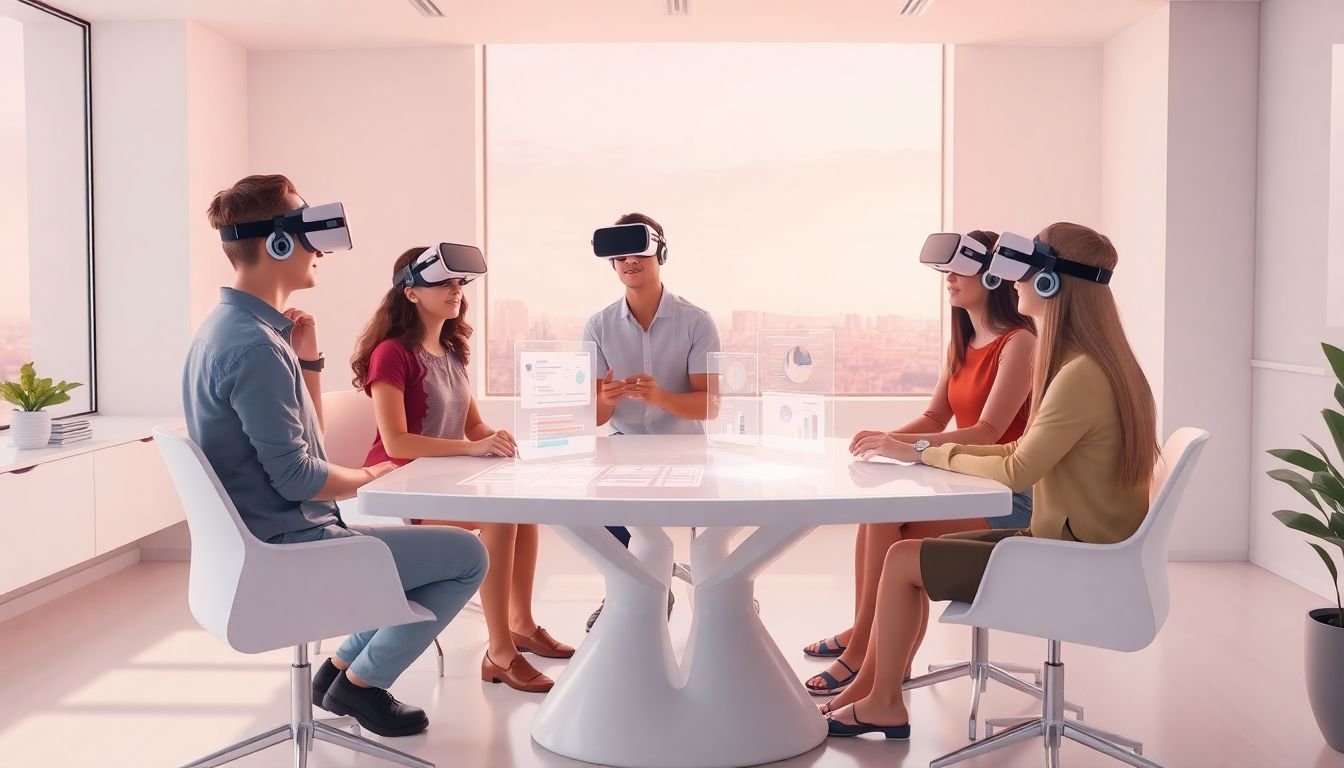
VR can help because it gives them a shared space and a sense of presence. But I’ll add a practical warning: group VR only works if you set structure. Otherwise, you’ll get awkward pauses, wandering, and students who never really “meet” each other.
Here’s a simple way to run group activities without chaos:
- Keep groups manageable: in most classroom setups, 3–5 learners per shared session is easier to moderate than 10+.
- Assign roles: e.g., “planner,” “speaker,” “materials manager,” “timekeeper,” or “safety checker.” Roles reduce social friction and keep everyone engaged.
- Use a clear task with a finish line: “Solve the problem together” is too vague. Try “Complete the mission briefing and produce a final decision.”
- Plan comfort breaks: motion sickness is real for some students. Keep sessions short, allow opt-outs, and avoid fast locomotion if your learners are sensitive.
- Debrief after: ask what they decided, how they communicated, and what they’d do differently next time.
If you’re looking for collaboration-focused education platforms, you can start with tools like ENGAGE VR or ClassVR.
Example group scenario (business simulation): Students plan a meeting, delegate tasks, and negotiate a timeline in a virtual office. Their roles affect which decisions they can make, and the debrief helps them connect communication choices to outcomes.
As for the earlier “95% participants felt more confident” claim: it’s the kind of statistic that should come with a source. If you include it, cite the report/survey so readers can judge how it was measured.
5. Develop Empathy and Emotional Understanding with VR
Can VR actually build empathy? I think it can—when it’s done carefully.
The best empathy VR experiences aren’t “shock value.” They’re structured, realistic, and paired with reflection. VR can put learners in someone else’s perspective, which helps them understand thoughts and emotions they might never consider from the outside.
Examples that tend to work (and feel more respectful):
- Experiencing a scenario involving discrimination and learning how responses affect outcomes
- Witnessing poverty-related constraints and exploring what “help” actually looks like
- Handling a difficult conversation where tone and timing change the result
Here’s a practical way to run empathy-building VR without turning it into a one-and-done activity:
- Select scenarios aligned to your lesson goals (and make sure they’re age-appropriate and respectful).
- Facilitate reflection right after using prompts like: “What did you notice?” “What felt hard?” “What would you do differently?”
- Connect to real-world resources after the session so students can translate empathy into action (community examples, discussion guides, or follow-up reading).
If you want to strengthen the discussion part, you can build on strategies like effective teaching strategies—because the debrief is where empathy becomes learning, not just an experience.
6. Take Advantage of Cost-Effective Training Solutions with VR
Is VR cost-effective? In many cases, yes—especially when you’re training for scenarios that are expensive, risky, or hard to schedule repeatedly.
What I’ve noticed is that the “cost” usually isn’t just the headset. It’s development time, lesson planning, device management, and support. But once you have content that can be reused, you often save money on:
- travel and field trips
- lab equipment wear-and-tear
- consumables
- repeat scheduling for high-demand training sessions
Also, VR makes it easier for students to practice until they get it right. No one has to wait for equipment availability, and learners can repeat procedures safely.
If you’re transitioning some training to VR, here’s how to maximize cost-effectiveness:
- Start with affordable, reliable headsets (for example, Oculus Quest-class devices are often used because they’re capable without being wildly expensive).
- Use pre-made VR content first rather than building everything from scratch.
- Virtualize the “pain points” first—high-risk procedures, expensive setups, or scenarios that normally require lots of staff time.
On market numbers: the original article stated the global VR training market grew by 40.3% to $9.087 billion by 2023. That might be true, but it needs a proper citation (report name, publisher, and whether 40.3% is growth rate, CAGR, or something else). Without that, it reads like marketing copy. If you want to keep this stat, add the report link and clarify the metric.
Still, the broader direction is clear: more schools and training programs are piloting VR because it’s becoming more accessible and easier to deploy than it used to be.
FAQs
VR improves retention mainly because it makes learning active and context-based. When students practice inside a realistic scenario, they form stronger memories tied to actions and observations. Then, if you add a debrief and a quick reinforcement task, the learning becomes easier to recall later than information delivered through slides alone.
They can, as long as the scenario is designed around measurable objectives. Good VR assessments track choices, sequences, and outcomes inside the simulation—so you’re evaluating performance in a task-like context, not just recognition. The key is using a rubric and interpreting results with the same seriousness you’d use for any other assessment.
VR can promote empathy by letting learners experience situations from another perspective. When students process what they saw and felt through structured reflection and discussion, it helps emotional understanding grow. The experience alone isn’t enough—what you do afterward is what turns it into learning.
VR can reduce costs tied to travel, physical materials, and repeated training sessions. Once content is available, you can run the same training multiple times with less wear on equipment and fewer scheduling headaches. It’s especially cost-effective when the alternative is expensive, risky, or difficult to repeat in real life.