
Using Mind Maps for Course Planning: 9 Effective Steps
Course planning can feel like trying to untangle a ball of yarn. You’ve got ideas everywhere, deadlines creeping up, and you’re still trying to make sure students actually follow what you’re teaching. If that sounds familiar, you’re definitely not alone.
What I’ve found helps is using a simple mind map to get the chaos under control. Not the “pretty doodles” version—more like a working draft of your course. Once you see your topic, subtopics, and learning goals laid out in one place, it’s way easier to spot gaps, fix the flow, and keep your curriculum coherent.
In this post, I’ll walk you through 9 practical steps you can use to plan a course with mind maps. By the end, you should be able to produce a complete course map: competencies at the center, modules and lessons branching out, and a clear plan for assessments and revisions.
Key Takeaways
- Mind maps help you structure course planning by visualizing topics, modules, and lesson flow in one view.
- When used well, mind maps can support retention and reduce cognitive overload by chunking content into meaningful relationships.
- They’re great for connecting core competencies to specific lessons, so you can verify coverage instead of guessing.
- Mapping concept relationships (cause/effect, compare/contrast, prerequisites) helps students understand “how things connect,” not just what to memorize.
- Digital mind mapping tools make collaboration easier and let you update content fast as the course evolves.
- You’ll get better results when you measure impact using simple metrics like quiz performance, student feedback, and completion rates.
- When students use mind maps regularly (not just once), the habit sticks—and it carries into review and exam prep.

Step 1: Use Mind Maps to Enhance Course Planning
Getting started with mind maps is honestly the easiest part. It’s just a different way to “hold” your course in your head.
I usually begin by writing the course topic in the center of a page (or a blank canvas). For example: “Introduction to Data Analysis” or “World History: 1500–Present”.
Then I add 5–8 main branches—these are your big buckets. Think modules, units, or major themes. After that, each branch gets smaller branches for subtopics and lesson ideas.
Here’s the practical reason this works: once everything is connected visually, it’s hard to “pretend” you covered something. You’ll see gaps fast. You’ll also notice repetition (two lessons that teach the same thing in different words).
If you want a quick digital start, I’ve used Remember the Milk for task checklists alongside mind mapping, and MindMeister when I need a quick shared map.
In other words: a mind map turns your course plan from a stack of notes into a single, readable structure.
Step 2: Understand the Benefits of Mind Maps in Education
Mind maps aren’t just for creative brainstorming. In education, they can actually help with how students organize and retrieve information.
One reason is cognitive load. Instead of presenting learners with long lists, a mind map encourages chunking—grouping related ideas together. That matters when students are trying to build understanding, not just memorize facts.
Now, let me be real about the research. Some online posts cite impressive numbers without enough bibliographic detail, so I don’t like repeating those claims blindly. If you want a trustworthy evidence base, look for studies that clearly describe the participants, the comparison condition (mind maps vs. traditional notes), and the outcome measure (quiz scores, recall tasks, etc.).
That said, the mechanism is plausible and you can test it in your own class without needing fancy tools. If your students use mind maps to study, you should see improvements in:
- Recall on short-answer questions
- Transfer (applying a concept to a new scenario)
- Confidence (they know what they know—and what they don’t)
If you’re skeptical, good. Don’t take my word for it—run a small check (more on measurement in Step 8).
Step 3: Apply Mind Maps for Designing Course Curriculum
Designing a course curriculum gets easier when you start with outcomes instead of content. Mind maps help because you can build the map around competencies and then “feed” it with lessons.
Here’s the workflow I use:
- Step 1: Write your course outcomes (usually 4–8). Keep them measurable.
- Step 2: Create a branch for each outcome.
- Step 3: Under each outcome, list the specific topics, skills, and activities that support it.
- Step 4: Add where each outcome gets assessed (quiz, project, discussion rubric).
Let’s make it concrete. I once redesigned a first-year undergraduate “Academic Writing” course. My original plan was mostly lesson-based: grammar here, structure there, citations later. The mind map forced a different question: What do students need to do by the end?
So I built branches like:
- Outcome: Craft thesis-driven arguments
- Outcome: Use evidence and citations correctly
- Outcome: Revise drafts based on feedback
Then I mapped each module to those outcomes. What changed? I realized I had “citation instruction” but not enough practice applying it in real writing tasks. After the revision, students completed two short citation-integrated exercises before the longer paper. By mid-semester, their citation errors dropped noticeably (and the feedback I got in end-of-unit reflections was basically: “I finally understand how to use sources in my own sentences”).
That’s the value of mind maps for curriculum design: they make alignment visible.
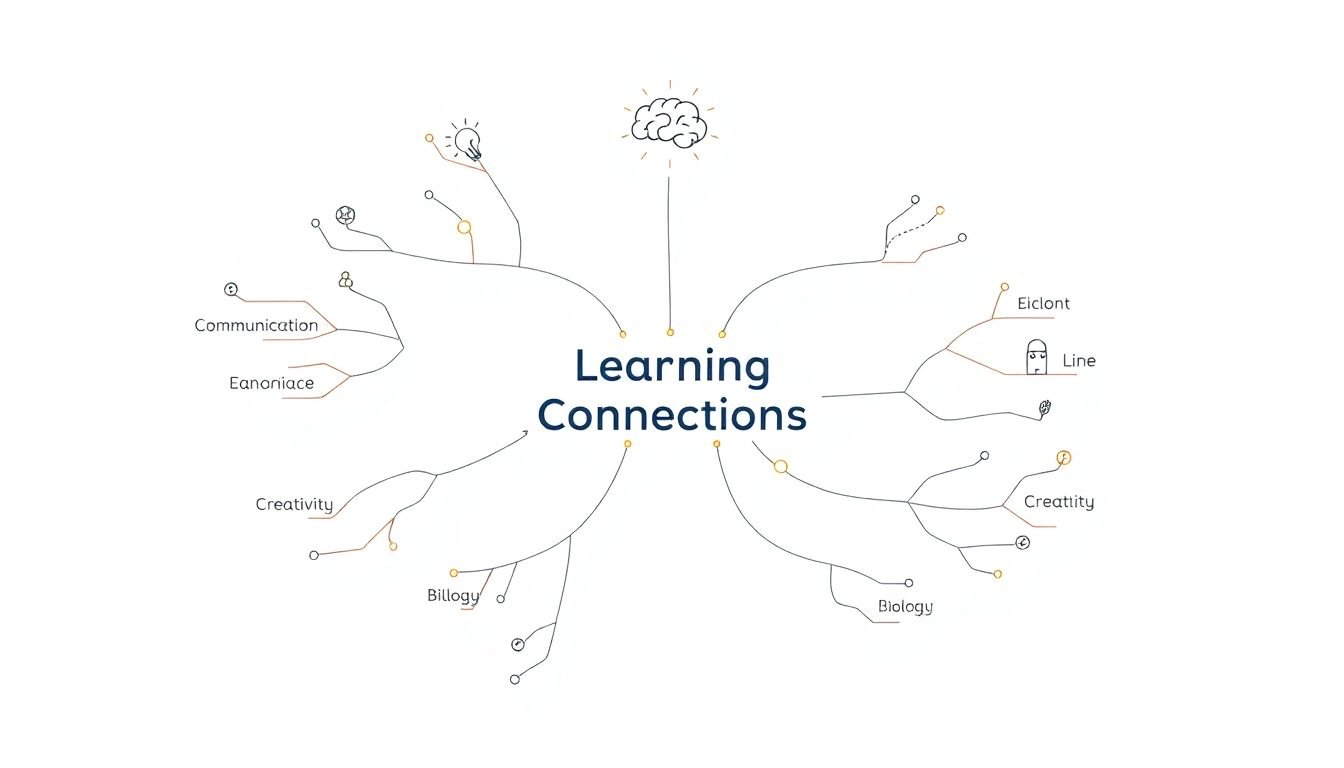
Step 4: Organize Course Content with Mind Maps
Once your competencies are in place, it’s time to organize the actual content—modules, lessons, and key points.
I recommend creating one branch per module (or unit). Under each module branch, list:
- Lesson titles (short and specific)
- Key concepts (the “must know” items)
- Skills practiced (what students do, not just what they hear)
- Resources (slides, readings, external links)
Then use the map to check flow. Does Lesson 2 require knowledge from Lesson 1? If yes, great—add a note like “prerequisite” on that connection. If not, you might be able to reorder or compress.
And yes, it’s worth being picky here. Students feel when lessons jump around. A clear hierarchy in your mind map usually leads to smoother pacing in real life.
For example, if you’re teaching biology, you might have branches for cell biology, genetics, and evolution. Under cell biology, you’d add lessons like cell structure and cell function. That way, you can quickly see whether “genetics” is missing a necessary foundation (like how DNA relates to traits).
Step 5: Visualize Connections Among Skills and Knowledge
This is where mind maps stop being a planning tool and start becoming a teaching advantage.
Students learn better when they can see relationships: causes and effects, prerequisites, categories, and “this leads to that.” A mind map makes those relationships obvious.
Here’s a simple example I’ve used: “Communication Skills” in the center with branches for verbal, non-verbal, and written communication. Under each branch, you add examples (like “tone and pacing” for verbal, “body language cues” for non-verbal, and “structure and clarity” for written).
What about retention? I’m not going to claim mind maps magically “work like the brain” without evidence. But there is a real, testable hypothesis: when information is organized into meaningful chunks and relationships, students have an easier time retrieving it later.
If you want a practical mechanism to lean on, use this rule: each branch should answer a specific question. For example:
- Verbal communication: “How does tone change meaning?”
- Non-verbal: “What signals show disagreement or agreement?”
- Written: “How do we structure an argument so it’s easy to follow?”
That question-based structure gives students something to “reach for” during recall.
Step 6: Implement Practical Techniques for Mind Mapping
Okay, so what do you actually do on the page?
Start simple. Use the core mind map conventions:
- One central idea
- Branches for major topics
- Short labels (not paragraphs)
- Lines and arrows to show relationships
I like to keep labels under ~5–7 words when possible. If a label turns into a sentence, it usually means the idea belongs as its own mini-branch.
Colors and icons can help a lot, but only if you use them consistently. For example, pick one color for “skills,” another for “concepts,” and a third for “assessments.” If you randomly switch colors every time, your map turns into visual noise.
One technique that consistently improves engagement: embed questions directly in the map. When students see “Why does this matter?” or “What would happen if…?”, they start thinking instead of just copying notes.
And don’t forget the student-use angle. After you build the course map, have students create their own version for review. Even a 10-minute “make your map from memory” activity can reveal what they truly understand.
Step 7: Utilize Digital Tools for Mind Mapping
Paper mind maps work great for quick planning. But if you collaborate (or you’re updating the course mid-term), digital tools are a lifesaver.
My recommended path is pretty straightforward:
- If you need collaboration and easy sharing: use MindMeister
- If you want a flexible canvas with lots of drag-and-drop and brainstorming space: use Miro
Digital maps also make it easier to attach links, add images, and rearrange modules without rewriting your whole plan. And when the course changes—new reading, different assessment format, an extra week added—you can update the map instead of starting over.
One tip I’d actually recommend: export or screenshot your “final” course map at key milestones (after Step 4, after Step 6). That gives you a stable reference when you’re building lesson plans later.
Step 8: Measure the Success of Your Mind Mapping Strategies
Don’t guess. Check.
When I test a new teaching tool like mind maps, I track a few simple metrics so I can make a decision instead of “hoping it works.” Here’s a practical measurement plan you can copy:
- Pre/post confidence check: 1–2 questions (“How confident are you about X?” on a 1–5 scale) at the start of a unit and right before the quiz.
- Assessment comparison: compare quiz performance on questions tied to mapped concepts vs. concepts that weren’t mapped (or were mapped less).
- Student feedback: ask one targeted question: “Did the mind map help you study? Why or why not?”
- Work quality: for assignments, use a rubric item like “organization” or “concept accuracy” to see if structures improve.
How often? I like to do this per unit, not just at the end. That way, if something isn’t working, you can adjust while you still have time to fix the course.
Decision rule example: if quiz scores on mapped topics drop by more than ~10% compared to the previous unit (or compared to the same topic in a past term), I’d revisit the map. Usually the issue is either (1) too much content per branch, or (2) the assessments don’t actually test the mapped relationships.
And if you’re worried about evidence claims you’ve seen online: the best “study” is your own. You can run a mini A/B test by having one group use mind maps for one unit and compare outcomes, even if it’s informal.
Step 9: Encourage Ongoing Use of Mind Maps in Teaching
The biggest mistake I see is treating mind maps like a one-time activity. Students don’t benefit from a tool they only use once.
Instead, build a routine. Here are a few low-friction ways to do it:
- Start-of-lesson map: 3–5 minutes to connect today’s topic to what they learned last time.
- End-of-lesson recap: students add one new branch and one connection (“Today I learned… and it connects to…”).
- Revision sprint: before an assessment, students redraw the map from memory, then check against your version.
Make it rewarding, too. Not with meaningless “art points,” but with real feedback. For example, give quick comments like: “Great connection between X and Y” or “Your branch for causes is missing an example.” That tells them what to improve.
Over time, mind maps become a habit for exam prep, essay planning, and brainstorming. And when students can map their understanding, they’re more likely to notice what they don’t know yet—which is honestly the best kind of learning.
FAQs
A mind map is a visual way to organize ideas around a central concept, using branches for related topics. In course planning, it helps you structure your curriculum, spot missing connections, and map competencies to specific lessons and assessments.
Mind maps can improve how students organize information, which often makes studying feel less overwhelming. They also encourage learners to see relationships between concepts, so students understand the “why” and “how it connects,” not just isolated facts.
Start by modeling a mind map for one unit, then have students create their own version for review. If you want it to stick, connect mind mapping to something they’ll be assessed on—like quiz questions that require concept connections, not just recall.
Popular options include MindMeister and Miro. Both make it easy to build maps, share them with students, and update your course plan when you need to adjust modules, resources, or pacing.