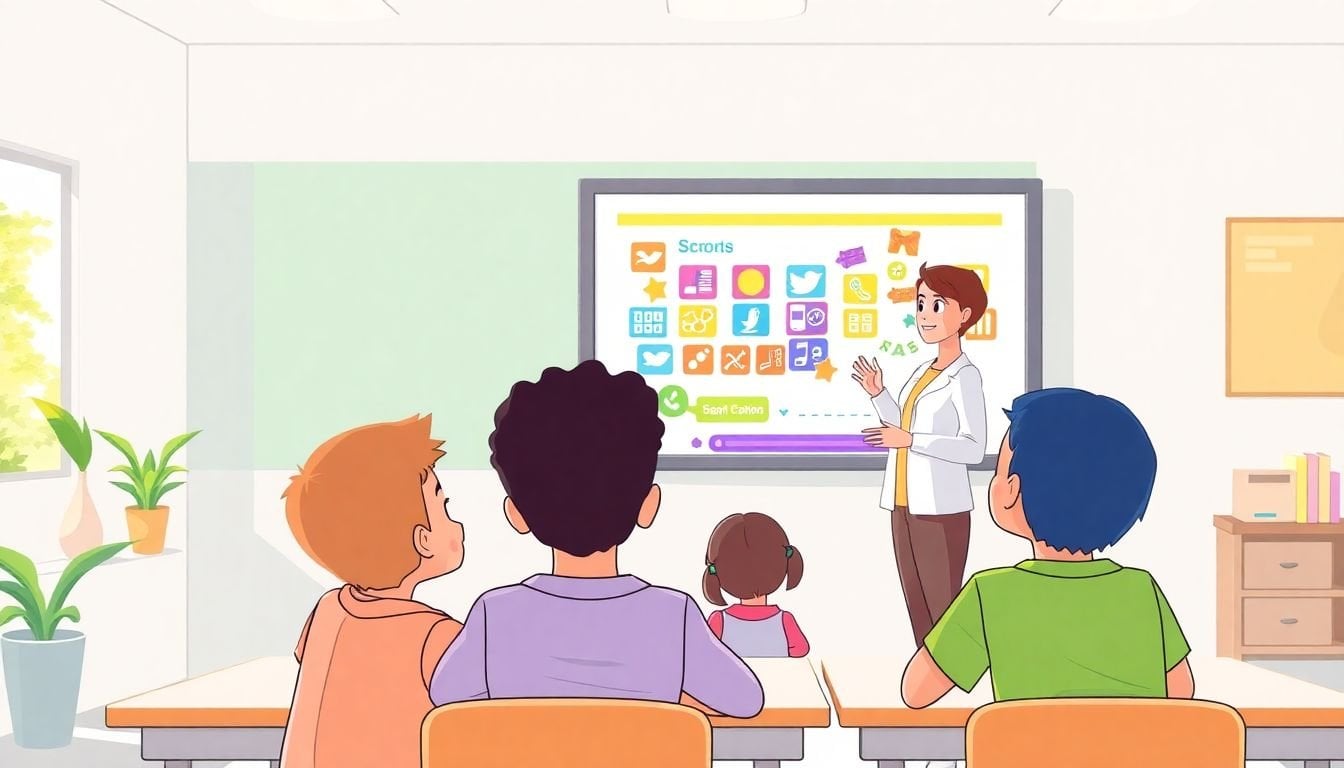
Using Game-Based Learning Platforms: How to Get Started
Honestly, getting students engaged can feel like herding cats. I’ve tried the “just talk louder” approach, and it doesn’t work for long. The second the novelty wears off, attention drops—fast.
That’s why I started using game-based learning platforms. They don’t magically fix every lesson, but they do something important: they make participation feel rewarding. When students are competing, collaborating, or chasing a win, they show up differently.
In this post, I’ll walk through how I get started (and what I look for when I’m choosing a platform), plus a few classroom-ready ways to fit games into real instruction.
Key Takeaways
- Game-based learning platforms boost engagement with points, badges, leaderboards, and interactive formats—so students participate more consistently and practice skills.
- Good “starter” options depend on grade level: Kahoot! for quick whole-class checks, ClassDojo for classroom culture and feedback, ABCya for K-6 practice, and STEMscopes for science/math-focused activities.
- When you choose a platform, prioritize reporting (who’s mastering what), device compatibility, and how well the game content maps to your learning goals.
- Use games on purpose: plan a short warm-up, follow with direct instruction or discussion, then use the game results to reteach or extend.
- Keep an eye on trends like AI-supported personalization and more immersive formats (like AR), but don’t buy into hype—test for classroom realities first.
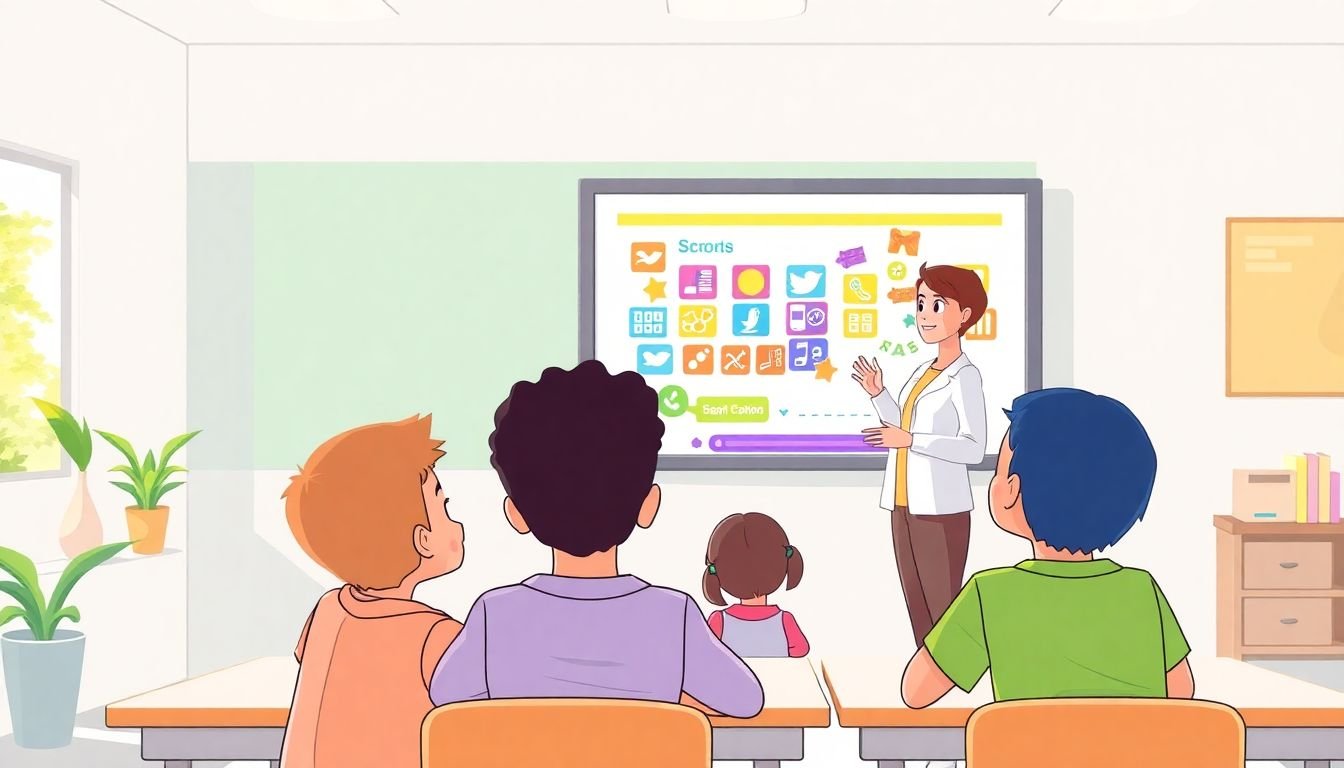
Using Game-Based Learning Platforms to Enhance Engagement
Here’s the simple version: students pay attention when the activity feels like it matters. Game-based learning platforms take a standard skill check and turn it into something students want to finish.
Most of these tools use the same core mechanics—points, badges, leaderboards, and interactive storylines—but the difference is how you use them. A game that’s connected to your lesson objectives? That’s when it works. A game you toss in “because it’s fun”? That’s when it turns into noise.
There’s also a clear market signal that schools are paying attention. For example, GlobeNewswire’s April 29, 2024 release (Educational Gaming Market) reports growth figures for game-based learning/educational gaming. I’m not saying “market size = classroom success,” but it does suggest this isn’t a passing trend.
In my own classroom, the biggest immediate change wasn’t test scores—it was participation. When I used Kahoot! for a quick review, students who usually stayed quiet were suddenly answering. With Classcraft, the “game” element helped me reinforce routines (supplies, on-task behavior, collaboration) without sounding like a broken record.
And yes—students like winning. But the win that matters is the practice. If you set it up so the game reinforces the exact skill you’re teaching, you’ll see a difference almost right away.
Discover the Best Game-Based Learning Platforms
Picking a platform can feel overwhelming because there are a lot of options—and they all advertise “engagement.” So I use a more practical approach: I match the tool to the job I want it to do.
Here’s a quick way to think about it:
- Kahoot! (whole-class quizzes, fast checks, warm-ups): great when you want immediate feedback and you’re teaching something that can be assessed with multiple choice or short answers.
- ClassDojo (classroom culture + student feedback): useful when you want behavior reinforcement, positive tracking, and quick engagement moments. ClassDojo
- ABCya (K–6 practice): good for younger students who need lots of guided, curriculum-aligned activities. ABCya.com
- STEMscopes (science/math activities): a strong choice when you want more structured STEM content rather than pure quiz games. STEMscopes
To keep this from being just a list, here’s the comparison checklist I’d actually use before I asked for a trial license:
- Device reality: Do your students have Chromebooks? Can they log in quickly? Does it work on older devices?
- Time-to-launch: If it takes 10 minutes to start, it’s not a daily tool.
- Reporting: Can you see item-level results (what concept they missed), or is it only “right/wrong”?
- Teacher controls: Can you turn off public leaderboards? Can you customize difficulty?
- Student experience: Are instructions readable? Are there accessibility options (captions, audio, language support)?
- Privacy and accounts: Does it require student emails? What data does it collect? (This matters a lot in K-12.)
If you want a broader tool comparison framework, you can also check this guide on compare online course platforms—even though it’s not K-12 specific, the decision criteria (pricing, features, analytics, integrations) carry over well.
Explore Key Features of Game-Based Learning Platforms
When I’m evaluating game-based learning platforms, I don’t start with “fun.” I start with control and clarity. Here are the features that make the biggest difference in day-to-day teaching:
1) Reporting you can actually use
It’s not enough to know who scored 80%. I want to know what they missed. Look for:
- Item-level breakdowns (which question types are hardest)
- Skill tags or standards alignment (even rough categories are helpful)
- Exportable reports or at least a clear teacher dashboard
2) Personalization (but with guardrails)
Personalization can help, but only if it’s transparent and doesn’t turn into random practice. I prefer platforms that let teachers set difficulty or choose which students see which tasks.
On the broader industry side, AI-driven personalization claims are common, and some forecasts point to increased AI adoption in learning tools over the next few years. For example, Fortune Business Insights publishes market research on AI in education (updated periodically). I still recommend you verify what “AI personalization” means in the product you’re testing—because “AI” can mean anything from adaptive question selection to automated feedback.
3) Rewards that don’t harm motivation
Badges and points can be great. But I’ve also seen leaderboards cause stress for some students. If the platform supports it, I turn on:
- Private progress indicators (so students aren’t shamed by rankings)
- Team-based modes (so confidence builds through collaboration)
- Reward systems tied to effort, not just speed
4) Story and variety
Interactive storylines can boost buy-in—especially for younger learners. Still, I treat story as a delivery system for content, not the content itself. If students can’t explain what they learned after the story, it’s not doing its job.
5) Device compatibility and classroom flow
Check whether it works smoothly on your devices (Chromebooks are common, but not universal). Also ask:
- Does it load fast enough for class?
- Can students join without creating extra accounts?
- What happens if someone loses connection?
If you need help aligning games with your instruction style, this resource on student engagement techniques is a good companion read.

Understand the Benefits of Game-Based Learning
Let me be blunt: the biggest benefit isn’t “fun.” It’s practice with feedback.
When students play a well-designed game, they’re repeatedly retrieving information and applying skills. That means fewer “I forgot what we did yesterday” moments.
In my experience, here are the benefits that show up most often:
- More consistent participation: Students who avoid worksheets often jump into games—because the format feels safer and more interactive.
- Faster feedback loops: You can see misconceptions immediately and adjust your next lesson.
- Better retention for targeted skills: When practice is spaced and connected to the lesson, students remember what they worked on.
- Team skills: Modes that require collaboration improve communication and problem-solving (not just “who got it right”).
If you’re looking for evidence and practical classroom strategies, this is a useful next step: student engagement techniques. I like pairing research with a simple trial in one unit, because it’s much easier to judge impact when you can compare “before vs. after.”
Learn How to Integrate Game-Based Learning Platforms
Integration is where most teachers either win big or get frustrated. So I’m going to give you a setup that’s realistic.
You don’t need to be a tech wizard. What you do need is a plan for when the game happens and what you’ll do with the results.
A simple 3-step routine I actually use
- Step 1 (5–10 minutes): Warm-up game — quick retrieval or review. Example: a 10-question quiz on yesterday’s concept.
- Step 2 (10–15 minutes): Instruction + modeling — address the most common wrong answers you saw in the game.
- Step 3 (5–10 minutes): Practice game — a second round that targets the skills you just taught.
Example: 20-minute math lesson with a game
- 0:00–0:05 — Teacher launches a short quiz (5 questions). Students join on Chromebooks.
- 0:05–0:10 — Whole-class review: “Three students got Q3 wrong for the same reason. Let’s fix that.”
- 0:10–0:15 — Mini-lesson with 1 worked example + 1 guided example.
- 0:15–0:20 — Practice game using 5 new questions at the same skill level.
Match games to skills (not just topics)
For example, if you’re drilling fractions or multiplication facts, choose tools that let you target those exact skills. A platform like Prodigy is often used for math practice that aligns to grade-level concepts, so students aren’t just “playing,” they’re practicing.
Set expectations before you start
This is the part people skip. I always tell students:
- What the game is testing
- How long it will take (timers help)
- What to do when they finish (review notes, attempt a challenge question, or help a partner)
Troubleshooting that saves your lesson
- Device access: Have a backup plan (paper version or offline review) for a small group if devices don’t connect.
- Cheating: Use question types that require reasoning, limit attempts if needed, and consider team modes instead of public rankings.
- Time limits: If the game drags, the engagement drops. Keep sessions short—think 5–15 minutes for most classrooms.
- Accessibility: Check for screen reader support, captions/audio, and whether students can adjust font size or volume.
If you’re still building your lesson structure around games, this guide on writing a lesson plan for beginners can help you turn your game ideas into a real sequence.
Find Best Practices for Effective Game-Based Learning
Game-based learning works best when you treat it like instruction, not entertainment. Here are best practices I’d recommend based on what tends to work in real classrooms:
- Start with a “low-stakes” win. If you’re new, start with a simple quiz format like Kahoot!. You’ll learn faster because setup is quick and students understand the routine.
- Define one learning goal per game. Not “practice math,” but “compare fractions with like denominators” or “identify the main idea from a short passage.”
- Use a balanced rhythm. Don’t replace direct instruction. I usually alternate: 1 mini-lesson, 1 game practice, then a short check for understanding.
- Keep sessions short and frequent. For most classes, 5–10 minutes is a sweet spot. If you go 25–30 minutes, you’re not doing “game-based learning” anymore—you’re doing “game time.”
- Encourage collaboration on purpose. If your platform supports teams, use it. Students learn to explain their thinking instead of just guessing.
- Review data the same day. Don’t wait a week. If the game tells you Q4 is a problem, reteach it tomorrow (or even later the same class period).
- Collect student feedback. Ask two questions after: “Which question was hardest?” and “What would make the game easier or more fair?” Their answers help you adjust quickly.
One practical note: if your students are competitive, leaderboards can be motivating. If your students are anxious or easily discouraged, turn off public rankings and focus on progress and team wins.
Consider Future Trends in Game-Based Learning
Game-based learning isn’t standing still. I’m seeing two big directions: more personalization (often AI-assisted) and more immersive experiences.
On the AI side, many forecasts expect increased adoption of AI features in education products over the next few years. Rather than repeating a single percentage claim, I recommend you look at the specific report behind any number you see. For instance, market research firms like Fortune Business Insights publish ongoing updates on AI in education and the adoption trajectory.
On the immersive side, AR is showing up in more learning experiences—especially for science and history. But here’s my take: AR is cool, yet it’s also another thing that can fail (devices, loading time, student troubleshooting). I only adopt it when the learning objective is strong and the platform is stable in my environment.
If you want to keep your options open, browse resources like current online learning platforms and pay attention to what’s changing in features, reporting, and device support—not just marketing claims.
FAQs
Some popular game-based learning platforms to consider are Kahoot!, Quizlet, Gimkit, Nearpod, and Classcraft. These platforms blend education and fun with interactive quizzes, challenges, and activities designed to increase motivation and participation.
Game-based platforms can make students more willing to participate because the activities feel interactive and goal-driven. In practice, that often leads to better retention of targeted skills, plus gains in critical thinking, teamwork, and problem-solving—especially when you use modes that require explanation and collaboration.
I’d focus on grade-level fit, alignment to your learning goals, ease of use, and the reporting tools you’ll rely on. Device compatibility matters too (Chromebooks vs. tablets, login requirements, loading speed). If your school has privacy rules, check student account/data requirements before you commit.
Start by setting a clear objective for each game. Plan a predictable schedule (for example, a short warm-up and a short practice round), then review results immediately so you can reteach or extend. Afterward, take 2–3 minutes to connect the activity back to the lesson goal—students learn more when the “game” and “teaching” are clearly linked.