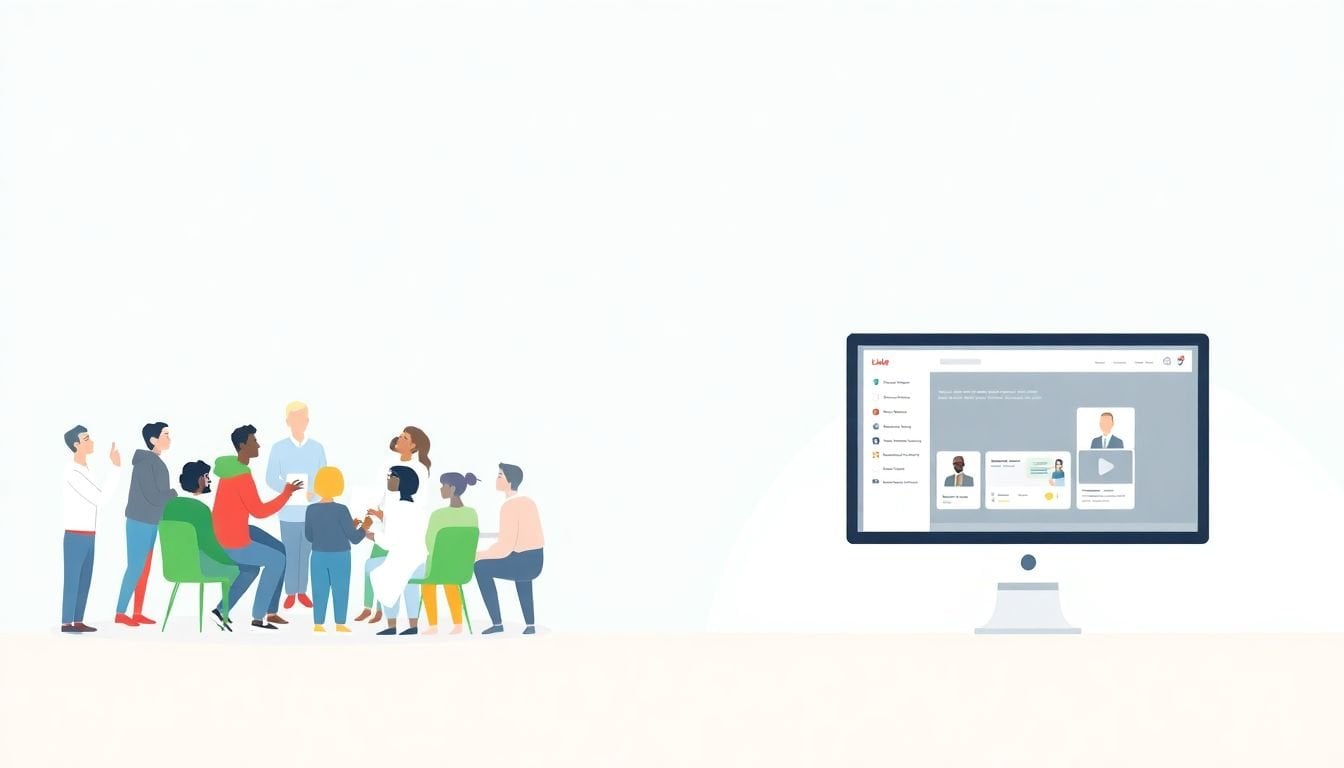
Transforming Live Workshops Into Online Courses: 7 Simple Steps
Turning a live workshop into an online course sounds simple… until you actually try it. In my experience, the hardest part isn’t recording videos. It’s figuring out how to recreate that “momentum” you get when 30 people are leaning in at the same time.
When I first made the switch, I kept running into the same problem: what worked in a room didn’t automatically translate to a screen. People want clarity, structure, and a way to practice—not just watching you talk. So if you’re staring at your workshop outline thinking, “Where do I even start?”, you’re in the right place.
Below are seven practical steps I’ve used to convert live sessions into online courses that feel coherent, engaging, and actually teach the material—not just move it to a different format.
Key Takeaways
- Audit your workshop and map each activity to an online equivalent (module, resource, quiz, or practice task).
- Pick a course structure (linear vs flexible) and choose a platform based on pricing, hosting, and integrations—not vibes.
- Design a simple syllabus with module objectives, estimated time, and assessment points so learners always know what’s next.
- Build a prototype first and test it with 5–10 people; watch where they get stuck and fix those spots before you scale.
- Use interactivity intentionally: short quizzes every 5–10 minutes, discussion prompts with clear instructions, and “do this now” activities.
- Record strategically (not everything). Pair recordings with downloadable resources and a feedback loop after each run.
- Update on a schedule (quarterly is a good start) using real learner feedback and performance data.
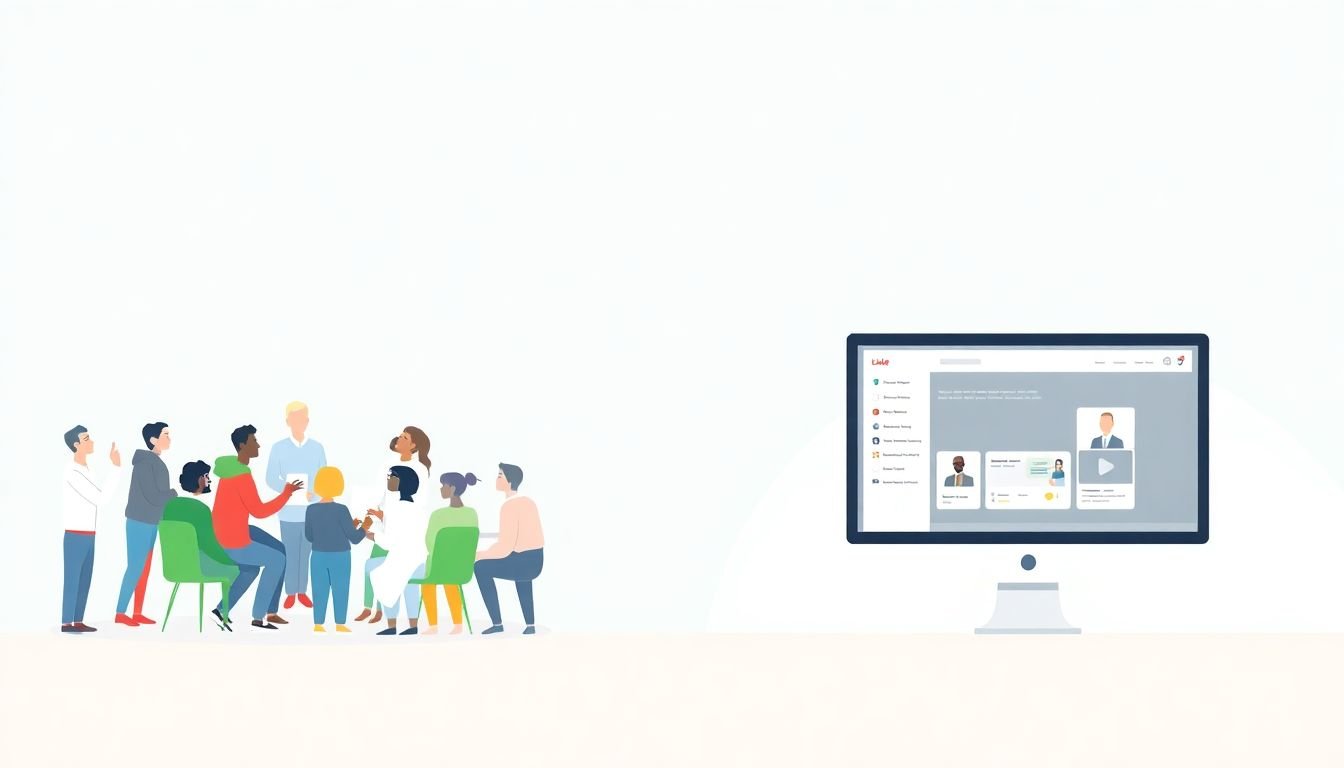
Transform Live Workshops into Online Courses Effectively
Honestly, online courses are a great extension of a workshop. You keep the same “teach it live” credibility, but you can reach people who can’t travel or take time off work.
There’s also evidence that online learning can perform well when it’s designed properly. A common reference point is the meta-analysis by Bernard et al. (2004) on distance education outcomes, which found a modest positive effect compared to face-to-face learning (reported as an average effect size around d ≈ 0.2). If you want the source, it’s widely cited here: ResearchGate: A Meta-Analysis of Postsecondary Research on Teaching and Learning at a Distance.
But here’s the catch: that improvement doesn’t happen automatically. It comes from good course design—clear modules, practice, and feedback. That’s what the steps below are really about.
Step 1: Analyze Your Workshop Content
Before you record anything, I’d do an audit. Not a “skim and hope” audit. A real one.
Here’s what I look at in a workshop:
- Core concepts: the ideas you want learners to remember a month later.
- High-energy activities: demos, role-plays, group exercises—anything that creates momentum in the room.
- Common questions: the stuff people keep asking because it’s confusing.
- Time sinks: segments that always run long (they’ll be even worse online).
Then I map each part to an online equivalent. For example, if your workshop includes a segment on social media strategies, don’t just make it a longer video. I’d usually split it into:
- Module 1: the “when to use what” framework (10–15 min video)
- Module 2: a practical example walkthrough (5–10 min)
- Practice: a template where learners fill in their own plan (15–20 min)
- Check: 5-question quiz to confirm understanding
Also, pull your workshop feedback. If you’ve got notes from evaluations or even messy emails from participants, read them like a product manager. Which topics got the best reactions? Which ones got “this was unclear” comments?
Step 2: Select the Right Design Framework and Tools
Tool choice matters, but not in the way most people think. You don’t pick a platform because it’s trendy. You pick it because it supports the experience you’re trying to deliver.
First, decide your course structure. In my experience:
- Linear works when learners need a sequence (like onboarding, certification prep, or step-by-step workflows).
- Flexible/self-paced works when learners already have some background and want to jump around (like skill libraries or elective modules).
Next, pick a design framework to keep you from building a “video playlist.” Two common ones are:
- ADDIE (Analyze, Design, Develop, Implement, Evaluate) — good when you need a disciplined process.
- SAM (Successive Approximation Model) — good when you prefer iteration and quick prototypes.
For platforms, Moodle and Thinkific are popular starting points. But here’s the part I wish more people spelled out: compare what you actually need.
Quick decision criteria (what I’d check before committing):
- Pricing: monthly vs annual, and whether you pay for users or features.
- Assessments: quiz types, question banking, grading rules.
- Integrations: Zapier, email marketing, CRM, webinar tools.
- Hosting: where video lives and how redirects/embeds work.
- Community: discussion boards vs simple Q&A.
- Admin + reporting: completion tracking and basic analytics.
Scenario-based comparison (simple version):
| Workshop-to-course scenario | Best fit (typical) | Why |
|---|---|---|
| You need quizzes + completion tracking for a cohort | Thinkific | Usually straightforward course management and learner progress reporting. |
| You want more control/customization and don’t mind setup | Moodle | More configurable, especially if you’re comfortable with administration. |
| You’re testing a small pilot before going big | Either (based on quiz + reporting needs) | The “right” one is the one that lets you launch fast and iterate. |
For video creation, I usually recommend tools like Camtasia or ScreenFlow if you’re doing screen demos. They’re not magic—but they do make the process less painful. And yes, you can absolutely look professional without being a tech wizard.
Step 3: Structure Your Online Course Format
This is where you stop “repurposing” and start teaching.
Pick a syllabus style that matches your learners’ reality. If they’re busy, they don’t want a 2-hour lecture. They want bite-sized chunks and clear next steps.
What I’ve found works best is a repeating module pattern:
- Lesson objective: one sentence. Example: “By the end, you’ll be able to write a 30-day posting plan.”
- Short instruction: 8–15 minute video (or equivalent).
- Worked example: show one real scenario end-to-end.
- Practice: a worksheet/template or a guided task.
- Quick check: quiz or reflection prompt (3–8 questions).
Microlearning isn’t about chopping content randomly. It’s about reducing cognitive load. If you’re unsure, use a simple rule: if a video segment feels like it’s “going somewhere,” break it when the next idea changes.
Also, add assessments at key points. Not just at the end. I like a rhythm of:
- Quiz after every module (or every 2 modules)
- One “scenario question” mid-course
- Final capstone that mirrors what learners will do in real life
If you’re building a capstone, make it concrete. For digital marketing, that might be: “Create a content calendar for one niche, including 3 post types, 2 hooks, and a weekly measurement plan.”
Step 4: Create and Test a Course Prototype
Here’s the truth: you won’t know what’s confusing until you put real people in front of it.
I recommend building a prototype that includes:
- 2–3 modules worth of content (not the full course)
- at least one quiz
- a practice task with a template
- the navigation flow (how learners move from module to module)
For beta testing, don’t overcomplicate it. I’ve had good results with 5–10 testers who actually match your audience.
How to recruit them? I usually do a mix:
- 5 people from your existing mailing list or workshop attendees
- 2–3 people from a related community (LinkedIn group, Slack community, Facebook group)
- 1 “skeptic” who’s familiar with the topic so you can spot fluff fast
What I ask testers to do (and what I measure):
- Task completion: can they find the template and submit/complete the practice?
- Friction points: “Where did you pause or rewatch?”
- Comprehension check: did quiz scores match expectations?
- Feedback: “What felt clear? What felt vague?”
In one pilot I ran, completion was unexpectedly low on the first module because the instructions were too vague (“download the worksheet” without telling them where it lived). After I added a one-screen “Here’s where to click” section and rewrote the practice prompt, completion improved measurably in the next run (and learners’ NPS-style feedback went up because fewer people got stuck).
So yeah—prototype testing isn’t optional if you want this to feel smooth online.
Step 5: Add Interactive Features for Engagement
Interactivity is great. But if you add it randomly, it becomes noise.
What I aim for is “engagement with a purpose.” For example:
- Quizzes: short and frequent
- Discussions: prompt-driven and easy to answer
- Practice activities: something learners can apply immediately
- Optional gamification: badges for completion, not points for everything
Quizzes: if you’re using Google Forms or Kahoot, keep them tight. I like 5–8 questions per module, and I avoid trick questions. A sample question style I’ve used:
- Scenario: “A learner posts 3 times/week but never tracks results. Which metric should they review first?”
- Multiple choice: engagement rate, impressions, follower count, CTR
- One-sentence rationale: explain why the correct answer is correct
Discussion boards: don’t just say “introduce yourself.” Give structure:
- “Share your biggest challenge with X.”
- “Choose one framework from Module 2 and apply it to your situation.”
- “Reply to one peer with a specific suggestion (not ‘great job’).”
And yes, collaborative tools can help. If you want group work or visual brainstorming, Padlet can be a solid choice for feedback sessions and shared examples.
Step 6: Record Sessions and Gather Learner Feedback
Recording is the part everyone thinks is the whole job. It’s not.
I treat recording like assembly. You’re producing learning assets that support the module plan you built in Step 3.
What I recommend:
- Record in short segments (8–15 minutes). If you go longer, you’ll lose people.
- Use on-screen structure (chapter titles, key takeaways, callouts).
- Pair video with a resource (template, checklist, example document).
- Don’t record everything live. If a live segment was mostly Q&A, you can summarize it in a shorter “common questions” lesson.
After the course runs for a bit, gather feedback. I like a short survey after learners complete the first 1–2 modules, and another after completion. Questions should be specific:
- “Which module felt most useful?”
- “Where did you feel lost?”
- “Were the practice tasks clear enough to complete?”
- “How confident do you feel applying the skill now?”
Feedback is also where you find your next update list. It’s not just “improve the course.” It’s “fix this exact problem” (navigation, instructions, pacing, quiz difficulty, or missing examples).
Step 7: Enhance Your Online Course for Better Learning
Once you’re live, you don’t “finish.” You improve.
Here’s what I do to keep a course fresh without burning out:
- Update on a schedule: quarterly for active courses, and at least once a year for evergreen ones.
- Track performance: look at quiz averages, drop-off points, and completion rates.
- Run small improvements: rewrite unclear instructions, add one missing example, adjust video pacing.
I also like adding periodic live Q&A sessions. Not because it’s trendy—because it gives learners a chance to ask the questions they didn’t feel comfortable posting in a forum. If your audience is working professionals, this can be a big confidence booster.
And if you want to get better results fast, use teaching strategies that match online learning. If you’re looking for practical tactics, check out effective teaching strategies.
Conclusion: Embrace Continuous Improvement in Online Courses
Moving from live workshops to online courses is absolutely doable, but it’s not a copy-and-paste job. It’s a redesign.
When you analyze your content, structure it for screen learning, prototype it, and then iterate based on real feedback, the course starts to feel like it was built for your learners—not just recorded for them.
Keep tweaking. Keep listening. Your audience will tell you what’s working (and what isn’t) as soon as they take the course. Then you can turn that into better learning outcomes—one update at a time.
If you want more ideas for what to do before and after launch, take a look at course launch tips.
FAQs
Go back to your workshop materials and participant notes and do a “teach-back” audit. Identify the concepts you’re repeating most, the activities that create the biggest breakthroughs, and the questions that show up every time. Then translate each piece into an online module objective, resource, and practice task—so the online version has the same learning goals, not just the same topics.
Most people do well with something structured like ADDIE, especially if you want a clear process from analysis to evaluation. If you prefer faster iteration (prototype, test, adjust), SAM is a solid choice too. Either way, the framework should help you build modules with objectives, practice, and assessment—not just publish videos.
Use interactivity that learners can actually complete. That usually means short quizzes after modules, discussion prompts with clear instructions, and practice tasks with templates. Add multimedia where it supports learning (like screen demos or worked examples), but don’t overload people—clarity beats flash.
Test usability and learning flow, not just whether people “like” it. Have testers complete a module, find the resources, attempt the practice task, and answer the quiz. Then ask where they got stuck, what felt unclear, and whether the pacing felt right. Use their feedback to fix navigation, instructions, and content clarity before you build the rest.