Strategies For Teaching Students With Disabilities Effectively
Teaching students with disabilities can be genuinely overwhelming—especially in the first few weeks when you’re still learning routines, figuring out what supports actually work, and trying to keep the whole room engaged. I’ve been there. You want to do right by every kid, but you’re also juggling pacing guides, paperwork, and a hundred small classroom decisions every day.
The good news? You don’t have to “guess” your way through it. Over time, you build a set of practices that make instruction more accessible, behavior more predictable, and progress more measurable. It’s not about lowering expectations—it’s about removing barriers so students can reach them.
In this post, I’ll walk through the strategies that consistently show up in strong special education classrooms: understanding disability needs, creating a genuinely inclusive environment, using IEPs the way they’re meant to be used, adapting instruction and materials, choosing assistive technology thoughtfully, and building a real support network with families and professionals.
Key Takeaways (with concrete steps)
- Build relationships that lead to engagement: In week 1, greet each student by name at the door and set one personal “entry point” (favorite topic, interest, or goal). Track engagement using a simple tally (e.g., number of times per class the student participates appropriately).
- Match supports to the need—not the label: Use a quick data snapshot (work samples + 2–3 observation notes) before changing instruction. If the issue is reading access, don’t start with behavior strategies first.
- Make inclusion visible in the room: Set up flexible seating and a “reset spot” and write accommodations into lesson plans (e.g., visual directions + chunked tasks). Check whether materials are actually usable during independent work, not just available.
- Use IEPs as an instructional map: For each IEP goal, write one teacher-facing “how I’ll teach it” note and one “how I’ll know it’s working” measure. Review weekly in your planning time, not just quarterly.
- Differentiate with a repeatable routine: Plan every lesson with 3 access points (read/hear, see/model, do/practice). If students still stall, reduce the chunk size and increase guided practice—not just “try again.”
- Choose assistive tech based on barriers: If comprehension is the problem, try text-to-speech or audio supports. If writing is the problem, try speech-to-text or word prediction. Collect a baseline score before switching tools.
- Collaborate with a purpose: Pick one recurring challenge (e.g., transitions, refusal, essay writing) and meet with specialists/families to align supports. Use the same language and reinforcement at school and at home when possible.
Effective Strategies for Teaching Students with Disabilities
In my experience, the most effective teaching for students with disabilities follows a simple pattern: understand the barrier, adjust instruction, and measure whether it’s working. That’s it. Everything else is detail.
For example, I’ve seen classrooms where teachers “do accommodations” but don’t track impact. Students may look busy, but their work quality doesn’t change. When you add measurement—like a rubric score, an accuracy rate, or a short weekly progress probe—you can tell quickly whether the support is actually helping.
Also, don’t underestimate training and shared knowledge. When teachers have access to practical resources (like effective teaching strategies), they’re more likely to use consistent routines and avoid random one-off interventions that don’t stick.
Understanding Different Types of Disabilities
It’s not enough to know the general categories. What matters is what the disability looks like in learning—the specific barrier: decoding, comprehension, attention, communication, motor access, social understanding, or processing speed.
For context, about 15% of public school enrollment includes students served under IDEA (ages 3–21). One commonly cited figure is 7.5 million students. For the underlying data source, see the U.S. Department of Education’s IDEA/IDEA Part B reporting (OSEP) and national estimates: U.S. Department of Education – IDEA.
Here’s how that statistic translates into planning: if you’re teaching in a typical public school setting, you’re likely supporting multiple disability categories across your caseload (or throughout your building). That means your strategies can’t be one-size-fits-all—you need flexible routines and accessible materials that work across needs.
To make it practical, think in “what support will help?” terms:
- Dyslexia / specific learning disabilities: access to text (audio, read-aloud, text-to-speech), structured literacy routines, and repeated practice with immediate feedback.
- Speech or language impairments: model language, provide sentence frames, and give students time to process before requiring responses.
- Autism spectrum disorder: predictable routines, visual supports, clear expectations, and supports for sensory or social processing.
- ADHD: short task chunks, active participation, frequent check-ins, and clear, consistent reinforcement for on-task behavior.
In my classroom, one shift that helped a lot was moving from “What disability is it?” to “What’s the barrier right now?” Once I asked that, the accommodations became obvious.
Creating an Inclusive Classroom Environment
Inclusion isn’t a poster on the wall. It’s what happens during the hardest parts of the day: independent work, transitions, group discussions, and assessments.
I start with the physical and sensory basics:
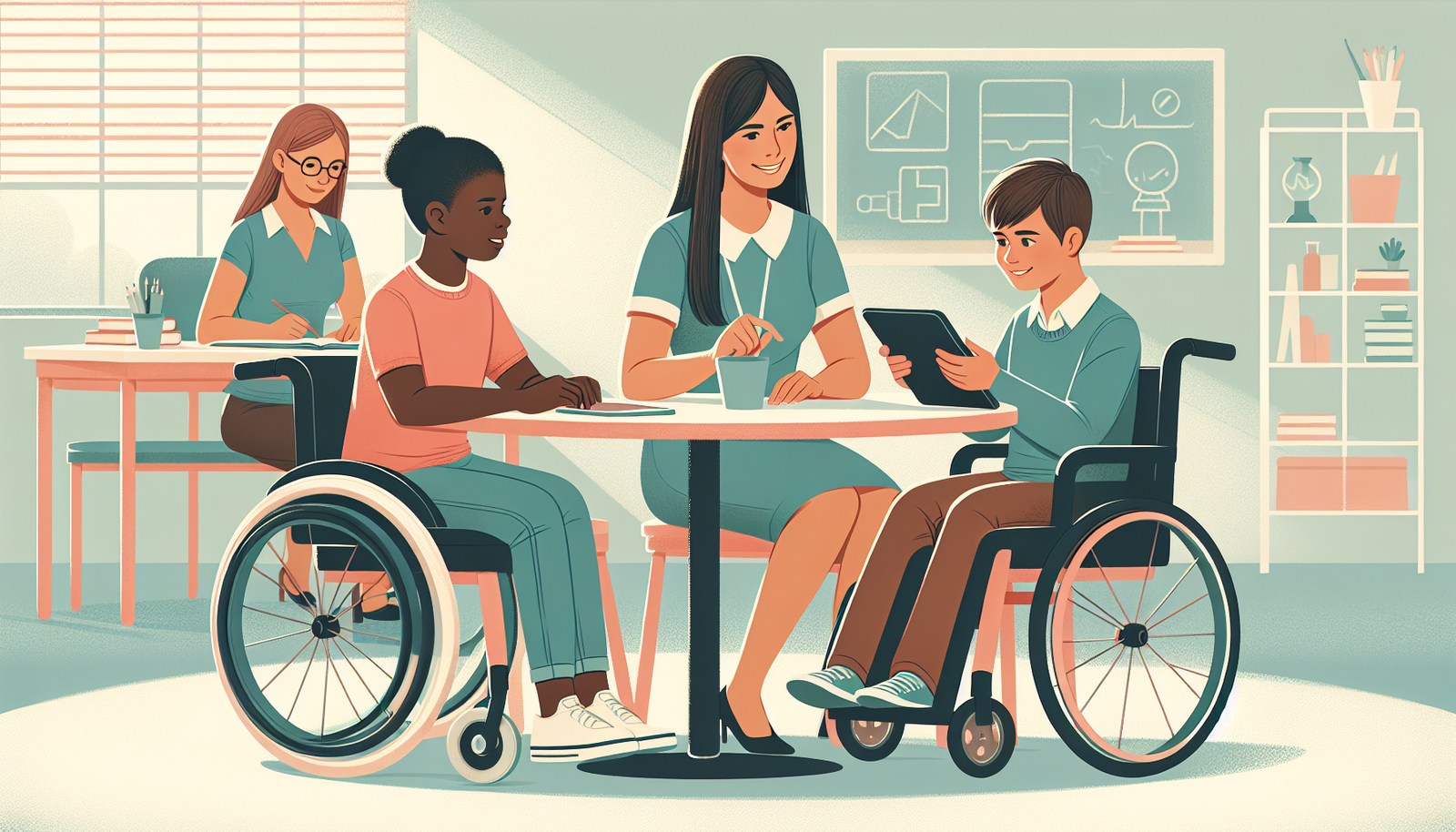
- Accessible space: make sure students can move safely (especially if mobility devices are used).
- A predictable “reset” area: a quiet corner with a clear purpose (calm down, finish a step, regroup). The rule is: students know how to access it and what to do there.
- Reduced visual clutter: if your board is covered in five different posters plus worksheets, students with attention or processing challenges feel it instantly.
Then I focus on materials and participation. Diverse books and culturally responsive content matter, but so does representation of ability—characters who use accommodations, show different communication styles, and experience success with supports.
One inclusion practice I’ve used repeatedly: paired roles in group work. Instead of “work together,” I assign roles like “reader,” “summarizer,” “timekeeper,” and “check-in coach.” Students with disabilities aren’t just included—they have a job that matches their strengths. And if the group activity flops, you don’t blame the student—you adjust the role, the step size, or the materials.
Utilizing Individualized Education Plans (IEPs)
IEPs can either feel like paperwork… or like the clearest roadmap you’ll ever get. The difference is how you use them.
Here’s what I do when I’m planning around an IEP:
- Goal → instruction: For each goal, write one short note: “This is how I’ll teach it during regular instruction.”
- Goal → evidence: Decide what “success” looks like (accuracy %, rubric score, number of correct responses, words per minute, completion rate, etc.).
- Accommodation → implementation: Turn accommodations into actions you can actually deliver (e.g., “extended time: provide 1 extra day for written work” or “alternate response: allow audio recording for answers”).
When you review and update IEP goals, don’t wait until the formal meeting to notice trends. In my experience, weekly quick checks prevent last-minute surprises. I keep a running log of what worked, what didn’t, and what changed.
Also, involve students when you can. I’ve had good results explaining goals in plain language: “We’re practicing X because it helps you do Y.” Then I ask, “Which support helps you most—reading it aloud, seeing an example, or practicing with me first?” Their answers often reveal what to adjust.

Adapting Teaching Methods and Materials
Adaptation isn’t random. It’s a response to what you observe.
I like to start with a quick “access check” before I redesign everything:
- Can the student see the directions clearly?
- Can the student read/hear the content at an appropriate level?
- Can the student do the task in the time given (motor, attention, language demands)?
From there, you can plan accommodations that actually match the barrier.
Multi-sensory approaches work well when they’re tied to the learning target. For instance, if students need to learn vocabulary, you can pair:
- visual: picture + keyword
- auditory: teacher model + student repeat
- kinesthetic: gesture or “build it” activity with manipulatives
And yes, lesson chunking matters. Instead of “Do the whole worksheet,” I break it into steps like: “Try #1 with me,” “Do #2–#3 with a checklist,” “Finish #4–#5 independently.” Then I build in frequent checks—especially for students who lose momentum quickly.
If you’re using graphic organizers, leveled texts, or adapted books, don’t just hand them out. Model how to use them once, then fade support gradually. Otherwise, students may have the tool but not the skill.
If you want more differentiation ideas, you can also reference effective teaching strategies for additional examples of structured lesson planning.
Incorporating Assistive Technology
Assistive technology is powerful when it removes a specific barrier. It’s not magic, though. If you choose a tool that doesn’t match the need, it becomes “one more thing” students have to manage.
Here’s the approach I recommend:
- Identify the barrier: reading access, writing output, communication, organization, or attention.
- Match the tool: text-to-speech, word prediction, speech-to-text, visual schedules, timers, communication apps, or adaptive keyboards.
- Baseline first: record performance before the switch (even something simple like number of completed items or accuracy on a short task).
- Review after 2–4 weeks: decide whether to keep, adjust, or replace.
For example, I’ve seen dyslexia supports work best when audio is paired with accessible text (not just “listen to the teacher”). Similarly, speech-to-text can be a game-changer for students who have strong ideas but struggle with handwriting or spelling—but it still needs editing supports (checklists, sentence starters, and explicit instruction on how to review what the software produced).
One practical tip: loop families in early. If a student uses a tool at school, but it’s not available at home (or no one knows how to use it), progress often stalls. Even a short parent training—10–15 minutes on the basics—can make a difference.
Finally, keep feedback coming. Student input is data. If a student says the tool is “too slow,” “hard to find,” or “doesn’t sound right,” that’s a real signal. Adjust the settings or the workflow, not just the device.
Encouraging Collaboration and Support
Collaboration is one of those things everyone agrees with… and then forgets to schedule.
Here’s how to make it real:
- Coordinate with special education staff: share what you’re seeing during instruction (work samples, observation notes, what triggers behavior or confusion).
- Align language and expectations: if you call it “reset” in your room and “break” elsewhere, students get mixed signals. Consistency helps.
- Use shared problem-solving: pick one challenge at a time (transitions, refusal, writing output) and build a plan together.
Peer support also matters. I like structured peer pairing rather than random seating. When students know the purpose (and the role), empathy grows naturally.
And yes—families should be part of the loop. Regular communication (short updates, not just crisis calls) builds trust. I’ve found that newsletters work well when they include one practical “try this at home” suggestion, not just general progress statements.
When collaboration is consistent, students don’t feel like they’re switching between different rules and expectations every day. That stability supports learning.
Implementing Positive Behavior Support
Positive Behavior Support (PBS) is proactive. It focuses on teaching what to do—not just reacting when something goes wrong.
What I’ve learned the hard way: if you don’t define the expected behavior in observable terms, you can’t reinforce it consistently.
Here’s a simple PBS template you can use right away.
- Target behavior (observable): “Student leaves seat without permission”
- Replacement behavior (what you want instead): “Student stays seated or uses the break card to request a reset”
- Setting events / triggers (ABC data): “After math directions,” “when transitions happen quickly,” “when reading aloud begins”
- Teach it explicitly: model the replacement behavior during a calm time (not during the incident)
- Reinforcement schedule: start with frequent reinforcement (e.g., every 2–3 minutes during targeted practice) and fade once stable
- Measure it: track frequency (times per class), duration (minutes), and successful use of replacement behavior
- Decision rule: if the behavior doesn’t improve after 2–3 weeks of consistent implementation, revise the trigger supports or the reinforcement plan
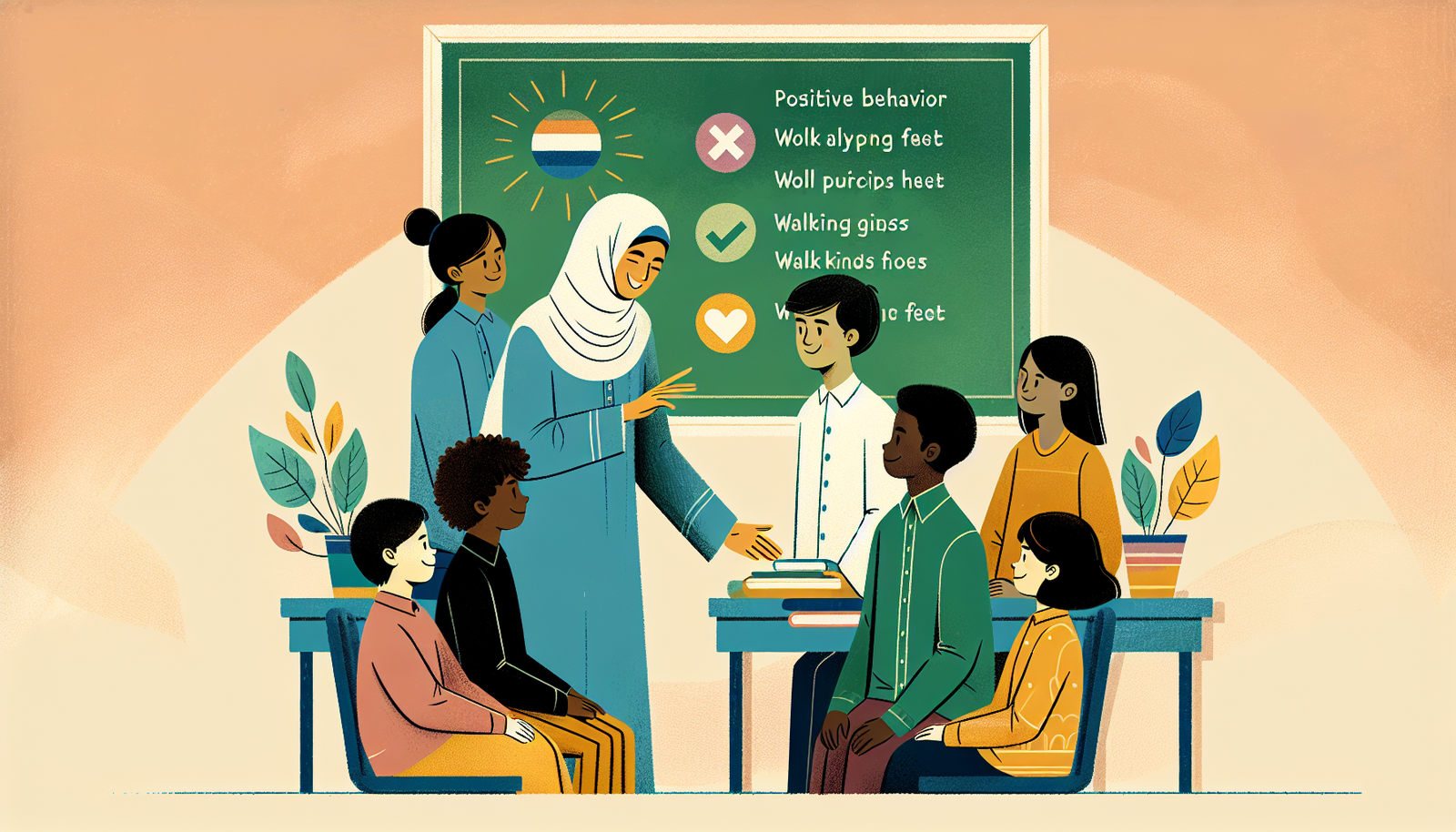
Let’s make it concrete. Suppose your classroom rule is “No running.” I prefer wording like “Walking feet” because it’s teachable. Then I reinforce it specifically: “I noticed you used walking feet in the hallway—thank you.” Specific praise is more useful than generic praise.
If challenging behavior shows up, don’t only ask “What’s wrong with the student?” Ask “What happened right before this?” Collect ABC data:
- A = Antecedent (what was happening?)
- B = Behavior (what exactly did the student do?)
- C = Consequence (what happened after?)
In a situation I handled before, the “acting out” wasn’t random—it was escape from a reading task that felt impossible. Once we adjusted text access (audio + reduced chunk size) and taught a replacement request (“Can I listen first?”), the behavior dropped noticeably within about two weeks.
Monitoring Progress and Adjusting Strategies
Monitoring progress is where teaching becomes evidence-based. Without it, you’re stuck hoping.
I recommend setting up a simple system:
- Measurable goals: Use IEP goals and translate them into student-friendly progress markers (accuracy, completion, time on task, number of correct steps).
- Short frequent checks: weekly probes or short assessments (even 5–10 minutes) help you spot what’s working early.
- Data sources: work samples, rubric scores, error analysis, behavior tallies, and quick student check-ins (“Was this step clear? Yes/No”).
Then use brief feedback loops. If a strategy isn’t working, adjust the instruction before you blame the student. Try changes like:
- smaller chunks
- more modeling
- visual directions
- additional practice with immediate feedback
- different access supports (audio, sentence frames, word bank)
Don’t wait too long. If you’ve tried a support consistently for a reasonable period (often 2–4 weeks depending on the goal), and the data hasn’t moved, it’s time to revise.
And involve families when you can. They often notice patterns at home that you won’t see at school—sleep issues, homework fatigue, tool access, or specific triggers.
Building Strong Relationships with Students and Families
Relationships aren’t “extra.” They’re the foundation. When students feel safe and respected, behavior issues often decrease and engagement increases.
I like to start with small, consistent moments:
- greeting students at the door
- asking one genuine question about their interests
- noticing effort (not just correct answers)
For families, trust grows through communication that’s frequent and specific. Instead of “He’s doing okay,” try “He used his break card twice today and got back to work within 3 minutes.” That kind of detail helps parents reinforce the same strategies at home.
Intro meetings early in the year are also worth it. If you can, bring a simple plan: what communication method you’ll use, what progress check-ins look like, and how families can reach you.
Technology can help too—class websites, communication apps, and shared calendars make it easier for families to stay informed. Just make sure it’s accessible for the families who need alternatives.
Invite families into the classroom when appropriate. Even small volunteer roles or participation in special events can build a sense of community.
Providing Professional Development for Educators
Teachers can’t be expected to master every disability area alone. That’s why professional development matters—especially when it’s practical and classroom-ready.
What I look for in PD:
- specific strategies I can use next week
- examples of accommodations and how to implement them
- sessions tied to real classroom scenarios
- follow-up coaching or peer sharing
Workshops focused on autism, ADHD, dyslexia, or speech/language challenges can deepen understanding, but the real value comes when teachers translate training into routines: how directions are given, how tasks are chunked, and how progress is measured.
Peer observations are underrated. Watching another teacher’s lesson can show you exactly how they model, reinforce, and adjust in real time. If you can, ask for a focused observation question like “How do they handle transitions?” instead of trying to absorb everything at once.
Finally, create time for reflection. Team meetings work best when they’re structured: share one success, one challenge, and one next-step adjustment based on data.
FAQs
Common types include Specific Learning Disabilities (like dyslexia), Autism Spectrum Disorder, Intellectual Disabilities, and Attention Deficit Hyperactivity Disorder (ADHD). Each one affects learning in different ways, so the best strategies depend on the specific barrier you see in class.
Build inclusion into daily routines: flexible seating, a clear reset option, and accessible materials (visual directions, leveled texts, and structured group roles). Also, make collaboration purposeful so students aren’t just “together,” they’re actually participating.
An Individualized Education Plan (IEP) is a personalized plan for a student with a disability. It sets specific goals and includes accommodations and support services so the student can access instruction and make measurable progress.
You can incorporate assistive technology by matching tools to the barrier—text-to-speech for reading access, speech recognition for writing, and interactive apps for practice and engagement. The key is to train students on how to use the tool and monitor whether it improves performance.