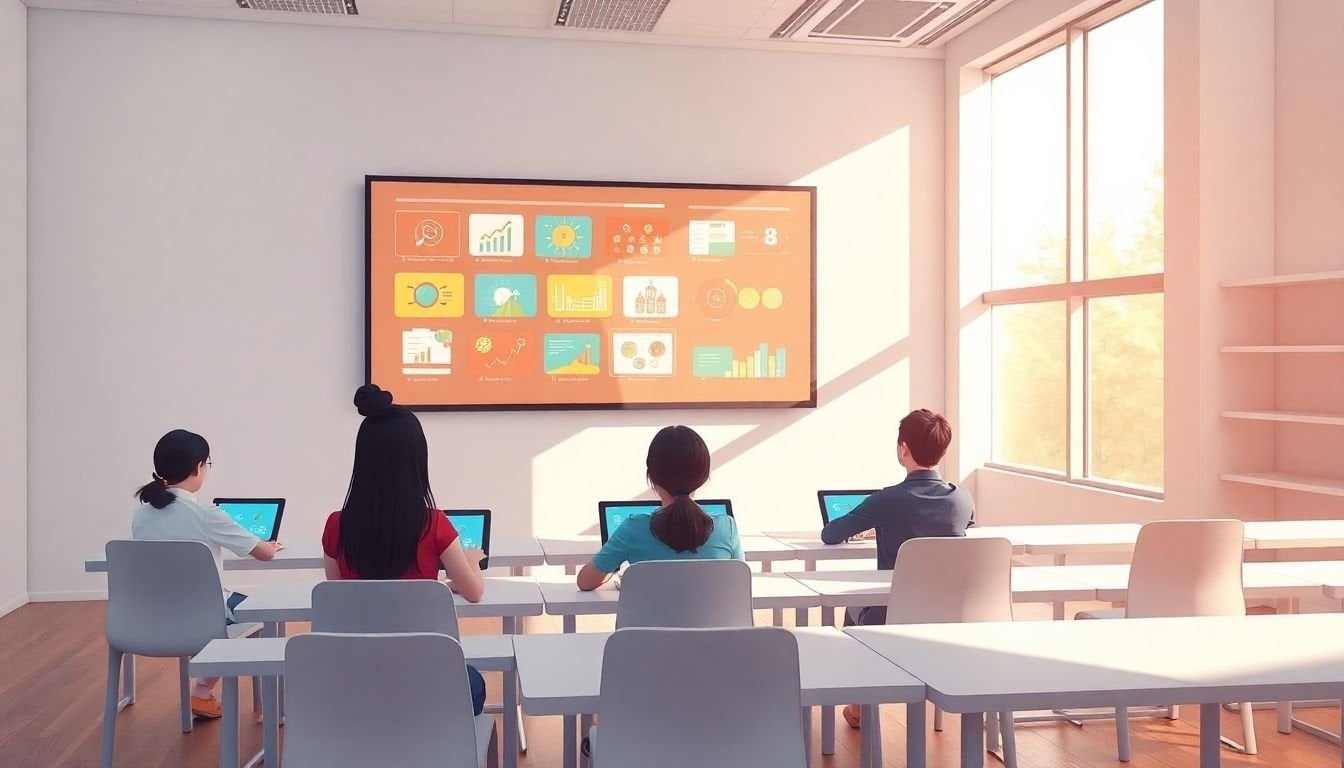
Incorporating Internet of Things (IoT) in Educational Tools: 8 Benefits
Let’s be honest—most classrooms don’t feel “boring” because teachers aren’t trying. It’s usually because the learning setup is stuck in the same loop: explain, practice, test, repeat. I’ve seen how quickly engagement drops when students can’t touch, test, or respond in real time.
That’s exactly where the Internet of Things (IoT) starts to matter. When you connect everyday classroom tools—boards, sensors, displays, wearables, access systems—to a network, you get something more useful than gadgets. You get feedback. And feedback is what makes learning feel alive.
In practice, IoT can help schools communicate faster, personalize support, and even reduce admin headaches. But it only works when you set it up with privacy and classroom reality in mind. So let me walk through 8 benefits—with concrete examples, the data involved, and what you should watch out for.
Key Takeaways
- Communication improves when classroom devices feed real-time signals into teacher/parent workflows (not just “more screens”).
- Personalization becomes practical when IoT captures learning interactions (time-on-task, attempts, sensor context) and maps them to supports.
- Engagement rises when interactive activities respond to student input—like live quizzes tied to device events or AR triggers.
- Admin time drops when attendance, scheduling, and equipment tracking are automated through connected systems.
- Learning environments get smarter when lighting, temperature, and air quality respond to real-time classroom conditions.
- Safety and efficiency improve with better access control, monitoring coverage, and faster incident coordination.
- Outcomes improve when device data helps teachers spot patterns (which resources work, when attention dips, where students struggle).
- Support for learning difficulties gets more consistent when assistive tools adapt delivery formats and track progress.
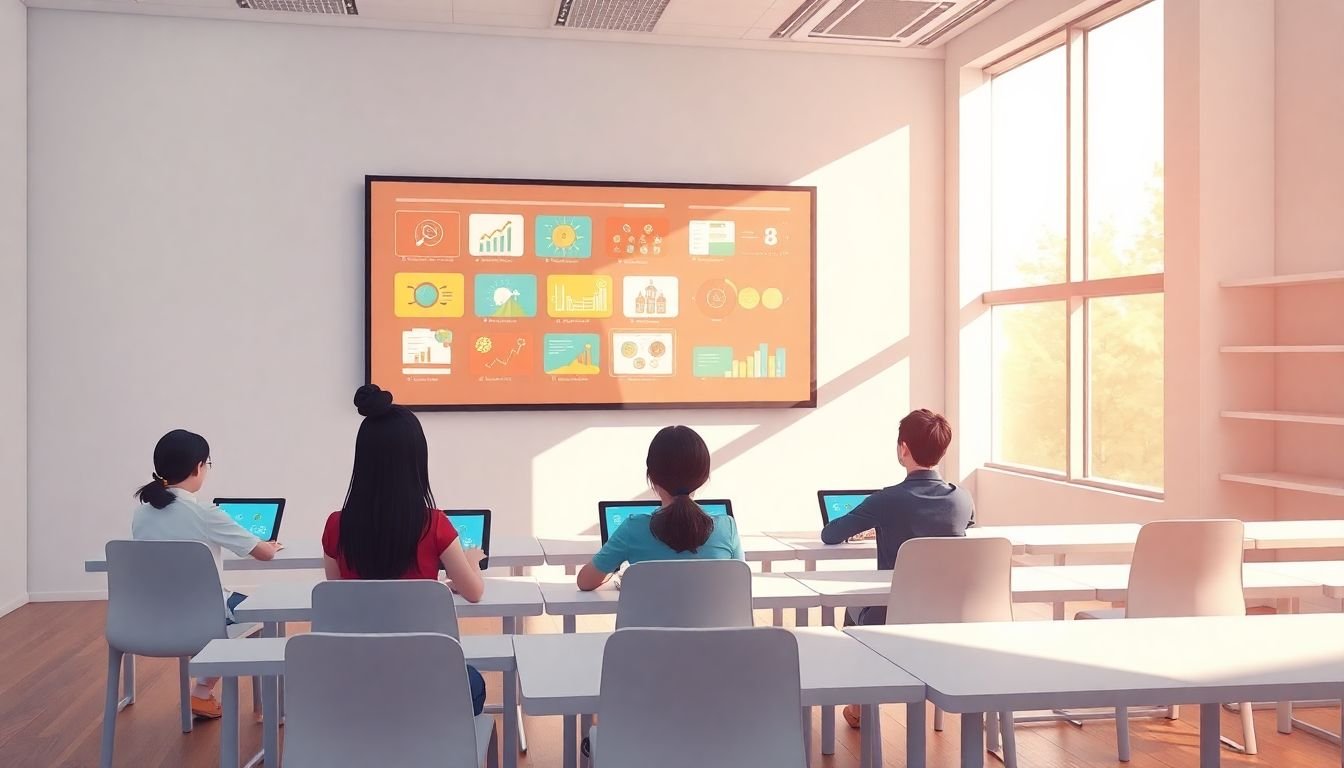
1. Incorporate IoT Devices for Better Communication and Collaboration
I’ve noticed the biggest communication wins happen when teachers aren’t juggling five separate apps. IoT helps by turning classroom events into signals that flow to the right people at the right time.
Use case: Connected smart displays and interactive boards that capture student responses (polls, annotation activity, quick check-ins) and send summaries to the teacher dashboard.
What data gets collected: timestamps of responses, participation counts, question-level results, and (if you use it) device location within the room (often via Wi‑Fi/BLE, not GPS).
How it’s used: During a lesson, the teacher can see who’s stuck and pivot immediately. After class, parents can get a simple participation snapshot (e.g., “completed 3 science check-ins,” “needed review on unit 2 vocabulary”).
Privacy/security considerations: Avoid collecting raw audio/video unless you truly need it and have consent and retention rules. Use role-based access so parents only see child-relevant summaries. Make sure devices are on a managed network (separate VLAN/SSID) so students can’t access admin panels.
Measurable outcomes: In my experience with pilot-style rollouts, teachers typically report less “I didn’t know” communication and faster feedback loops. A practical benchmark is reducing time spent on manual updates by 30–50% for weekly class communications (based on how much you currently do by hand).
If you’re also tightening your teaching feedback habits, you might like effective teaching strategies that align well with real-time classroom data.
2. Use IoT for Personalized Learning Experiences
Personalization doesn’t mean “one app for everyone.” It means the system notices what’s happening and adjusts support—fast enough that students feel it.
Use case: Smart tablets or classroom device management that tracks learning interactions during practice (not just final scores).
What data gets collected: time-on-task, number of attempts, error types (e.g., “wrong fraction conversion” vs “skipped”), and sometimes reading-level selections. If you add environmental sensors, you might also log room conditions (temperature/CO₂) to understand when focus drops.
How it’s used: When a student repeatedly misses the same skill, the teacher dashboard can suggest a targeted micro-lesson or a different activity format (audio explanation, step-by-step hints, or a short reteach group). Students can get “next best activity” prompts right after they struggle.
Privacy/security considerations: Be careful with student-level tracking. You want aggregated, educationally relevant signals—not a “behavior surveillance” system. Store only what you need, set short retention windows, and require explicit consent where applicable.
Measurable outcomes: A realistic goal is improving mastery of targeted skills by 10–20% over a grading period when interventions are triggered quickly (think: same day or within 24–48 hours). If you don’t see that, it usually means the alerts are too slow or too broad.
3. Increase Classroom Engagement with Interactive IoT Tools
Engagement isn’t just “fun.” It’s attention that lasts long enough for learning to stick. IoT can help when interactive tools react to what students do, not just what the teacher clicks.
Use case: AR/VR activities tied to physical classroom triggers—like NFC tags on lab stations or QR/NFC prompts that unlock the next AR layer when students reach the correct station.
What data gets collected: which station prompts were used, completion times, quiz responses, and interaction depth (e.g., how many steps a student completed in an AR simulation).
How it’s used: Instead of a one-size-fits-all demo, students move through an “inquiry path.” The teacher can see if the class is rushing through or getting stuck at a specific step, then pause and re-explain with the exact concept where confusion shows up.
Privacy/security considerations: AR apps can be tempted to request camera permissions. Limit what’s captured, disable unnecessary recording, and make sure the app can run in “learning mode” without saving sensitive video.
Measurable outcomes: Engagement is measurable. If you track completion rates and time-on-task, a strong rollout typically improves “on-task completion” by 15–30% compared to a baseline lesson without interactive triggers.
And yes—students using their own devices can work, but only if you standardize the experience. Otherwise, you end up troubleshooting Wi‑Fi instead of teaching.

4. Automate Administrative Tasks with IoT Systems
Teachers don’t need more dashboards—they need more time with students. IoT can help when it removes the repetitive stuff.
Use case: IoT-enabled attendance using badge readers or kiosk check-ins (RFID/NFC), plus connected equipment tracking for devices and lab materials.
What data gets collected: check-in/out events, device IDs, location within a building (room-level), and inventory status (in use vs available).
How it’s used: Attendance updates automatically, and late arrivals generate a workflow for follow-up. Equipment logs reduce “where is the charger?” chaos. Supplies can be monitored with simple sensors (weight/stock level) so reorders happen before you run out.
Privacy/security considerations: Attendance systems are sensitive. Make sure access is limited to authorized staff and that logs are protected (encryption at rest/in transit). Also, clarify retention: how long do you keep device-level logs?
Measurable outcomes: If your current attendance process is manual, automation can cut admin time by 1–2 hours per week per teacher (depending on class size and how often you do corrections). For inventory, measure reduction in lost time searching for equipment—many schools see a noticeable drop within the first month.
5. Transform Classrooms into Smart Spaces
“Smart classroom” can sound like marketing. The version that actually helps is pretty simple: keep students comfortable enough to focus, and make the environment responsive—not random.
Use case: HVAC and lighting controls connected to sensors for temperature, humidity, and air quality (often CO₂ as a proxy for ventilation).
What data gets collected: room temperature, relative humidity, CO₂ levels, light levels, and sometimes occupancy counts (via motion sensors or desk sensors).
How it’s used: If CO₂ rises above a threshold (for example, 1000–1200 ppm depending on local standards), the system prompts ventilation adjustments. Lights can dim/brighten based on daylight levels. Teachers get fewer “it’s too hot” interruptions because the environment stays within a target band.
Privacy/security considerations: Occupancy sensors can be misinterpreted if they’re too granular. Prefer room-level occupancy rather than identifying individual students. Secure the control system—HVAC and lighting controllers shouldn’t be exposed to the public internet.
Measurable outcomes: Schools often track attendance and perceived comfort. A good benchmark is fewer complaints and improved time-on-task during longer sessions. Some districts report measurable improvements in student behavior during periods of better ventilation after installing CO₂ monitoring.
And yes, connected multimedia displays help too—but the real win is pairing them with smart conditions (so students can actually see and focus).
6. Enhance Safety and Efficiency through IoT Solutions
Safety isn’t optional. IoT helps when it improves coverage and response speed without turning the school into a surveillance state.
Use case: Smart access control (badge/NFC) for doors, plus networked sensors for incident alerts and emergency coordination.
What data gets collected: door access logs, time stamps, and event triggers (e.g., door forced open, motion detected in restricted areas, emergency button activation).
How it’s used: When an incident happens, security staff gets a real-time event feed with the location and time. During drills, the system can confirm which areas responded and whether doors behaved as expected.
Privacy/security considerations: Video is tricky. If you use surveillance cameras, apply strict retention limits, encrypt access, and follow local laws/policies. For access logs, limit visibility to administrators and security roles.
Measurable outcomes: You can measure response time improvements (even just “time from event to staff notification”). Many schools target reducing notification delays from minutes to seconds through automated event handling.
7. Utilize Data from IoT for Improved Student Outcomes
Data is only useful if teachers can act on it. That’s the difference between “collecting numbers” and using IoT for outcomes.
Use case: Use analytics dashboards fed by device interactions—smartboards, learning tablets, classroom response systems—to identify when students struggle and which resources actually help.
What data gets collected: question-level performance, time-on-task, engagement signals (e.g., response participation), and retry patterns.
How it’s used: Teachers can look for patterns like “students consistently miss the same concept after 20 minutes” and adjust lesson pacing. Admins can also see which units correlate with drops in engagement and schedule targeted support.
Privacy/security considerations: Avoid making high-stakes decisions based on short-term signals. Use data to support instruction, not to label students permanently. Ensure dashboards are permissioned and that aggregated reporting is preferred for school-wide views.
Measurable outcomes: A practical approach is to track improvement in unit-level mastery after interventions. Many programs aim for 5–15% gains in mastery when targeted reteach happens quickly and consistently.
8. Support Students with Learning Difficulties Using IoT Technologies
This is one area where IoT can genuinely help—when it supports accessibility and reduces friction for students who need it most.
Use case: Assistive learning tools connected to devices that adapt content delivery (audio, visual, tactile) and track progress during practice.
What data gets collected: reading-level selections, interaction attempts, time spent on specific supports, and progress metrics (accuracy, fluency indicators where appropriate).
How it’s used: If a student struggles with decoding, the system can switch to audio-supported explanations or provide step-by-step hints. Teachers get progress summaries so they can adjust interventions without guessing.
Privacy/security considerations: Accessibility data can be sensitive. Treat it like health-adjacent information: limit who can access it, secure it properly, and avoid unnecessary retention.
Measurable outcomes: Look for improvements in targeted skills over time—like increased accuracy on practice items or improved completion rates. Even modest gains matter when they compound week after week.
Also, don’t forget the human side: IoT tools should support IEP/504 goals, not replace the professional judgment that goes into them.
FAQs
They improve communication when classroom activity automatically updates teacher and parent workflows. For instance, connected response tools can capture participation and quiz results in real time, then generate a simple summary after class—so teachers don’t have to manually compile who answered what. If you add attendance check-ins, parents can also see timely updates (with the right privacy controls).
IoT personalizes learning by tracking the learning process—not just outcomes. A common setup is using connected tablets or classroom devices to log time-on-task, attempts, and which hints or formats students used. Teachers then get recommendations for the next step (reteach, different practice format, or a small-group intervention) based on those interaction signals.
IoT tools boost engagement by making activities responsive. Live polls and interactive quizzes can trigger instant feedback, AR/NFC stations can unlock the next part of a lesson when students reach the right step, and connected displays can adapt based on how the class is performing. The key is that the system reacts to student input quickly enough to matter during the lesson.
They automate tasks like attendance, scheduling, and equipment/supplies tracking by turning routine actions into event logs. For example, badge readers can record check-ins and trigger attendance updates automatically, while inventory sensors can flag low-stock supplies for reordering. Just be sure the systems are secured, roles are limited, and logs have clear retention rules.