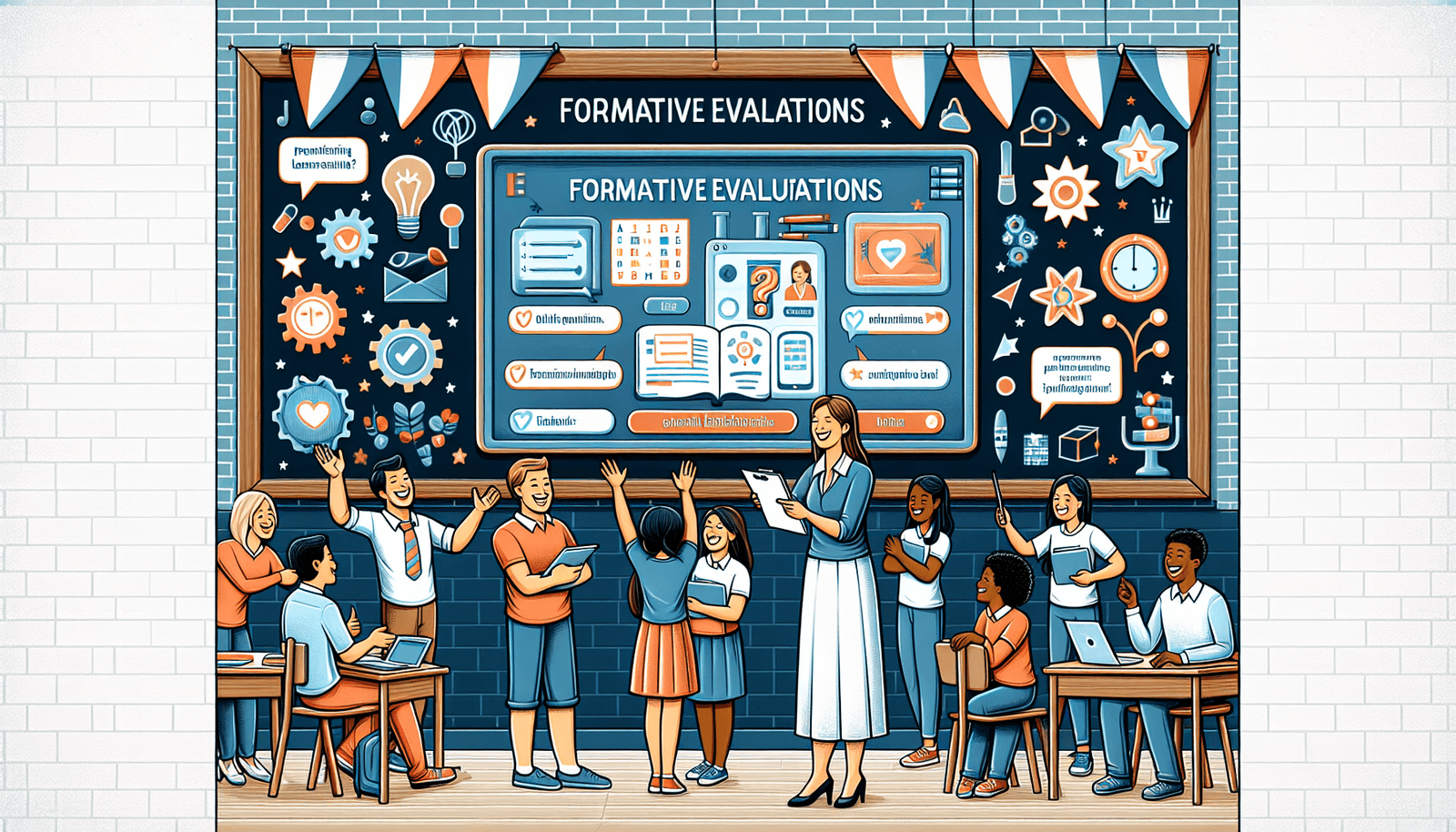
How to Use Formative Assessments in Blended Learning Effectively
I’ll be honest: the first time I tried to “blend” online activities with face-to-face instruction, assessments were the part that almost fell apart. You’ve got students logging in at different times, groups working at different speeds, and you’re still expected to know who’s getting it (and who isn’t) before things snowball.
Formative assessments are the fix for that. Not because they magically save time, but because they give you a steady stream of evidence you can act on—without waiting for a unit test to tell you what you already suspected.
In this article, I’m going to walk you through exactly how I use formative checks in a blended setup: what to assess, when to run it, how to interpret results, and what decisions to make next. I’ll even include a couple of classroom-style examples so you can see what it looks like in practice.
Key Takeaways
- Formative assessments work in blended learning because they show you understanding while learning is still happening—so you can adjust fast.
- Use quick “evidence checks” (exit tickets, short quizzes, polls) to spot gaps within 24 hours, not weeks.
- Pick assessment types that match the skill: quizzes for accuracy, discussions for reasoning, peer review for process, and reflections for metacognition.
- Write learning objectives in student-friendly language and attach each assessment to one clear target (not five).
- Choose tools based on practical needs: access, question types, speed of grading, and whether you can export results.
- Turn results into decisions using simple thresholds (ex: if >30% miss the same item, reteach; if 10–30% need support, run targeted groups).

Understanding Formative Assessments in Blended Learning
Formative assessments are basically your “check your understanding” moments—except you’re not just collecting answers. You’re collecting evidence so you can make a decision about instruction.
In a blended classroom (online work + face-to-face teaching), those checks get even more important because students aren’t all learning in the same place at the same time.
So instead of waiting until the end of the unit, you build in quick feedback loops. Think: a 5-question online quiz right after an instructional video, a paper exit ticket at the end of class, or a discussion prompt that reveals whether students actually understand the “why,” not just the “what.”
Here’s the part I focus on: formative assessments can be spontaneous, but they work best when they’re planned. If you’re guessing every time, the system won’t hold.
Benefits of Using Formative Assessments
When I use formative assessments well, the biggest win is that I stop playing detective.
Instead of “I think they’re struggling,” I can point to something specific: the item most students missed, the prompt that confused them, the question where answers became inconsistent.
That leads to faster intervention. And students notice. Regular feedback helps them understand what they’re doing right now—not just what they did wrong last week.
It also supports engagement. When students see that the online work and the in-person work connect to real feedback, it stops feeling like busywork.
And yes, it builds confidence. Not because everything is easy, but because they can improve with guidance.
Types of Formative Assessments for Blended Learning
Variety helps, but not in a random way. I like choosing assessment types based on what I’m trying to learn.
Here are practical options that work in blended learning:
- Quick quizzes (accuracy checks): Use 3–8 questions to confirm whether students mastered a specific objective. Online works great because grading is fast.
- Interactive polls (confidence + misconceptions): Ask students to vote on an answer and then show them the distribution. This is great for catching “popular wrong answers.”
- Exit tickets (daily evidence): One question that targets the day’s objective plus one reflection prompt. Example: “What’s one step you’d use next time?”
- Discussion boards (reasoning): Post a prompt that requires explanation, not just agreement. I like prompts that start with “Explain how you know…”
- Peer reviews (process + clarity): Use a simple rubric or checklist so students know what “good feedback” looks like.
- Short performance tasks (application): A 10-minute task in class or a recorded response online. These are useful when you need to see how students apply a concept.
If you want a simple rule: quizzes and polls tell you what students know, while discussions and peer review tell you how they think.
How to Implement Formative Assessments in Blended Learning
Let me give you a workflow that doesn’t collapse under real teaching pressure.
Step 1: Start with one objective per assessment.
If your objective is “Students can solve linear equations,” don’t write an assessment that also tests graphing, word problems, and inequalities. Pick one target.
Step 2: Decide when students will produce evidence.
In my experience, the best rhythm is: before (to activate/diagnose), during (to correct), and after (to confirm).
Step 3: Use a specific blended model so the timing is predictable.
Example implementation: Station Rotation (40–50 minutes)
- Station A (Teacher-led, 12–15 min): Small group based on a pre-check quiz from yesterday.
- Station B (Online practice + auto-feedback, 12–15 min): Short activity aligned to today’s objective. Students get immediate feedback.
- Station C (Independent/choice, 12–15 min): A task that shows application—like a short written response or interactive scenario.
- Whole-class wrap (5 min): Exit ticket on one key question.
What I do with the results (decision rules):
- If 30%+ miss the same concept (from the quiz or exit ticket), I reteach the concept to the whole class the next day.
- If 10–29% miss it, I pull a targeted group during the teacher-led station.
- If <10% miss it, I assign a quick “just-in-time” remediation item online for those students only.
Sample assessment item (exit ticket):
Objective: “Students can identify the theme of a text and support it with evidence.”
Exit ticket (2 parts):
1) “What is the theme of the passage? (Answer in 1 sentence.)”
2) “Quote or paraphrase one line that supports your theme.”
Sample reflection prompt (for metacognition):
“Pick one: I understood it quickly / I needed an example / I’m still unsure. What would help you most next time?”
And here’s the timeline piece that makes everything work: I review evidence within 24 hours. Not because I’m superhuman—because if I wait until next week, the “formative” part stops being formative.
Mini case study #1 (anonymized):
In one middle school ELA blended pilot, the teacher replaced “end-of-week quiz only” with a daily 4-question online check + a 2-question in-class exit ticket. Within two weeks, the teacher noticed the same misconception recurring: students were naming topics instead of themes. What changed? The next lesson included a 10-minute teacher mini-lesson using a “topic vs. theme” anchor chart, then students completed a corrected example on the online station. Result: the unit’s theme-related question accuracy rose from about 58% to 71% on the summative assessment (measured on the same item type).
Tools for Conducting Formative Assessments
Tools can help a lot—but only if you choose them for the right job. I usually compare tools using four questions:
- Can students access it easily? (devices, login requirements, mobile usability)
- What question types are supported? (multiple choice, short answer, polls, media responses)
- How fast is feedback? (auto-feedback vs. manual grading)
- Can you export or review results? (so you’re not stuck staring at a dashboard forever)
Here’s how I’d map common tools to classroom needs:
- Google Forms: Great for quick quizzes and exit tickets. Setup is straightforward, and you can review responses quickly. Limitation: short answer grading can get messy unless you use a rubric + a small number of responses.
- Kahoot / Quizizz: Best for engagement and fast checks. I like using them for warm-ups or single-objective practice. Limitation: they’re not always ideal for long written reasoning.
- Padlet: Good for discussion-style prompts, especially when students need to see peers’ ideas. Limitation: moderation matters—set clear posting rules.
- Slack (or similar): Useful for ongoing conversation and quick teacher feedback. Limitation: it can become noisy if you don’t define channels and expectations.
- LMS analytics: Helpful for trends (time on task, completion rates). Limitation: analytics often tell you “who did it,” not “what they understood.” Pair it with at least one direct evidence check.
If you’re setting up your first workflow, start small: one online quiz tool + one exit ticket format. Once you have the routine, then add discussion boards or peer review.
Mini case study #2 (anonymized):
In a high school science blended block, the teacher used an LMS quiz for auto-graded multiple choice and then added a short discussion board prompt: “Which answer would you choose and why?” They also used a weekly data review sheet to identify the top two misconceptions. What changed? The teacher built a 15-minute “misconception correction” mini-lesson every Friday for the two most missed ideas. Result: student performance on the weekly concept checks improved steadily over a month, and the teacher reported fewer “blank stares” during labs because students had already practiced explaining their thinking.
Analyzing Results from Formative Assessments
Analyzing results doesn’t have to mean drowning in data. The goal is to find patterns you can act on.
What I look at first:
- Item-level trends: Which question/concept had the highest error rate?
- Response types: Are students choosing the same wrong answer repeatedly? That’s usually a misconception.
- Completion patterns: Who is not finishing the online task? That might be a pacing or access issue, not a skill issue.
Then I group decisions:
- Whole-class: If the same concept is missed by a big chunk (ex: 30%+), reteach or correct misconceptions.
- Small group: If 10–29% need help, run targeted instruction in the teacher-led station.
- Individual: If <10% need support, assign one remediation item plus a quick follow-up check.
Simple documentation (so you don’t forget later):
- Date
- Objective
- Assessment type (quiz/exit ticket/etc.)
- Top misconception (1 sentence)
- Action taken (reteach / targeted group / remediation)
- Follow-up date + evidence (what will you check next?)
One more thing: I like a short student reflection right after key assessments. Not a long essay—just 2–3 prompts. Example:
- “What part felt easiest?”
- “What part confused you?”
- “What strategy will you try next time?”
That reflection helps me see whether the barrier is understanding, confidence, or just not knowing what to do when stuck.
Adapting Teaching Based on Assessment Feedback
Feedback without action is just information. If I’m going to collect evidence, I need to change something.
So I start with the question: What would a student need next?
Here are concrete ways to adapt instruction based on formative results:
- If many students miss a concept: run a quick reteach (10–20 minutes) with a corrected example, then re-check with a similar item.
- If students are mostly correct but shaky: slow down just for the step where errors happen. I’ll often add one extra worked example and then do a “try one together” moment.
- If only a few students struggle: assign a targeted online remediation activity and schedule a quick check-in during a station rotation.
- If engagement drops: adjust the activity format. For example, swap a passive video for a guided viewing with 2 stop-and-check questions.
- If students can’t explain their reasoning: add a short discussion or written explanation prompt and use a simple rubric (claim + evidence + reasoning).
What I communicate to students:
I tell them what changed because of their feedback. Example script: “A lot of you missed question 3, so tomorrow we’re going to do a quick practice with that exact step. Your job is to try the same skill again after the example.”
That matters—because students learn that assessments aren’t something done to them. They’re something that helps the class improve.
Best Practices for Effective Formative Assessments
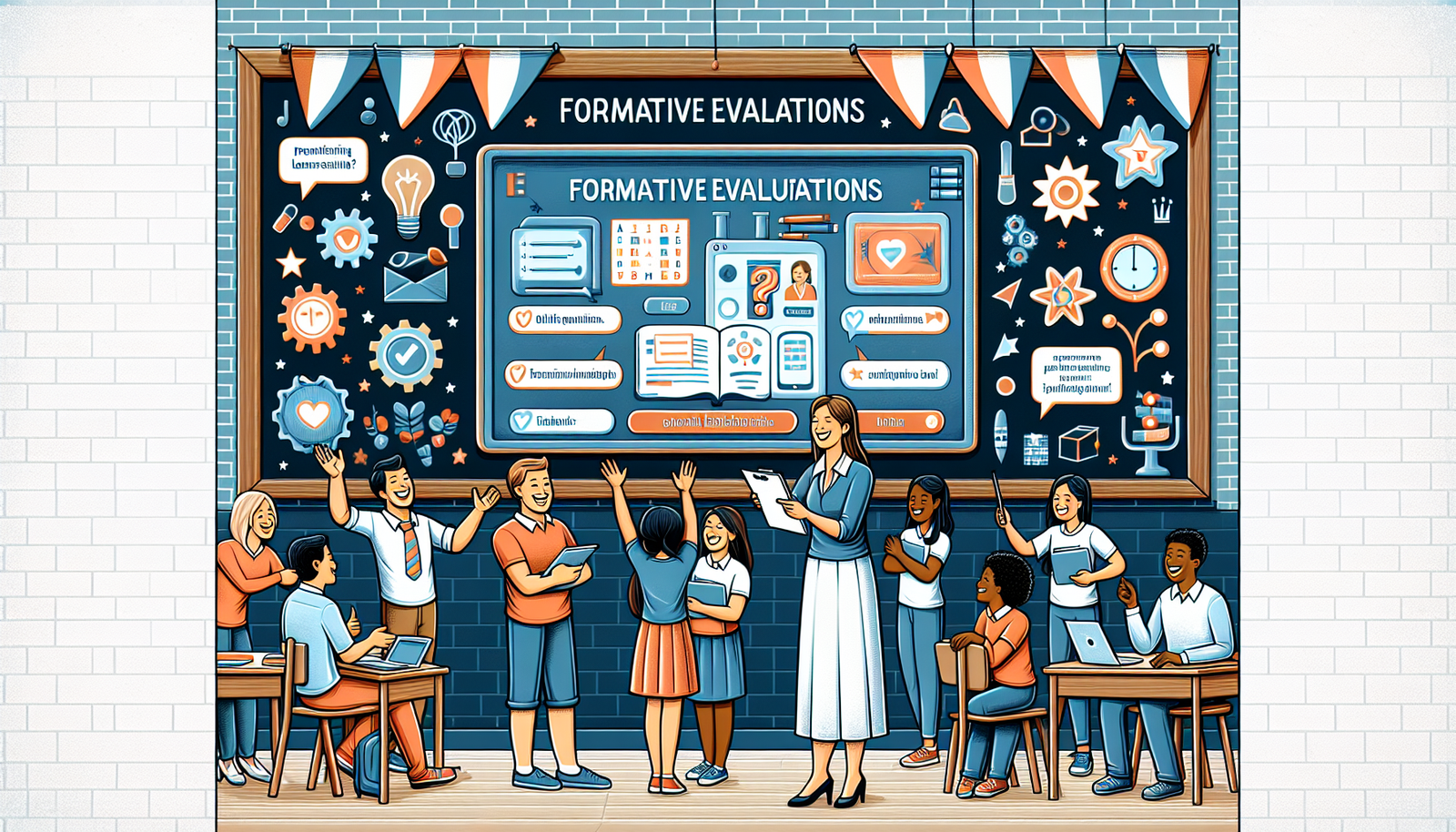
If you want formative assessments to actually work, you need the classroom culture to match.
Here are the practices I’ve seen make the biggest difference:
- Make it safe to be wrong: I tell students up front: “Mistakes are data.” When they believe that, participation goes way up.
- Keep alignment tight: Every assessment should point to one learning target. If it doesn’t match, it doesn’t belong.
- Use a consistent format: Students handle assessments better when they know what to expect. For example, exit tickets always have the same structure.
- Use tech for speed, not for show: Auto-graded quizzes are great for quick checks, but you still need at least one human-judged task (discussion, short answer, or peer review) to assess reasoning.
- Mix engagement with evidence: Platforms like Kahoot and Quizizz can boost motivation, but don’t let “fun” replace learning targets.
- Build a teacher routine: I recommend a 10-minute daily scan and a 20–30 minute weekly review. Small routines beat big, occasional grading marathons.
After each assessment cycle, ask yourself: what did I learn, and what will I change tomorrow?
Challenges and Solutions in Using Formative Assessments
Let’s talk about the real issues. Formative assessments sound great until you’re staring at a stack of responses at 4:55 PM.
Challenge 1: Time management
Solution: embed assessments into existing routines. For example:
- Start-of-class (3 min): a 2–3 question “Do Now” quiz on the LMS.
- During station rotation: one auto-feedback activity per station.
- End-of-class (2–5 min): a single exit ticket question.
Then do a quick review. I aim to check results within 24 hours so the next lesson can respond to what students actually did.
Challenge 2: Student anxiety
Solution: frame assessments as practice, not judgment. I use language like: “This helps me adjust the lesson, and it helps you see what to focus on.”
I also reduce pressure by limiting the exit ticket to one objective and giving students time to complete it without rushing.
Challenge 3: Too many tools, not enough clarity
Solution: pick one tool for evidence collection and one tool for discussion/communication. For example, use Padlet for discussion and Socrative (or a similar quick quiz tool) for short checks. If you’re adding tools, add them with a purpose—otherwise it becomes admin work.
If you keep the routines simple and connect assessments to specific next steps, the whole system becomes easier to sustain.
FAQs
Formative assessments are ongoing checks for understanding that help both students and teachers during instruction. In blended learning, they combine online and face-to-face evidence so you can adjust teaching in real time.
They improve learning by identifying gaps early, supporting timely feedback, and helping teachers make instructional adjustments before misconceptions harden. Students also benefit because they can track progress and know what to work on next.
Use clear learning objectives, run short evidence checks on a predictable schedule, and analyze results quickly. Then act on the data with specific next steps—whole-class reteach, targeted groups, or individual remediation.
Common options include online quiz tools, interactive polling platforms, LMS quizzes/analytics, and discussion or portfolio tools. The best choice depends on whether you need auto-feedback, question variety, and easy access to results.