
How to Develop Multimedia-Rich Courses for Engaging Learning
Multimedia-rich courses can sound intimidating, and I get why. When I started building my first online course, I kept thinking: “Great… now I have to make videos, design slides, write scripts, and still make it all actually teach something?” That’s a lot—especially if you’re working with a small budget, a limited LMS, and an audience that’s probably multitasking.
In my experience, the trick isn’t adding more media. It’s using the right media at the right moment. I’ve built training modules that mixed recorded screen demos, infographic-style summaries, and short quizzes—and what I noticed right away was that learners didn’t “love videos” in general. They loved when the video solved a specific problem and the next activity helped them practice immediately.
So in this post, I’m going to walk you through a practical process I use to plan, produce, and refine multimedia-rich lessons—without turning your course into a pile of random clips. You’ll also see some concrete examples (including what I changed after testing).
Key Takeaways
- Define the audience and objectives first—then write measurable outcomes (not just “learn the topic”). Example: “By the end, learners can complete a 10-step workflow with 80% accuracy on a scenario quiz.”
- Use multimedia with a job to do. A video should explain a “why” or a “how,” while an infographic should summarize relationships, and quizzes should force recall or application.
- Pick tools based on your production reality (time, budget, and the LMS). I prefer “good enough” tools that I can iterate with, not tools that slow me down.
- Chunk content into small learning loops (watch/read → do → check → reflect). A common pattern that works: 6–10 minute video segments followed by a 2–5 question quiz or a scenario prompt.
- Keep multimedia concise and accessible. Captions (and ideally transcripts) aren’t optional if you want broader usability. Also, avoid 20-minute monologues.
- Add interactivity frequently, not randomly. Polls, branching choices, and short practice tasks spaced every 5–12 minutes tend to improve attention.
- Test with real learners and track real metrics. Look at completion rate, quiz lift (pre/post or attempt improvement), and where people drop off in the lesson timeline.
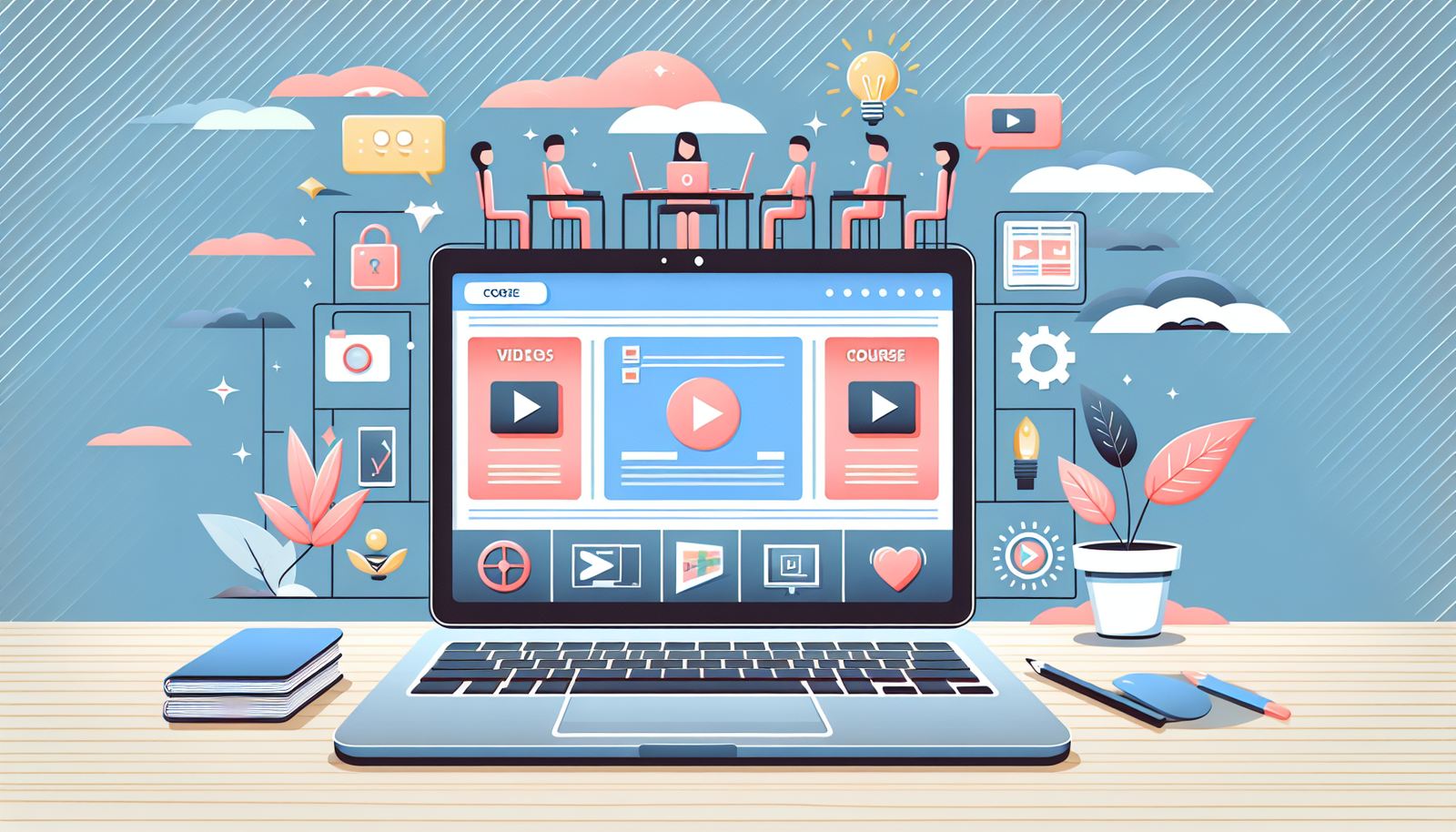
Steps to Create Multimedia-Rich Courses
Here’s the process I’d use if I had to build a course again from scratch—fast, but not sloppy.
1) Start with audience + constraints (not just topic)
Before you touch a video tool, answer: Who is this for, what do they already know, and what’s their reality? Are they on mobile? Do they have 10 minutes or 60? In one project I built, my audience was mostly on phones—so I stopped using tiny text in screenshots and switched to larger callouts and shorter clips.
2) Write objectives that you can measure
Instead of “Understand budgeting,” try: “Learners will identify three cost categories and choose the correct action plan for each scenario.” If you can’t test it, you can’t improve it.
3) Turn objectives into a lesson flow
A simple pattern that works well is: Hook → Concept → Example → Practice → Check. Then repeat it per section.
Worked example (what I actually storyboarded)
Let’s say the objective is: “Learners can create a basic project plan.” I’d plan one module like this:
- Video (7–9 minutes): show the steps once, slowly, with on-screen labels.
- Infographic (1 page): summarize the workflow as a 5-step cycle.
- Interactive question: “Which step comes next?” (single choice)
- Scenario (3–5 minutes): short text case + 2–3 branching choices.
- Quiz (2–5 questions): mix recall (“What’s the purpose of milestones?”) and application (“Choose the best milestone frequency”).
4) Build a timeline (and protect your editing time)
I always underestimate editing. If you’re producing multiple videos, schedule time for captions, audio cleanup, and re-records. A good rule: plan at least 1 hour of editing per 10–15 minutes of final video.
5) Get feedback early
Don’t wait until everything is finished. I like to share a “rough lesson” (script + a couple of clips + the quiz) with 3–5 people. You’ll spot confusion fast—usually in the first 1–2 sections.
Choosing the Right Multimedia Tools
Tool choice matters, but not in the way people think. You don’t need the fanciest software—you need tools you can actually use consistently.
Video recording & editing
For screen demos and walkthroughs, I’ve had good results with Camtasia. If you’re doing heavier motion graphics or want more advanced editing, Adobe Premiere Pro can be worth it—but only if you’re ready for a steeper learning curve.
Slides, diagrams, and infographics
For visuals that learners can skim quickly, I lean on Canva. The big win is speed: it’s easier to iterate on a diagram than rebuild it from scratch.
Quizzes and lightweight assessments
For quick checks, Google Forms is simple and reliable. If you want study-style practice, Quizlet can help you turn concepts into flashcards.
My practical checklist for tool selection
- Can I export in a format my LMS accepts without weird sizing issues?
- Does it support captions/transcripts (or at least make them easy)?
- Can I version files quickly? (You will update things.)
- Is it realistic for my schedule? If it takes 3 hours per video, you’ll cut corners somewhere.
Designing Engaging Course Content
Engaging content isn’t about being flashy. It’s about clarity and momentum. When learners feel like they’re progressing, they pay attention.
Use “story” the practical way
Instead of generic storytelling, I build mini-scenarios around the exact task they’ll do later. For example: “You’re onboarding a new user… what do you check first?” That kind of context makes examples stick.
Chunking: the difference between “watching” and “learning”
If your video is 20 minutes with no pauses, learners mentally check out. A better approach is short sections with clear signposts. I aim for:
- Video segments: 6–10 minutes (unless it’s a live demo)
- Text blocks: 3–5 bullets max per screen
- Practice moments: every 5–12 minutes
Accessibility is part of engagement
Captions help everyone, not just learners who need them. And if you’re using screenshots, add alt text where possible and keep key text large enough to read on a phone.
Peer review beats guessing
I’ve learned the hard way that you can be “confident” and still be unclear. Beta testers catch problems like: “I didn’t realize we were supposed to do step 3 first,” or “I understood the concept but got stuck on the example.”
Quick case study: what changed after testing
In one course I built for a non-technical audience, my first draft had longer videos (15–18 minutes) and quizzes at the end of the module. Completion looked okay, but quiz scores were weak. After testing, I split the videos into two parts, added a 3-question check right after each part, and rewrote the quiz questions to match the scenario wording learners saw in the video. The result? Learners attempted more questions, and average quiz scores improved noticeably (especially on application questions).
Integrating Multimedia Elements Effectively
Here’s the rule I follow: every multimedia element must earn its place. If a clip doesn’t support an objective, it’s probably filler.
Match media to the learning goal
- Video is best for “how-to” steps, demonstrations, and explaining a concept with visuals.
- Images/infographics are best for comparisons, processes, and quick reference.
- Text is best for definitions, instructions, and short summaries.
- Quizzes are best for forcing retrieval and catching misunderstandings.
Keep it concise (and don’t repeat yourself)
If the video already explains something, don’t dump the same content again as a wall of text. Instead, provide a short takeaway, a diagram, or a “what to remember” box.
Use on-screen prompts
When I add call-to-action overlays (like “Pause and answer this” or “Look at the dropdown”), it changes behavior. Learners stop passively watching and start processing.
Test on different devices
I always check on a phone and a tablet. The number one issue I’ve seen is cramped text in screenshots and controls that are too small to tap. Fixing that early saves you from angry support emails later.
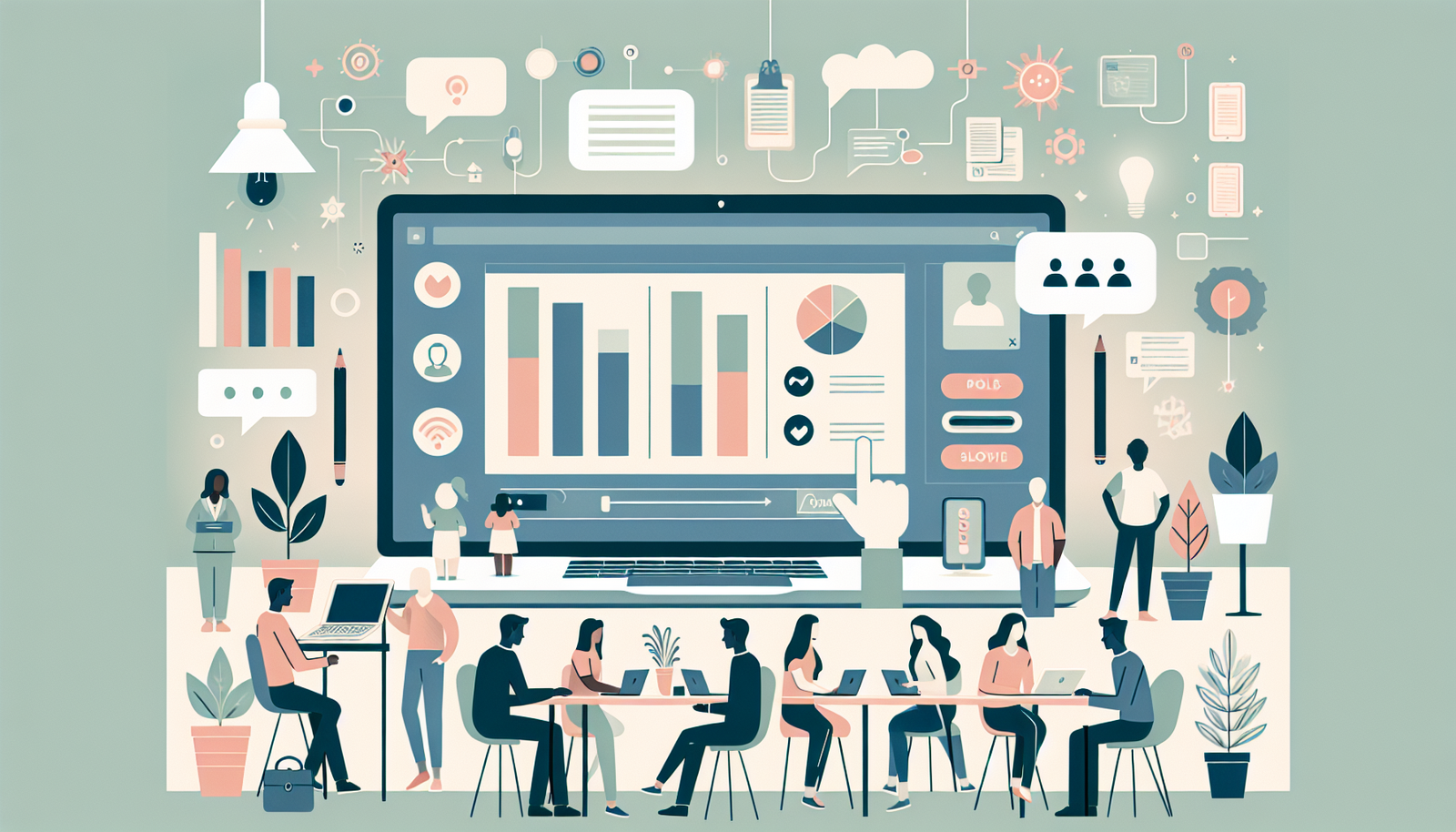
Enhancing Interactivity in Courses
Interactivity is where multimedia starts to feel like a real learning experience instead of a content slideshow.
Start with lightweight interactions
Polls, short surveys, and quick “check your understanding” questions are easy to build and they give you feedback instantly. I’ve used Mentimeter and Kahoot for real-time feedback—especially when the goal is engagement during a live or cohort session.
Add discussion, but guide it
Discussion boards can be great, but only if you provide prompts that are specific. “Share your thoughts” gets silence. Try: “What’s one step you’d do differently—and why?”
Gamify carefully
Badges and leaderboards can motivate some learners, but they can also backfire if the course is too competitive. In my opinion, it works best when badges reward effort (completion, practice streaks, or mastery milestones) rather than “who’s fastest.”
Try a small group activity
If your course supports it, give learners a collaborative task like reviewing each other’s answers to a scenario or comparing two approaches. The discussion that follows is often where the learning happens.
Testing and Evaluating Course Effectiveness
Testing isn’t a “nice to have.” It’s how you find out whether your multimedia is helping—or just looking good.
Collect feedback with specific questions
Instead of “Was it helpful?” ask things like:
- Which section felt confusing?
- Did the video match the quiz questions?
- What would you change to make this easier on mobile?
Track learner behavior (not just opinions)
Analytics can show where learners drop off. If you see a spike in exits after a particular video segment, that’s a clue. Maybe the pacing is too fast, maybe the instructions weren’t clear, or maybe the quiz is testing something not taught.
Use A/B tests when you can
You don’t need to test everything. Try changing just one variable, like:
- Shorter video + earlier quiz vs. longer video + later quiz
- Different infographic layout (one-column vs. two-column)
- Quiz question wording (scenario-based vs. definition-based)
Run follow-ups with learners
Interviews are gold. Even 10 minutes can reveal what analytics can’t: “I understood it, but I didn’t know how to apply it in my job.” That’s your next update.

Continuous Improvement of Course Material
Improving course material is never really “done.” It’s more like a cycle: teach → observe → adjust → repeat.
Collect feedback after completion
I like to ask learners what they’d change if they were teaching the course. That perspective is surprisingly honest. Also, ask about specific media types: “Did the videos help?” “Were the visuals clear?”
Set a review schedule
Every 2–3 months (or at least twice a year), review:
- Outdated screenshots or references
- Broken links or videos
- Quiz items with unusually low accuracy
- Any lesson segments with high drop-off
Update multimedia based on what learners actually need
If learners keep missing the same concept, don’t just rewrite text. Consider adding a short demonstration clip, a simplified infographic, or a new scenario question.
Bring in fresh perspectives
I also like collaborating with other educators or subject-matter experts. They catch gaps that you’ve learned to ignore because you built the course.
Resources for Developing Multimedia Courses
You don’t have to reinvent everything. There are plenty of places to learn what works (and what to avoid).
Course creation platforms
If you want examples of how others structure multimedia learning, check Udemy and Coursera. I often study a course’s lesson order and quiz placement more than I watch the content itself.
Educational tech communities
Blogs and YouTube channels focused on instructional design can be helpful when you’re stuck on pacing or interactivity ideas. And communities like LinkedIn groups or Reddit threads are great for getting feedback fast (just be specific about what you’re trying to solve).
Instructional design guides
Don’t sleep on e-books and guides about learning design. They’ll give you frameworks for chunking, practice, and assessment—things that make multimedia actually effective.
FAQs
Plan around measurable learning objectives, choose multimedia tools that fit your workflow, design your lesson flow (hook → concept → example → practice → check), integrate each media type with a clear purpose, add interactivity, test with real learners, and keep improving based on feedback and analytics.
Start with what you need to produce (video, slides/infographics, quizzes) and match it to tools that are easy for you to use. Consider compatibility with your LMS, caption/transcript support, your budget, and how quickly you can iterate. Trial versions are worth it if you can test them with one mini lesson.
Use quizzes, polls, scenario questions, branching choices, and discussion prompts. The goal is to make learners do something—not just watch. If possible, add interactions at predictable intervals (like every 5–12 minutes) so the course rhythm stays consistent.
Combine learner feedback (surveys and targeted questions) with performance data (quiz results, completion rates, and drop-off points). If you can, compare pre/post understanding or track improvement across attempts. Then update the specific lessons where confusion shows up.