
Developing Inclusive Content For Diverse Audiences: 8 Steps
I’ll be honest—when you’re trying to write for a bunch of different people, it can feel like you’re aiming at a moving target. Not because you don’t care, but because “inclusive” isn’t one single trick. It’s a bunch of small, repeatable decisions that add up.
What helped me most (and what I still use) is treating inclusivity like a process. You don’t guess and hope. You test, you revise, and you keep improving. In this post, I’m laying out an 8-step workflow you can actually run on real pages, posts, emails, and course content—without needing a fancy system.
Along the way, I’ll include specific checks (like WCAG items), examples of rewrites, and a sensitivity review process that doesn’t just “collect feedback” in theory. Let’s get practical.
Key Takeaways
- Start with audience research you can act on (survey prompts, interview questions, and what you’ll change based on results).
- Build a tiny inclusive language style guide so you don’t reinvent the same edits every time.
- Representation isn’t just “add diverse photos”—it’s also examples, scenarios, and story choices that match real life.
- Accessibility means meeting WCAG basics and testing with screen readers, not just “adding alt text.”
- Work with diverse creators using a clear brief and review loop, so the content stays accurate and respectful.
- Sensitivity reviews should be operational: who you recruit, how many reviewers, what questions you ask, and how you document changes.
- Inclusivity drifts over time—set review dates and update language, examples, and visuals regularly.
- Promote inclusively with metrics in mind (engagement, complaint rate, conversion lift), not just “posting more.”

Step 1: Understand Diverse Audience Needs
If you skip research, you end up guessing who you’re writing for. And guesswork is where “inclusive” turns into “accidentally exclusive.”
In my experience, the fastest way to get useful insight is to ask questions that lead to decisions. Don’t just ask “Do you like this?” Ask what would make it easier or more relevant.
A simple research plan (that fits most teams):
- Run a short survey (5–8 questions) with both multiple-choice and one open-ended prompt.
- Do 3–5 interviews (30 minutes each) with people who represent your target segments.
- Mine existing signals from comments, support tickets, and search queries.
Survey questions you can copy:
- “What part of this page felt hardest to understand, and why?”
- “Were there any examples that didn’t feel like your life?”
- “Did anything feel like it was written for someone else?”
- “Which format do you prefer—text, video, diagrams, or a mix?”
When you’re doing this step, keep a real metric in mind. For example, if you’re a brand with a global audience, you might track whether people mention “this feels for me” in open responses. That’s often more revealing than a rating scale.
One stat I still use as context: 75% of consumers say a brand’s commitment to DE&I affects purchasing decisions. This comes up a lot in industry reporting (for example, surveys summarized by Nielsen and DE&I-related consumer studies). The key isn’t memorizing the number—it’s using it to justify why you should invest time in audience research and not treat it as optional.
Step 2: Use Language That Includes Everyone
Inclusive language is one of those topics that sounds simple until you try to apply it consistently. The trick isn’t “find the perfect words.” It’s building a pattern you can reuse.
Here’s what I do when I’m auditing language:
- Search for gendered terms (he/she, guys, mankind) and replace when possible with neutral options (they, people, humanity).
- Look for assumptions baked into examples (mother/father, husband/wife, “when you’re employed,” etc.).
- Check for ableist phrasing (crazy, blind to, crippled, “just” as dismissal).
- Reduce jargon or explain it the first time you use it.
Let’s make it concrete. Instead of:
- “Customers can contact their mother for help.”
Use:
- “You can contact our team for help.”
- Or, if a family example is necessary: “Parents or guardians can help you get started.”
That kind of rewrite sounds small, but it’s exactly the thing that makes people relax while reading.
Build a mini inclusive language style guide (seriously, do this)
- Create a one-page doc with “preferred” and “avoid” terms.
- Include rules like: “Use ‘they’ as default when gender is unknown.”
- Document your rationale in plain language so future writers don’t improvise.
If you want a starting point for teaching/instruction wording, I’ve found this helpful: Inclusive Language Guide. Use it as reference, then tailor it to your brand voice.
Before/after example from a project I worked on:
We had a training page that repeatedly used “new parents” and “mom”/“dad” in examples. Complaints were never huge, but we did see more “I don’t relate to this” comments in a feedback form. We rewrote examples to use “parents or guardians” and added a line acknowledging different caregiving situations. After the update, feedback responses shifted—more people said the page felt “clear” and “not awkward,” and fewer users asked whether the training applied to their situation.
Step 3: Add Different Perspectives and Representation
Representation isn’t just photos in the hero image. It’s the stories you choose, the scenarios you write, and who gets to be the “default” character.
Here’s a rule that keeps me honest: if your example could exclude someone, write an alternate version—or rewrite the scenario so it’s not dependent on one life experience.
What to include (beyond testimonials):
- Multiple perspectives in the body copy (not just in a quote box).
- Context-specific examples (different schedules, different tech access, different learning preferences).
- Representation in visuals with respectful, accurate portrayal (and captions that make the meaning accessible).
- Language that matches the audience you’re representing (don’t “translate” culture into stereotypes).
That 23% satisfaction stat around advertising representation comes up in multiple industry reports, but the more useful takeaway is this: people notice when they feel ignored. If you don’t want to rely on vague “industry stats,” measure it directly: look for comments and support tickets that mention “this doesn’t apply” or “this feels like it’s for someone else.”
Representation checklist you can use while editing:
- Do all examples assume the same family structure, age range, accent, or physical ability?
- Are you using “diverse” characters only for diversity’s sake (token quotes), or do they drive real points?
- Are you avoiding “othering” language (e.g., “normal” vs. “different”)?
- Do your case studies include outcomes, not just backgrounds?
Small but meaningful content change (example):
If you’re writing about education, don’t only show a single classroom setup. Include at least one scenario like:
- “A learner who studies while working nights.”
- “A learner using captions due to hearing differences.”
- “A learner who prefers diagrams over long paragraphs.”
Those details are what make representation feel real instead of performative.
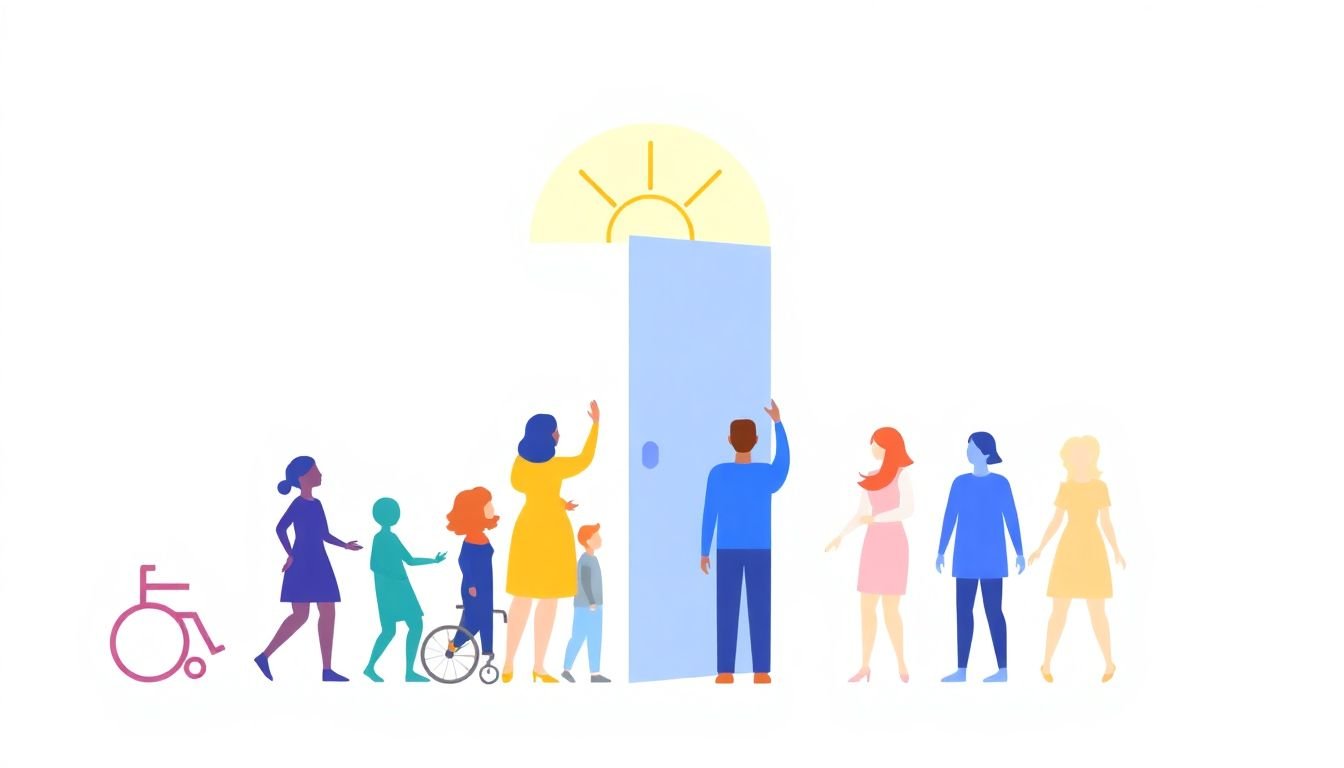
Step 4: Ensure Accessibility for All
Accessibility is where inclusivity stops being “nice” and starts being usable. And yes—about 16% of the global population lives with a disability. That figure is commonly referenced in accessibility research and reports (for example, from the World Health Organization and related global studies). Even if you don’t memorize the exact percentage, the point is the same: you’re serving a meaningful chunk of people who need your content to work.
Use WCAG as your checklist, not a buzzword.
If you’re building web content, the Web Content Accessibility Guidelines (WCAG) are the standard. At minimum, I recommend checking:
- Text alternatives (WCAG 1.1.1): alt text for meaningful images.
- Captions and transcripts (WCAG 1.2.2 / 1.2.4): captions for live/recorded video; transcripts when audio carries critical information.
- Keyboard accessibility (WCAG 2.1.1): can users navigate everything without a mouse?
- Headings and structure (WCAG 1.3.1): headings should reflect the content outline.
- Color contrast (WCAG 1.4.3): text should be readable for low-vision users.
- Focus order (WCAG 2.4.3): when you tab through, the order makes sense.
Alt text that actually helps
- Good: “A chart showing monthly revenue increasing from Jan to Mar.”
- Not great: “image” or “photo.”
- When decorative: use empty alt (alt="") so screen readers skip it.
Caption audit (what to check)
- Captions match the spoken words (no “close enough”).
- Timing is correct (words appear when they’re said).
- Speaker labels are included when multiple voices talk (e.g., “Host:” “Guest:”).
- Important sound cues are described (e.g., “[door opens]”).
Testing protocol I trust
- Automated scan (WAVE, Lighthouse, axe) for obvious issues.
- Screen reader pass: test with NVDA (Windows) or VoiceOver (macOS).
- Keyboard-only pass: tab through and confirm you never get stuck.
- One real-user check if you can: even 2–3 participants will catch things automation misses.
In my experience, the biggest “surprise failures” are headings that look fine visually but don’t make sense to a screen reader, and captions that technically exist but don’t include speaker context.
One more note: tools can’t replace human testing. They can point you in the right direction, though. If you’re also working on teaching materials, the Inclusive Language Guide is useful for structuring text in a way that’s easier to process.
Step 5: Work with Diverse Creators and Influencers
When you bring in diverse creators, you get more than “variety.” You get lived context—how things land, what wording feels off, and what examples actually resonate.
But I’ve also seen collaborations fail when the creator brief is vague or when their role is treated like a checkbox. If you want good outcomes, you need a real process.
How I approach creator partnerships:
- Start with a content brief that includes audience, goals, and boundaries (what you’re trying to communicate vs. what you’re not).
- Give examples of “what good looks like” (tone, length, style, formatting).
- Ask for review on specific elements (headings, sensitive terms, cultural references).
- Compensate fairly and be transparent about timelines.
For example, in fashion, I’d rather see collaboration that includes sizing language, body-neutral framing, and clear product descriptions—not just “different models.” And if you’re working with creators who represent disability, don’t just ask for a quote. Ask which parts of the content should be clarified for accessibility.
About the “70% more likely to capture new markets” stat: it’s commonly cited in DE&I business research, but the more practical move is to treat it as a hypothesis. Then test it in your own funnel: do your inclusive pages improve engagement and reduce drop-off for segments you care about?
Influencers and creators are also not automatically inclusive. Their audience might be, but their content might not. I always recommend doing a quick pre-flight review of the final assets for language and accessibility before you publish.
Step 6: Gather Feedback and Conduct Sensitivity Checks
This is the step that separates “we tried” from “we improved.” And it’s where a lot of teams get sloppy.
When I say sensitivity checks, I don’t mean “send it to someone and hope.” I mean a structured review that respects time, avoids tokenism, and produces actionable changes.
Sensitivity review workflow (practical version)
- Recruit reviewers intentionally: people who identify with the communities represented in the content.
- Use 3–5 reviewers per key community (enough to spot patterns, not so many that you can’t decide).
- Compensate (even small payments or gift cards). This work isn’t free.
- Provide context: what the content is for, who the target audience is, and where it will be published.
- Ask targeted questions (not “any thoughts?”).
Questions that get real answers
- “Which phrases feel inaccurate, stereotyped, or confusing?”
- “Where did you feel excluded or talked down to?”
- “Are there any terms you recommend we avoid? What should we use instead?”
- “What’s missing that you expected to see?”
Document disagreements (and decide)
- Create a change log: “Issue raised → suggested fix → decision → why.”
- If reviewers disagree, prioritize the guidance that appears in multiple feedback notes and reduces harm.
- When you can’t follow a suggestion, explain your reasoning transparently in the log.
Example (realistic scenario)
We once had a blog draft that referenced LGBTQ+ experiences using broad, generic phrasing. Two reviewers agreed the tone was “fine but distant,” and one flagged a term that felt outdated. We updated the phrasing and added a short contextual note that clarified the situation without assuming a single identity experience. After publishing, we saw fewer “this doesn’t reflect my reality” responses in the comment section and more positive mentions about clarity.
Finally, make it easy for the broader audience to respond. A dedicated feedback form works great, but also watch social channels where people talk about what felt off. Listening is part of the job, not a one-time event.
Step 7: Review and Update Content Regularly
Inclusivity isn’t a “set it and forget it” thing. Language changes. Social norms change. What felt respectful two years ago might feel clumsy today.
Here’s how to make updates manageable:
- Pick an owner for each content type (landing pages, course modules, FAQs).
- Set review cycles: quarterly for high-traffic pages, every 6–12 months for evergreen posts.
- Track issues from feedback forms and support tickets so you know what to fix first.
What to review each cycle
- Terminology: outdated terms, new preferred wording.
- Examples: do they still match your audience’s reality?
- Accessibility: captions, alt text, and formatting drift over time.
- Visuals: do images still represent your audience respectfully?
In practice, the biggest improvements often come from small edits. A single paragraph that uses a gendered default can cost you trust. A missing caption line can block a whole group from learning. Those are the things you catch by reviewing regularly.
Step 8: Promote Inclusive Content Widely
Okay, now you’ve built better content. Don’t hide it.
I like to promote inclusive content with a “prove it with metrics” mindset. That means you watch more than vanity likes—you look for signals that inclusivity is actually improving outcomes.
Where to promote
- Email newsletters (include a short “why this matters” line).
- Social platforms where your audience already is (TikTok for younger audiences, LinkedIn for professional audiences, etc.).
- Community spaces (forums, Slack communities, local groups).
- Partnership channels with creators you collaborated with in Step 5.
How to measure impact (simple but effective)
- Engagement rate on inclusive pages vs. older versions.
- Support/contact rate (are questions decreasing?).
- Complaint rate (especially about tone, clarity, or accessibility).
- Conversion changes (sign-ups, course enrollments, purchases).
The “35% more likely to outperform competitors” stat is another one you’ll see in DE&I business discussions. Even if you treat it as directional, it’s still useful because it pushes you to track outcomes after your changes—not just before/after feelings.
And one last thing: if people call out something that’s not inclusive, respond like a human. Thank them. Fix it. Then update the content. That’s how trust compounds.
FAQs
It makes your content feel relevant instead of generic. When you actually learn what people struggle with—like reading level, preferred formats, or confusing examples—you can adjust the writing and structure. In practical terms, this usually improves engagement and reduces “I don’t relate” feedback, because you’re not relying on assumptions.
Use a quick checklist: (1) headings are real headings, (2) images have meaningful alt text, (3) video has captions (and ideally transcripts), (4) links are descriptive (not “click here”), (5) color contrast meets WCAG targets, and (6) you test with keyboard navigation and a screen reader.
Example alt text: “Screenshot of the settings page with the ‘Privacy’ toggle highlighted.”
Caption guideline: captions should reflect what’s said, include speaker labels when needed, and describe important non-speech audio.
If you want a reference for structured writing and inclusive teaching style, you can also use this Inclusive Language Guide as a companion.
Because they catch what you won’t. They can flag wording that feels off, point out missing context, and help your examples match real life. Just don’t treat them like a decoration—give them a clear brief and include a review step for sensitive language and accessibility.
Promote through the channels your audience already trusts, and share the “what changed” story behind the content. For example: “We updated our examples for more caregiving situations” or “We added captions and improved our heading structure.” Then measure impact with engagement, support questions, and conversion—not just likes.