Collaborative Learning To Increase Engagement In 8 Steps
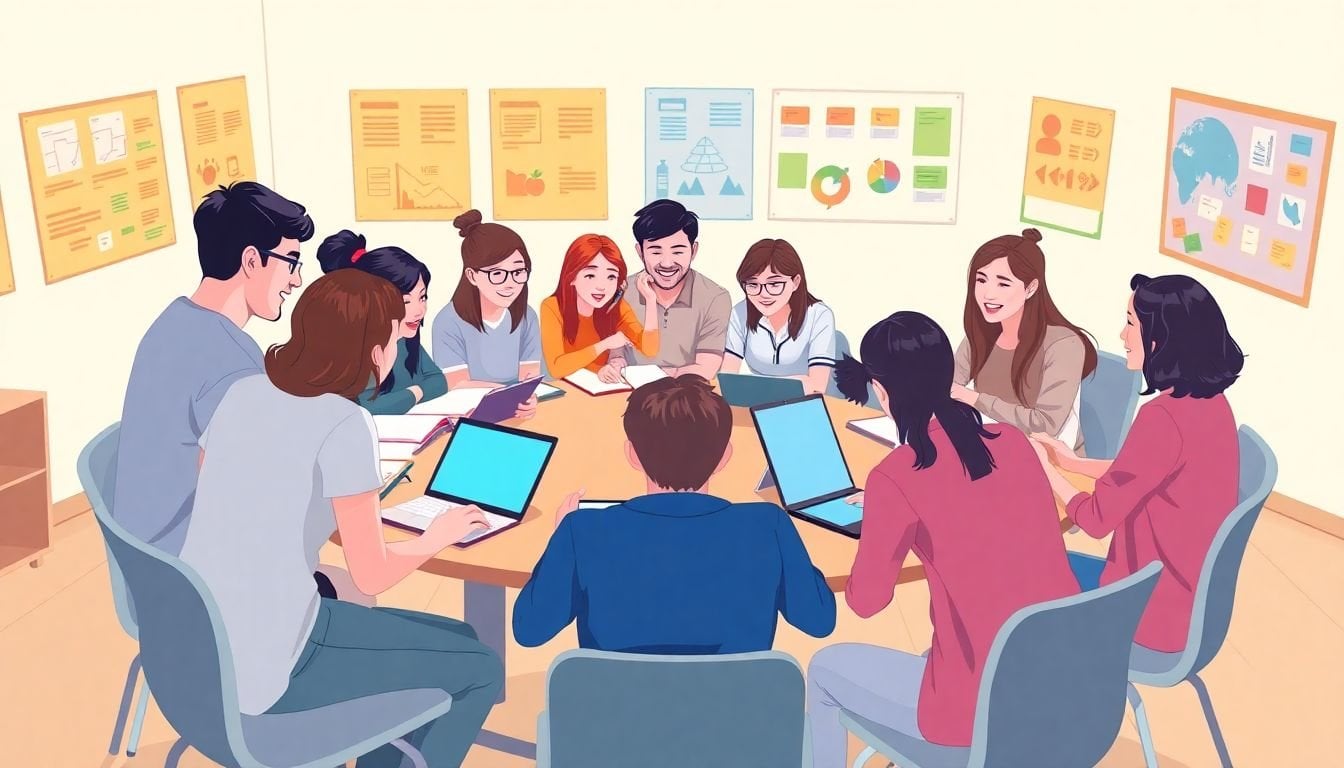
I’ll be honest: if your classes feel like they’re running on fumes—students staring at the clock, phones out, “I don’t get it” energy—collaborative learning is one of the fastest ways I’ve found to flip the vibe. You don’t have to turn your whole course into group work overnight. You just need a few well-designed moments where students have to talk, decide, and produce something together.
When I first tried this, I started with small groups during what used to be “silent note-taking time.” The difference was immediate. Even the quieter students weren’t completely checked out anymore, because they had a specific job and a reason to contribute. And yeah—there were some awkward starts. But once routines kicked in, engagement went way up.
In the steps below, I’m going to show you a practical, teacher-friendly way to build collaborative learning into your lessons—without chaos, without vague “work together” instructions, and without hoping students magically figure it out on their own.
Key Takeaways
- Start with structure: form small groups early, use roles from day one, and give each group a clear output (not just “discuss”).
- Set ground rules that you enforce: listening expectations, topic focus, and a simple conflict plan that students can follow.
- Choose activities with built-in participation: peer-teaching, role-play, problem-solving, and peer review—plus rotate them so it doesn’t get stale.
- Use active techniques on purpose: time-boxed think-pair-share, strategic pauses, and “summarize to the group” checks.
- Lean on tech (when it helps): shared docs, collaborative boards, and breakout rooms—so groups can co-create in real time.
- Plan BYOD rules: device access is great, but you need boundaries so it doesn’t become a distraction.
- Make wireless sharing painless: practice screen-sharing once early so group work doesn’t stall on HDMI drama.
1. Use Collaborative Learning to Boost Engagement
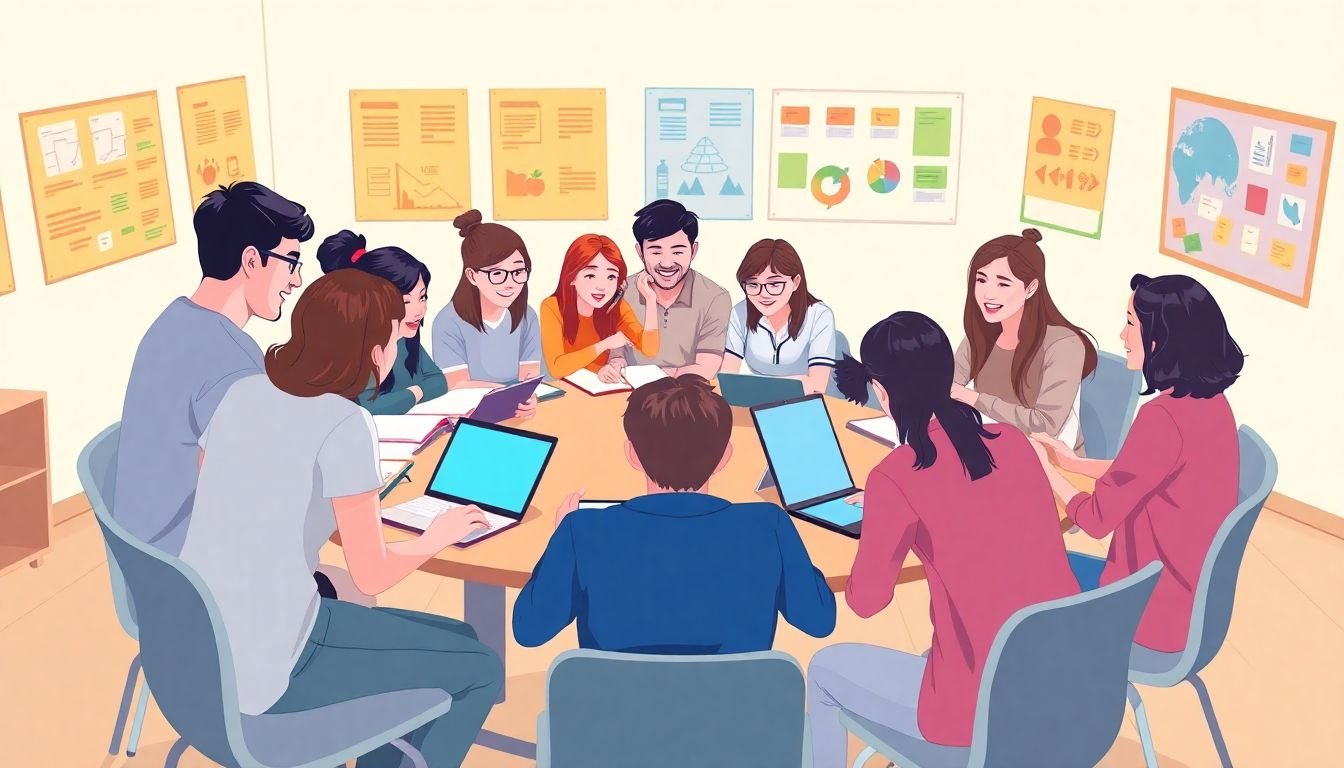
If you’ve noticed your students zoning out or just staring into space, don’t just “assign groups” and hope for the best. Collaborative learning works when students have a job, a goal, and a product to produce.
One study in Frontiers in Psychology reports that collaborative learning can encourage students to share perspectives and stay involved in the lesson. I like this framing because it matches what I see: students don’t engage when they’re passively listening—they engage when they’re responsible for something with other people.
Now, about the numbers you might see online: claims like “72% increase” and “47% improvement” are often floating around without enough detail to verify. I’m not going to pretend those exact figures are universally repeatable without a clear study method and sample. What I will tell you is what’s worked in my own classes.
What I tried (and what I noticed): In a 10th-grade ELA class (about 28 students), I started with groups of 3. I gave each group a role card:
- Discussion Leader: starts the conversation, keeps it moving.
- Evidence Finder: points to a quote/example from the text.
- Recorder: writes the group’s answer on a shared document or worksheet.
Then I used a prompt that required output: “Write one claim and back it with two pieces of evidence. Be ready to read your claim aloud.” That “be ready to read” piece matters. It turns discussion into accountability.
Role rotation tip: Rotate roles every 1–2 class periods. If you rotate too slowly, the same students become the “leaders” forever. If you rotate too fast, students feel like they’re always being reassigned. I’ve found weekly rotation hits the sweet spot for most groups.
Quick debrief (the part everyone forgets): After group time, I do 3–5 minutes where each group shares one sentence: “Our best idea was…” This gives students confidence and helps you catch misconceptions before they fossilize.
2. Introduce Collaborative Learning Early in the Course
Don’t wait until the semester is half over to try collaborative learning. You’re not just teaching content—you’re teaching how to work with other people. That takes practice.
On my first week of classes, I run a short “group routine” instead of a big project. Why? Because students need to learn the mechanics: how to start, how to share, how to disagree politely, and how to produce something together.
Icebreaker that actually builds collaboration (15 minutes):
- Prompt: “Share one topic you’re curious about and one thing you already know about it.”
- Time-box: 2 minutes silent thinking, 6 minutes in pairs, 5 minutes small-group share-out (3s or 4s), 2 minutes class debrief.
- Output: Each group writes a single question they want to investigate this unit.
That output becomes your anchor for later. Students remember it because they co-created it.
If you’re looking for a broader set of ways to shape classroom culture and participation, you can also check effective student engagement techniques for ideas you can adapt to your subject.
3. Set Ground Rules for Group Interactions
Ever had a group activity turn into full-on chaos? Yeah. I’ve been there too. The problem usually isn’t “students can’t collaborate.” It’s that they weren’t given rules they can follow.
Here’s what I recommend: create a short “group expectations” list and model it once. Then enforce it consistently.
My go-to ground rules (simple and enforceable):
- Respectful listening: one person speaks at a time; others summarize before replying (“So you mean…”).
- On-topic only: if it’s not connected to the prompt, it goes in a “parking lot” note for later.
- Contribution requirement: every student must speak at least once during group time.
- Deadline discipline: if you’re behind, you switch strategies—not blame people.
- Conflict plan: if there’s a disagreement, the recorder writes both ideas and the group votes on next steps.
Concrete tool you can use: a one-page “Group Agreement” form. I ask students to fill in three lines: (1) what respectful participation looks like, (2) how we handle disagreements, and (3) what we do if someone isn’t contributing. I collect it, but I also revisit it after the first group day.
And yes—structured guidelines matter. I’ve seen my best results when roles, expectations, and accountability are all present at the same time. If you only do one or two, the activity can still collapse.
If you’re planning your group sessions across a unit, it helps to map out where collaboration fits. This guide on creating a clear course outline can help you keep activities aligned with learning goals so you’re not improvising every week.

4. Choose Effective Collaborative Activities
You’re probably thinking, “Okay, but what do I actually have them do?” Great question. The activity matters more than the label “collaboration.”
Here are activities that reliably produce participation because they require talking, comparing, and producing something specific.
Activity 1: Peer-teaching with a “teach-back” checklist
Best for: reviewing a concept after mini-instruction.
Group size: pairs or 3s.
Time: 12–18 minutes.
Prompt: “Teach your idea to your partner like they’re new to it. Then answer: What’s one common mistake and how do we avoid it?”
Teacher move: give a teach-back checklist (3 bullets only). Students don’t know what “good teaching” looks like—your checklist fixes that.
Activity 2: Role-playing with a scenario card
Best for: social studies, language learning, science discussions, ethics units.
Example scenario prompt: “You’re on a city council. Your job is to argue for one policy using evidence from today’s resources. Everyone must contribute one argument and one rebuttal.”
Output: a 1-minute “council statement” per group (you can record if you want, but it’s not required).
Activity 3: Problem-solving stations (rotation, not free-for-all)
Best for: math/science/any skill practice.
How it works: 3 stations, 8 minutes each. Each station has a single problem and a “how to show your thinking” template.
Failure mode I’ve seen: students rush and copy without understanding. Fix: require a “reason” sentence before moving on: “We chose this because…”
One more thing: rotate activities every 1–3 weeks. If you do the same type of group work too long, it becomes background noise. Variety keeps energy up.
5. Apply Active Engagement Techniques
Active engagement isn’t just “ask questions.” It’s designing the moment-to-moment rhythm so students can’t hide.
Here are techniques I actually use:
- Strategic pauses: After you ask a question, wait 5–7 seconds. In my experience, the first silence is awkward—then students start talking.
- Summarize-to-share: before groups present, require a 20-second summary: “Our answer is… because…”
- Think-pair-share (time-boxed): 2 minutes thinking, 5 minutes pairing, 3 minutes sharing. If you don’t time-box, it turns into wandering.
- Cold-call alternatives: instead of calling on individuals, ask the group to pick the speaker. You still get accountability, but you reduce “panic mode.”
About the stat you might see online—like “91% of learners improved” from Hone’s 2024 study—I recommend treating those numbers as directional unless the post clearly spells out sample size and methodology. What I trust more is the structure: roles + time-boxes + output + debrief.
6. Incorporate Technology into Collaborative Learning
Yes, tech can make collaborative learning easier. But only when it removes friction—not when it adds another layer of “where do I click?”
Good uses of tech for collaboration:
- Shared documents: Google Workspace or Microsoft Teams so groups co-write answers in real time.
- Collaborative boards: Padlet or Jamboard-style boards for organizing ideas visually.
- Virtual breakout rooms: Zoom or Teams for remote small-group discussion.
Example (low-tech setup, high impact): Put the prompt in your shared doc, then require each group to fill three sections: (1) claim/answer, (2) evidence/example, (3) question they still have. When groups finish, you can scan quickly.
If you’re working with remote or hybrid learners, this structure matters even more because you can’t “walk the room” the same way.
7. Encourage BYOD Strategies for Better Collaboration
BYOD (bring your own device) can help—especially when students need to look something up, annotate, or co-edit. But if you don’t set boundaries, you’ll get the usual distraction parade.
What BYOD should enable:
- Quick access to class materials (links, slides, worksheets).
- Real-time collaboration on shared documents.
- Organization (notes, drafts, evidence) without passing paper around.
Guidelines that keep it productive:
- Only use devices for the task on-screen (you can project a “purpose” reminder).
- Phones away unless the prompt explicitly includes them.
- If a student is off-task, redirect with the task first—don’t go straight to punishment.
There’s a claim that BYOD improved “balanced participation” by 47% (from Education Innovation Research Group, 2023). I can’t verify the exact methodology from the link alone here, so I’d treat that figure as a lead, not a guarantee. What I can say confidently: participation improves when students have a clear role and a clear output—and devices are just the delivery tool.
8. Utilize Wireless Sharing Tools for Group Work
If you’ve ever lost 10 minutes to HDMI cables and “it won’t connect,” wireless sharing tools are worth considering. They keep groups moving and reduce that awkward pause where everyone waits for tech to cooperate.
Tools like Airtame or Chromecast let students share their screens quickly to classroom displays. For group work, that means:
- Faster share-outs (“Here’s our solution.”)
- Easier collaborative review (everyone can see the same draft)
- More real-time feedback (you can point to the exact line or graph)
I also like wireless sharing because it supports a “present in small chunks” routine. Instead of one big presentation at the end, groups can share one part at a time, and you can correct misconceptions quickly.
If you want more classroom setup ideas, this effective teaching strategies page can help you think through routines that reduce wasted time.
One practical tip: spend 5 minutes early in the course doing a practice share. Have students connect and share a single slide or screenshot. That’s it. You’ll thank yourself later.
When tech is smooth, students collaborate more naturally. And honestly? You’ll feel less stressed too.
FAQs
Start by making participation unavoidable in a good way: clear group goals, assigned roles, and tasks that require an actual product (like a claim + evidence, a diagram, or a shared answer). Then add one accountability check—either a short “summarize what we decided” or a quick role-based share-out. In practice, I also use time-boxes and I rotate roles so the same students aren’t always leading.
Because students need time to learn how to collaborate, not just how to complete an assignment. Early group work builds trust, reduces awkwardness, and helps you establish routines (how roles work, how feedback works, how you handle conflict). If you start late, you’re basically asking students to learn collaboration and content at the same time—usually that’s a rough combo.
Tech makes collaboration easier to coordinate and easier to document. Shared documents let students co-create and revise without passing files around. Collaborative boards help groups organize ideas visually. Breakout rooms support small-group discussion remotely. The key is choosing tools that match the task—if the tech doesn’t help groups produce or review work, it’s just extra noise.
Use a short list students can remember and apply: respectful listening, staying on topic, contributing on time, and handling disagreements calmly. I also include a simple “conflict plan” (like writing both ideas and voting on next steps) and a participation expectation (“everyone speaks at least once”). The most important part is enforcing the rules consistently so students learn that collaboration has standards.