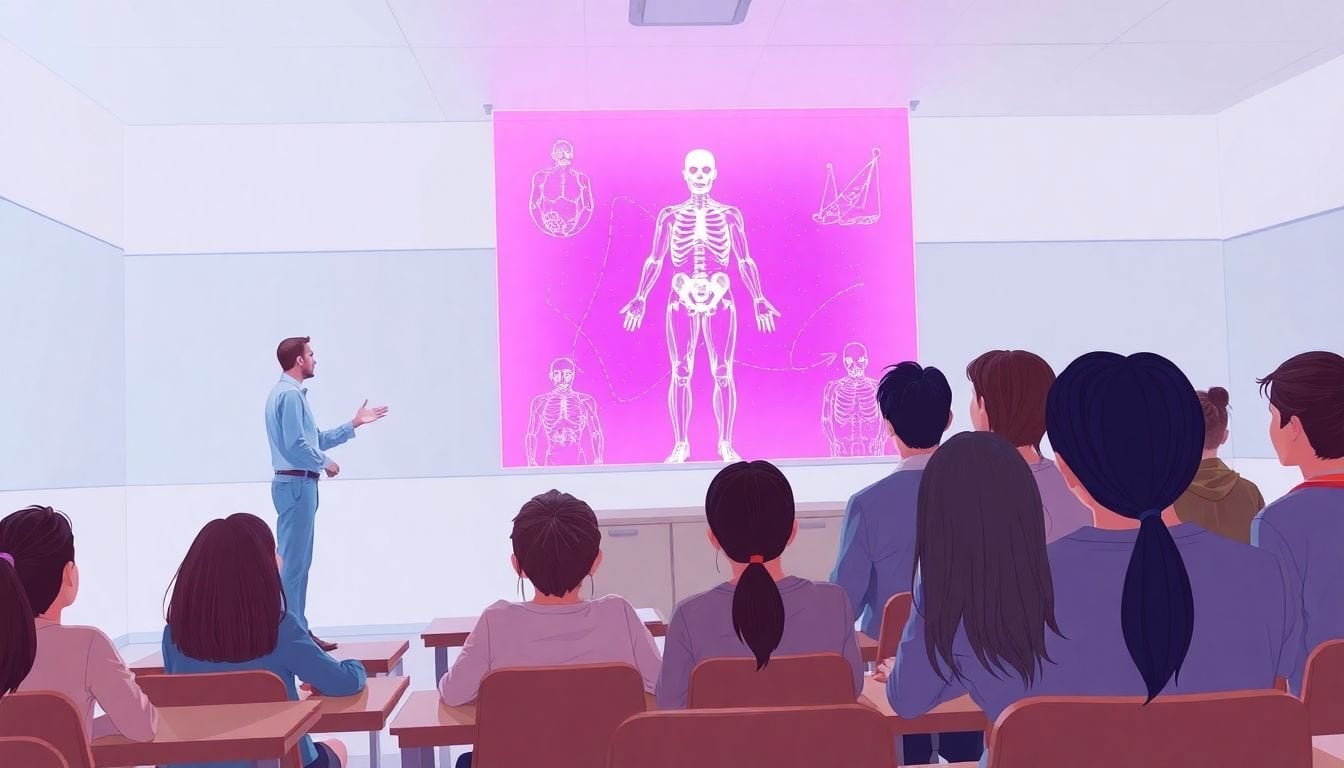
Adopting Holographic Technology in Teaching: Benefits and Future Trends
People keep asking me the same thing: “Can holograms actually help students, or is it just a flashy demo?” I get it. Most of us have sat through enough chalk-and-talk lessons to know when tech is just there for show.
In my experience, the difference starts when holographic tech is used for real understanding, not just wow-factor. When students can look at a 3D model of the solar system or rotate a body system in front of them, it’s harder for misconceptions to hide. They’re not guessing based on a flat picture—they’re seeing structure, scale, and relationships in a way that feels natural.
And yes, you can do this “from the classroom,” depending on what setup you choose. Some schools use headsets for mixed reality (think 3D models anchored in the room). Others use AR-style holographic overlays on tablets. Either way, the core idea is the same: students interact with learning content instead of just watching it.
Below, I’ll break down the benefits I’ve seen, where holographic tech actually fits into lesson planning, and what a realistic rollout looks like. I’ll also call out the limitations—because budgets, accessibility, and teacher workload are real issues, not footnotes. Ready?
Key Takeaways
- Holographic-style learning (mixed reality/AR 3D overlays) can boost engagement because students actively manipulate models—not just watch them.
- For complex STEM topics, students tend to understand “how parts relate” better when they can view and rotate 3D representations.
- Accessibility improves when you pair visuals with captions, multiple interaction modes, and clear learning scaffolds (not when you rely on headsets alone).
- Practical wins include anatomy lessons, chemistry visualization, and historical “walkthroughs,” especially when paired with structured worksheets or guided questions.
- Implementation works best when you start with a small pilot, measure outcomes (pre/post checks + observation), and train teachers on classroom workflow.
- Market growth claims should be tied to a specific report and definition (AR vs true holography vs mixed reality), not just “holographic education” broadly.
- Future trends I’m watching: collaborative multi-user experiences, better device comfort, and more adaptive content—plus stricter privacy controls for student data.
How Holographic Tech Changes the Way Students Learn
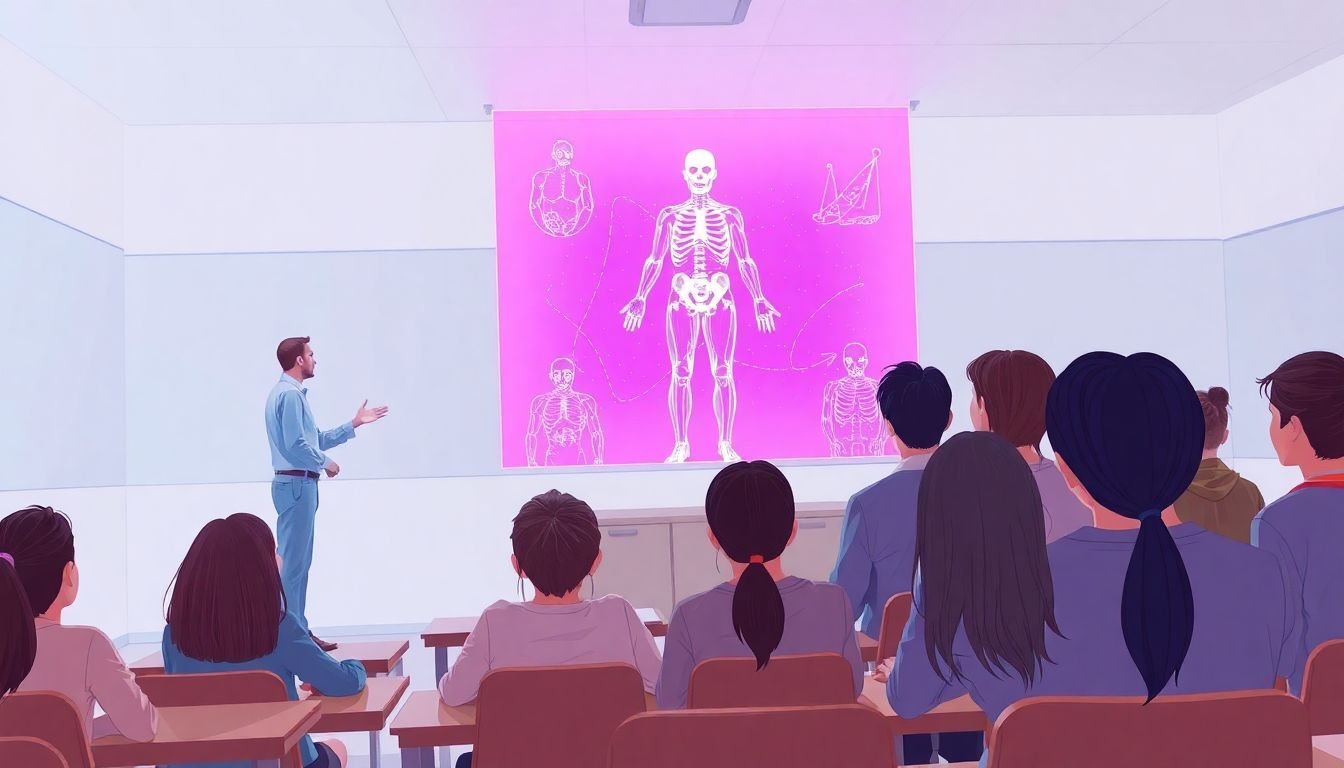
Holographic technology (usually mixed reality or AR 3D experiences in schools, not “floating in mid-air” true holograms) shifts learning from viewing to interacting. That’s the big deal.
When I’ve used these tools in lessons, the first noticeable change is how quickly students move from “What is this?” to “Wait—look at that.” They can rotate models, zoom into structures, and connect what they see to what they’re supposed to explain.
Here’s a simple example I like: in a unit on the solar system, instead of starting with a textbook diagram, students can explore scale and orbits in 3D. Then you ask targeted questions like:
- “Which planets are closer to the sun, and by how much does their distance change?”
- “What stays the same when you change viewpoints?”
- “What’s one misconception you had before using the model?”
That last prompt matters more than people think. The “hologram” isn’t the learning goal—it’s the tool that makes misconceptions visible, so you can address them right away.
Teachers also get a more dynamic way to tell stories. A historical scene doesn’t have to be a slideshow. Students can explore objects, space, and cause/effect in a way that feels closer to real observation—without leaving the classroom.
And if you’re mapping it to classroom practice, you’ll probably also want resources like immersive simulations so your lesson design doesn’t turn into random “try the headset” time.
Key Benefits of Holographic Technology in Education (The Stuff You’ll Actually Notice)
Why do schools even bother? Because the benefits show up in day-to-day learning—not just in marketing decks.
1) Better understanding of spatial and complex concepts
A lot of learning problems come from students having trouble forming mental models. 3D visualization helps with that—especially in STEM, where “shape, motion, and structure” are everything.
That said, I don’t think holographic tech automatically improves every lesson. What works best is when you pair the 3D experience with deliberate instruction: clear objectives, short exploration windows, and follow-up tasks that force students to explain what they observed.
2) Engagement that doesn’t rely on gimmicks
Sure, students get excited. But excitement alone isn’t the win. The real engagement comes from doing things: dragging, rotating, comparing, and answering questions while the model is in front of them.
In my experience, the strongest indicator is not “they were loud and smiling.” It’s that more students can accurately describe what they saw after the activity—especially when you give them a structured prompt like a claim-evidence-reasoning paragraph.
3) Accessibility (with the right supports)
Accessibility is tricky. Headsets can be uncomfortable, and some students experience motion discomfort. But when schools plan for it, holographic-style learning can support different needs:
- Offer non-headset alternatives (tablet/AR view or pre-rendered 3D walkthrough videos).
- Use captions and on-screen transcripts for narration.
- Provide adjustable interaction time so students aren’t rushed.
- Pair visuals with tactile or paper-based supports (labels, diagrams, vocabulary cards).
In other words: don’t treat holograms as a one-size-fits-all replacement. Treat them like one learning channel among others.
4) Retention: what I’ve seen vs. what research suggests
People often claim “retention rates jump” with holography, but the truth is more nuanced. The learning gains usually depend on how the experience is designed (guided vs. free exploration) and whether students get chances to practice retrieval and explanation afterward.
If you want a research-friendly way to think about it, look at the broader immersive learning literature (AR/VR and interactive 3D). For example, Meta-analyses in educational technology have reported learning benefits for immersive and interactive environments compared to traditional instruction, but results vary by subject and study design. (When you evaluate vendors, ask for evidence tied to your grade level and learning objectives, not generic “immersion improves everything” claims.)
Market growth—keep the definitions straight
One more thing: market numbers can be misleading if “holographic education” is defined loosely. AR, mixed reality, and holographic projection can get lumped together in reports.
For a market reference point, you can check the Global Holographic AR in Education Market page, but when you use it in planning, make sure the report’s assumptions match your intended use case (devices, regions, and what counts as “holographic AR”).
In practice, I recommend you treat market growth as a “signal,” not proof that your classroom will see learning gains.
Practical Applications of Holographic Technology in Classrooms (With Real Lesson Ideas)
Okay, but what do you actually do on Monday morning?
Here are classroom applications that tend to work because they map to real learning objectives—not just because they look cool.
Science: anatomy, chemistry, and “can’t-see-this” processes
Instead of only showing a diagram of the human circulatory system, students can explore the model layer-by-layer (heart, arteries, capillaries) and then answer prompts like:
- “Where does oxygen exchange happen, and what changes after exchange?”
- “Explain the pathway in order, using the model as your reference.”
For chemistry, the best uses I’ve seen are visualizations of reaction steps or molecular structure. If you can’t safely run the experiment, a 3D simulation that shows molecular interactions can fill that gap—especially when you pair it with a short lab-style worksheet.
History and social studies: walkthroughs with guided questions
History “walkthroughs” can be powerful when students are given a mission. Otherwise, it turns into sightseeing.
Try this: give students a set of 3–5 questions before the session:
- “Find one piece of evidence that shows how people lived day-to-day.”
- “Identify a cause-and-effect relationship between two events you see.”
- “What would change if this event didn’t happen?”
Then assess with a short response, not just a discussion.
Art: structure, perspective, and close looking
Art lessons benefit from 3D viewing because it supports close observation. Students can examine proportions, layers, and perspective cues. The trick is to give them a vocabulary scaffold (“foreground/midground/background,” “value contrast,” “composition”) so they’re not just staring.
Remote and hybrid learning: mixed reality sessions that don’t fall apart
If you’re working with remote students, mixed reality can help—but only when the workflow is planned.
Tools like Microsoft HoloLens 2 are often mentioned for classroom mixed reality because they support spatial experiences and can be integrated into guided activities. In my opinion, what matters most is pairing the tech with a “rotation plan”:
- One group in the headset experience (teacher-led)
- One group completing a worksheet / labeling activity
- One group doing a discussion or reflection task
That way, remote students aren’t left watching a silent screen while the in-room group is “doing the fun part.”
Steps to Implement Holographic Technology in Education (A Rollout That Won’t Burn You Out)
If you’re serious about adopting holographic tech, start with a plan that accounts for real classroom constraints: time, device management, and teacher training.
Step 1: Audit what you already have (and what you don’t)
Before buying anything, I’d do a quick inventory:
- Classroom internet reliability (can you support downloads/updates?)
- Available space for safe movement and headset comfort zones
- Device charging/secure storage (lockable carts help a lot)
- Curriculum priorities (which unit would benefit most from 3D visualization?)
Minimum hardware depends on the platform, but practically, you’ll want enough devices for small groups—not one headset per student on day one.
Step 2: Start small with a pilot (not an entire school rollout)
A pilot should be narrow enough that you can troubleshoot quickly. For example:
- 1 subject (e.g., middle school biology)
- 1 unit (e.g., “circulatory system”)
- 2–4 weeks
- Rotation groups of 3–5 students per session
Set a clear goal for the pilot. “Increase engagement” is too vague. Instead, aim for measurable outcomes like improved scores on a concept check or better performance on labeled diagrams.
Step 3: Build a lesson workflow teachers can repeat
This is where many rollouts fail. If teachers don’t have a workflow, the experience becomes chaotic.
I recommend a consistent structure like:
- 5 minutes: Objective + vocabulary + what students should look for
- 10–15 minutes: Guided holographic exploration (teacher-led)
- 10 minutes: Worksheet or labeling task while devices recharge
- 5 minutes: Exit ticket (short answers or diagram labeling)
Also, plan for device friction: quick sanitation steps, fit adjustments, and what happens if an app crashes.
Step 4: Train teachers on both tech and pedagogy
Training shouldn’t be “here’s how to turn it on.” It should be:
- How to launch content quickly and recover if it doesn’t load
- How to manage rotations and behavior expectations
- How to scaffold learning (question stems, checklists, discussion prompts)
- How to adapt for accessibility needs
If you can, run a practice session with the same devices and the same lesson template teachers will use.
Step 5: Measure outcomes you can trust
Don’t just ask students if it was “cool.” Use a simple evaluation set:
- Pre/post concept check: 5–10 questions aligned to the unit
- Observation rubric: on-task behavior + quality of explanations
- Teacher feedback: time-on-task, troubleshooting frequency, classroom pacing
- Accessibility review: which students struggled and why
If your post-test doesn’t improve, you don’t necessarily scrap the tech—you redesign the activity. That’s what I’ve found works best.
Step 6: Plan support and maintenance early
Devices need updates, cleaning, storage, and occasional repairs. Decide who owns:
- Device updates and app management
- Charging schedules and inventory tracking
- Content licensing and renewal costs
- Spare devices or backup plan for lessons
Trust me—this is where hidden costs pop up. A good support plan prevents the “we tried it once and stopped” situation.
Future Trends in Holographic Technology for Teaching (What’s Coming, and What to Watch)
I’m optimistic, but I also think schools should demand practical improvements, not hype.
More collaborative multi-user experiences
One trend I expect to see more of: students working together in the same 3D space. It’s one thing for a student to explore alone; it’s another to debate and build explanations with peers while they’re seeing the same model.
When collaboration is done right, you get natural language practice and shared reasoning—two things that translate well to assessments.
Better personalization (but with privacy boundaries)
AI-driven personalization is often mentioned, but the real question is: what data is used, and how is it handled?
If a platform adapts holographic content, you’ll want transparency on things like:
- Whether it uses student interaction logs (gaze/selection) and how long data is stored
- How it avoids profiling students in unsafe ways
- What parents/admins can review and opt out of
- How “personalization” is measured (e.g., improved scores on specific misconceptions)
My preference is simple: personalize learning objectives and scaffolds, not “predict your whole future.”
More comfort, fewer setup headaches
Headset comfort, shorter calibration time, and better classroom durability will matter more than futuristic visuals. If a device takes 10 minutes to get running, teachers will stop using it—even if the content is great.
Deeper integration with AR/VR and traditional tools
Expect more blending: holographic content paired with learning management systems, interactive quizzes, and offline-friendly lesson materials. You don’t want “the tech lesson” to be a one-off; you want it to plug into curriculum pacing.
Training content will get more teacher-friendly
Future tools should make it easier for teachers to create or adapt holographic lessons. In my view, templates and question banks will matter as much as the hardware.
Conclusion and Outlook on Holographic Learning
Holographic technology isn’t magic, but it can be genuinely useful when you use it for the right learning goals: spatial understanding, interactive exploration, and clearer explanations.
The schools that benefit most won’t treat it like a novelty. They’ll run tight pilots, measure learning outcomes, and build repeatable classroom workflows.
If you’re planning for the next year, start with one unit where 3D visualization removes a real barrier. Then let the results—student performance and teacher feedback—tell you whether to expand.
That’s the approach that actually sticks.
FAQs
Holographic-style learning can make lessons more interactive and help students build stronger mental models of complex concepts through 3D visualization—especially when you pair the experience with guided questions and follow-up practice.
Use it for interactive lessons like anatomy exploration, chemistry or physics simulations, virtual walkthroughs in history, and 3D art/perspective activities. The best results usually come when students have specific tasks (questions, labeling, or short explanations) rather than free roaming.
Start by assessing your infrastructure and choosing devices/software that match your curriculum. Run a small pilot, train teachers on the classroom workflow, align activities to learning objectives, and set up ongoing support and evaluation so you can improve based on real feedback.
Expect more collaborative multi-user experiences, more accessible and comfortable devices, stronger integration with learning management systems, and more AI-assisted scaffolding—paired with tighter privacy controls and clearer data practices.