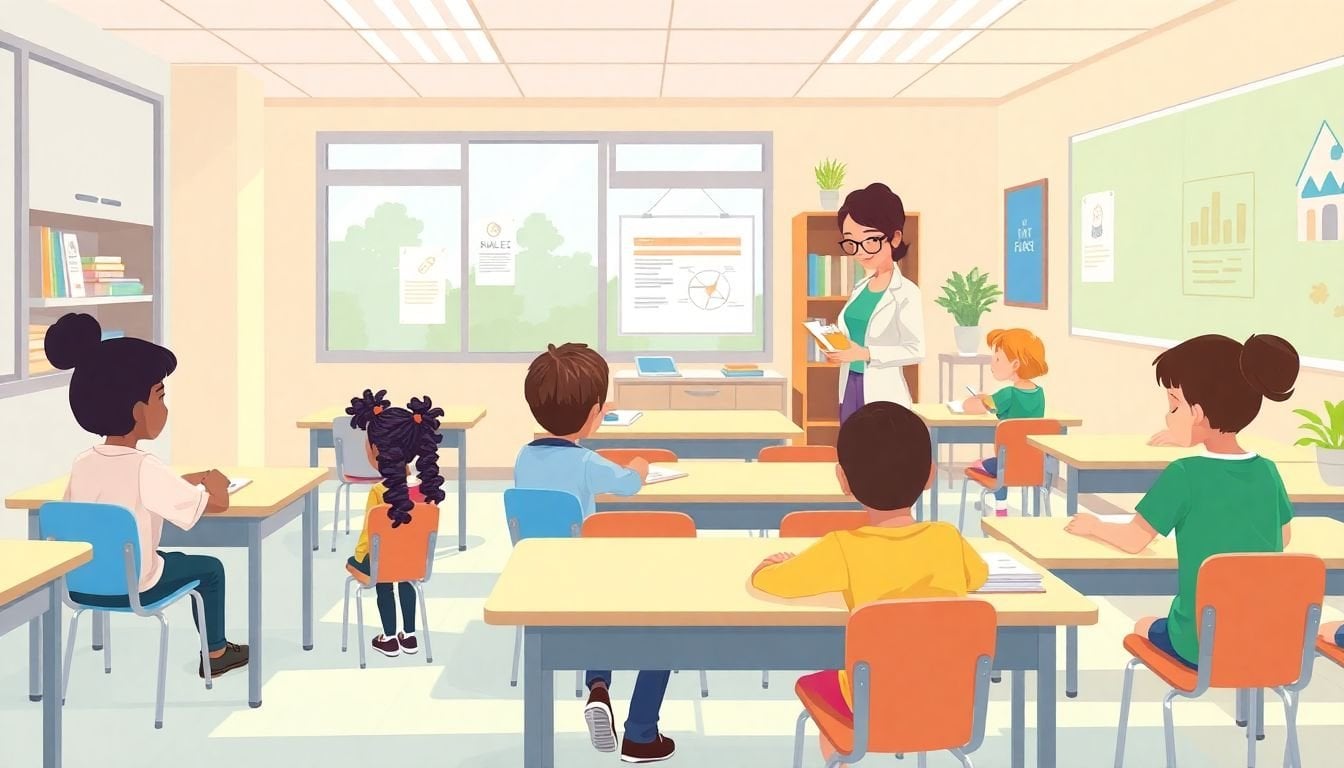
Adapting Courses for Neurodiverse Learners: 7 Key Strategies
I’ll be honest—adapting a course for neurodiverse learners can feel like you’re juggling a dozen moving parts at once. You’re trying to keep content moving, meet curriculum goals, and still make sure students aren’t quietly falling behind because the delivery method doesn’t match how they learn.
In my experience, what helps most isn’t chasing “perfect” teaching. It’s building a course that’s flexible by design—so students can access the same learning outcomes, even if they need different supports to get there.
Below are the strategies I use (and the ones I’ve seen work consistently) to adapt courses for neurodiverse learners—everything from gathering student input to using adaptive learning technologies and tightening up assessments.
Key Takeaways
- Adapt your courses by collecting real student input (not just assumptions) and offering multiple ways to learn, practice, and show understanding.
- Understanding neurodivergent students’ needs (like ADHD, autism, or learning disabilities) helps you choose supports that match the barrier—not just the label.
- Set clear targets and break work into smaller steps with visible checkpoints so students always know what “next” looks like.
- Use adaptive learning technologies carefully—especially for practice and feedback—so students get support without waiting for you.
- Build an inclusive learning environment with predictable routines, respectful language, and proactive anti-bullying norms.
- Use multisensory teaching techniques and planned breaks to reduce cognitive overload and improve sustained attention.
- Keep learning as you go: track what’s working, adjust your course mid-term, and keep refining your approach.
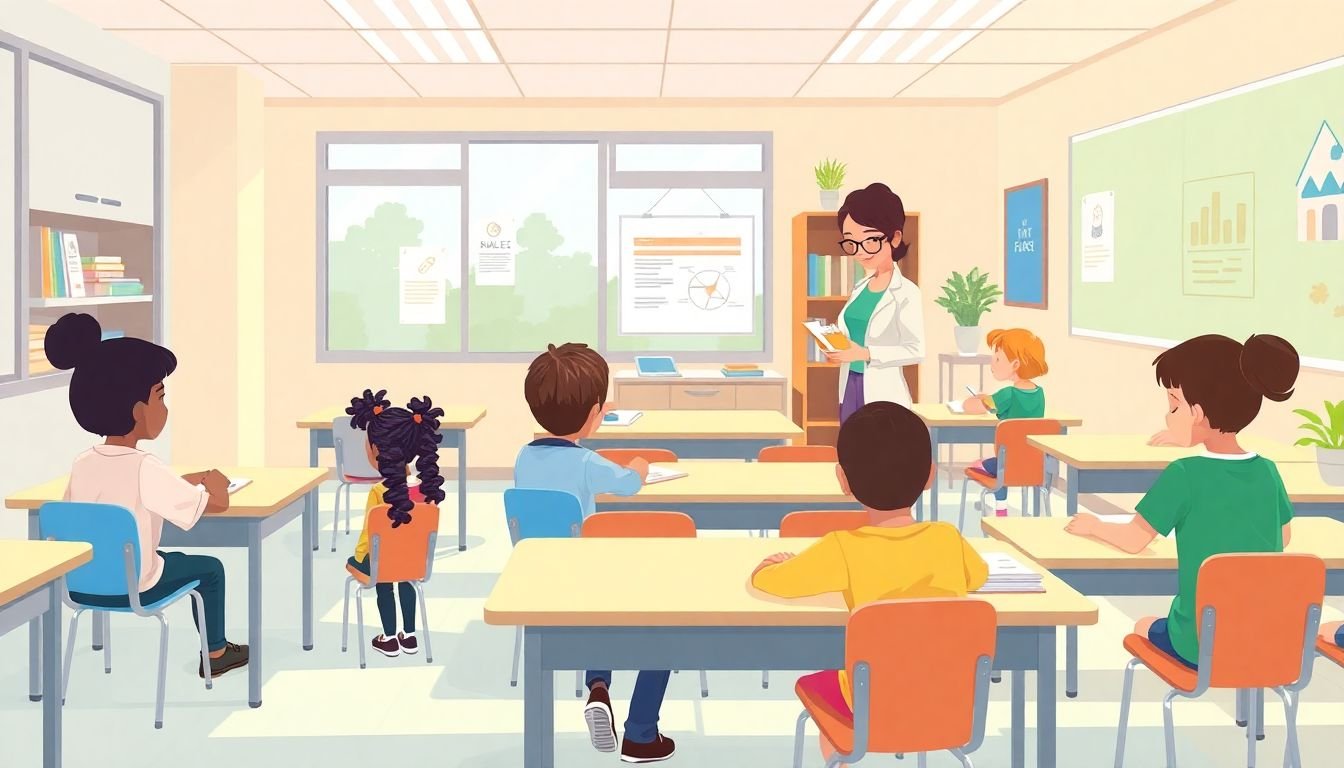
1. Adapt Courses to Meet the Needs of Neurodiverse Learners
If you only do one thing, do this: build your course around access. The content might be the same, but the pathway should have options.
Here’s how I start. I gather student input early—before I’ve “locked in” the course rhythm. Not just “what’s your learning style?” (because that’s often too vague). I ask questions that uncover barriers:
- When do you get stuck—reading, writing, problem-solving, or staying focused?
- What formats help you most (slides, audio, examples, step-by-step instructions)?
- What’s hardest about deadlines—starting, finishing, or meeting the time window?
- Do you prefer working alone, with a partner, or in small groups?
Then I use that information to make small, high-impact changes. For example, if a student benefits from visual learning, I don’t just “add a video.” I pair it with an infographic-style summary and a short guided worksheet that tells them exactly what to look for.
Flexibility matters too, but it needs structure. Instead of “you can have extra time,” I’ll offer options like:
- Same deadline for everyone, but provide a “draft checkpoint” 48 hours earlier.
- Alternative assessment formats (e.g., short video explanation, infographic submission, oral response) using the same rubric criteria.
- Deadline adjustments only when a student and I agree on a plan (so it’s fair and predictable).
Finally, I revisit the course mid-term. I look at patterns: which assignment had the lowest submission rate, where students’ answers commonly broke down, and which instructions were misunderstood. That’s when I revise content, directions, and pacing—not after the course ends.
2. Understand Neurodivergent Students
Understanding neurodivergent students isn’t about memorizing a list of traits. It’s about spotting what’s getting in the way of learning—and choosing supports that address that barrier.
You’ll see a lot of “10–30%” numbers online, and honestly, they’re hard to cite cleanly because they depend on definitions, age ranges, and which conditions are included. What I trust more is using your local data and your students’ documented needs (plus what you observe in class).
That said, learning about common conditions is still useful. ADHD can show up as difficulty with sustained attention or task initiation. Autism may involve differences in social communication, sensory processing, or interpreting ambiguous instructions. Learning disabilities can affect reading fluency, written expression, or math reasoning.
One practical way to “understand” is to pay attention to patterns across tasks:
- If students perform well in discussion but struggle with written work, the issue might be language output, processing speed, or organizing ideas—not understanding the concept.
- If students “know it” but can’t start, consider scaffolds: a template, a first example, or a guided outline with blanks.
- If students seem overwhelmed during transitions, build in advance organizers and predictable routines.
And yes—each student is different. So here’s a decision rule I use: don’t pick supports based on diagnosis alone. Pick them based on what you see repeatedly. If the support helps, keep it. If it doesn’t, adjust.
Quick case example (from my own classroom planning): In one course, I noticed a student who was great during live problem-solving but consistently underperformed on timed quizzes. Instead of “more practice,” we changed the quiz format to untimed sections with a clear time budget per question. Their accuracy improved immediately—because the barrier was time pressure, not math understanding.
3. Use Practical Strategies for Inclusive Teaching
Inclusive teaching isn’t a vibe. It’s a set of design choices that make learning easier to access and easier to navigate.
Start with clear, attainable goals. I like to write outcomes in plain language and pair them with a “what good looks like” example (even if it’s a short sample paragraph, a filled-in worksheet, or a model solution).
Then break tasks into steps that students can actually follow. If you’ve ever watched a student freeze at the first line of an assignment, you already know why this matters. Instead of one big task, I use mini-milestones:
- Step 1: Identify the question (with a checklist)
- Step 2: Use a template to plan (bullets or sentence starters)
- Step 3: Complete one sub-part
- Step 4: Self-check using a rubric “yes/no” list
- Step 5: Submit
Peer support can help a lot—just don’t assume it’s automatically beneficial. In my experience, the best collaboration is structured. Try roles (summarizer, question-asker, checker) or give students a “collaboration script” so they’re not figuring out group dynamics while also doing the assignment.
Also, be prepared to run a quick “trial and revise” cycle. If an instruction consistently causes confusion, change the instruction. If a format consistently reduces submissions, change the format. You’re not failing—you’re iterating.

4. Implement Adaptive Learning Technologies
Adaptive learning tech can be genuinely helpful—but only when you use it for the right job.
What I like it for: practice and feedback. When students can get immediate correction (and hints) without waiting for office hours, they lose less time and feel less stuck.
Here’s what to look for in an adaptive platform:
- Frequent feedback: students should see what they got right/wrong quickly.
- Pathways that adjust: if a student misses a concept twice, the platform should offer targeted remediation.
- Multiple representations: text + examples + visuals (not just one explanation).
- Accessible pacing: students can work at a comfortable speed without penalty for taking time.
One caution: adaptive tools don’t automatically “fix” instruction. If the underlying lesson is confusing, the tech will just give faster confusion. So I treat technology as support for practice—then I address the actual teaching gaps in live sessions.
About the evidence: I’m not going to throw around “up to 30%” claims without a specific, verifiable source tied to your setting. If you’re evaluating tools, ask vendors for study details (sample size, age group, subject area, and whether the gains were statistically significant). That’s the kind of evidence that actually helps you decide.
5. Create an Inclusive Learning Environment
Even the best course design won’t work if the classroom environment feels unpredictable or unsafe.
In my experience, inclusive environments come down to three things: sensory predictability, communication clarity, and social safety.
Sensory predictability: if possible, offer a quiet corner or a “reset” option. Soft lighting and reduced visual clutter can help. If you can’t change the room, you can still change the routine—like giving a heads-up before noisy activities or providing a way to step out briefly.
Communication clarity: write instructions so they’re readable twice—once quickly, and once with focus. I also avoid “mystery language” like “be ready to discuss” without telling students what to prepare.
Social safety: set norms early. Make respect explicit. Address bullying quickly and consistently. And if students are working in groups, teach what constructive participation looks like (and what it doesn’t).
It’s not about lowering expectations. It’s about removing barriers so students can meet them.
6. Employ Specific Teaching Strategies
This is where you get more concrete. The strategies below are the ones I reach for when I’m planning a unit or revising a lesson that “isn’t landing.”
- Multisensory instruction: combine visuals (diagrams, color-coded notes) with demonstrations (worked examples) and opportunities for hands-on practice (manipulatives, models, short role-play).
- Graphic organizers: especially helpful for writing and complex problem-solving. A simple organizer can reduce the “blank page” problem.
- Color-coded notes: use consistent colors for definitions, examples, and steps. Students don’t have to re-learn your structure every time.
- Planned breaks: not just “take a break if you need it.” Build micro-breaks into the lesson (for example, 2–3 minutes after a 15–20 minute focus block).
- Structured routines: repeat the same lesson flow: preview → model → guided practice → independent check-in. Predictability helps students conserve attention.
- Alternative ways to participate: allow students to submit questions in writing, use chat, or contribute via short audio/video responses—especially when verbal processing is slower.
Quick case example: I once redesigned a writing assignment by adding a one-page template with sentence starters and a checklist aligned to the rubric. The content quality didn’t just improve—it became more consistent across students. The big change wasn’t “more support.” It was removing the hidden step: organizing ideas.
One more thing: don’t overdo accommodations. If everything is “different,” students can’t tell what’s important. Aim for a few reliable supports that you use across the course.
7. Promote Ongoing Professional Development for Educators
You don’t learn inclusive teaching once and then you’re done. I treat it like any other skill: I practice, I reflect, and I update my approach.
What I recommend looking for in professional development:
- Training on evidence-based inclusive practices (not just broad awareness)
- Workshops that include practical tools: checklists, templates, and example lesson plans
- Sessions with specialists (special education teachers, speech-language therapists, neurodiversity-informed coaches)
- Peer learning among educators—especially time to compare what worked and what didn’t
Also, keep your own “evidence log.” After each major assignment, jot down:
- What students struggled with (specific behaviors or patterns)
- What you changed (instructions, format, pacing, supports)
- What improved (submission rate, rubric scores, fewer off-task behaviors, better drafts)
That way, your course gets better year after year—and you don’t rely on memory alone.
If you want more ideas, you might also find these helpful: effective teaching strategies that work well with diverse learners.
For assessment support, check out how to make a quiz for students—especially for making questions more accessible and less confusing.
And if you’re redesigning a unit from scratch, use how to create a curriculum for a course to map outcomes, practice, and assessments so accommodations don’t feel bolted on.
FAQs
Effective strategies include offering multiple ways to access content (visuals, examples, and guided explanations), building in structured steps for assignments, and using flexible formats for demonstrating learning (like written, oral, or visual submissions). I also find it helps to set clear expectations, provide checkpoints, and adjust pacing when students consistently struggle with task initiation or time pressure.
I focus on patterns and barriers: how students handle instructions, transitions, reading/writing load, and time constraints. The best support usually comes from building relationships, communicating clearly, and involving students in choosing supports that match what they actually need—then checking in to see what’s working.
Adaptive learning technologies can personalize practice and provide immediate feedback, which reduces waiting time and helps students correct misunderstandings sooner. They’re especially useful for skills that benefit from repetition. Just remember: the tech works best when the lesson design is clear and the feedback is aligned to the learning goals.
Use structured routines, clear step-by-step instructions, and plenty of visual supports like graphic organizers. Multisensory teaching (modeling plus visuals plus practice) helps a lot. I also recommend frequent, low-stakes checks for understanding and opportunities for self-assessment so students can track progress without guessing.